

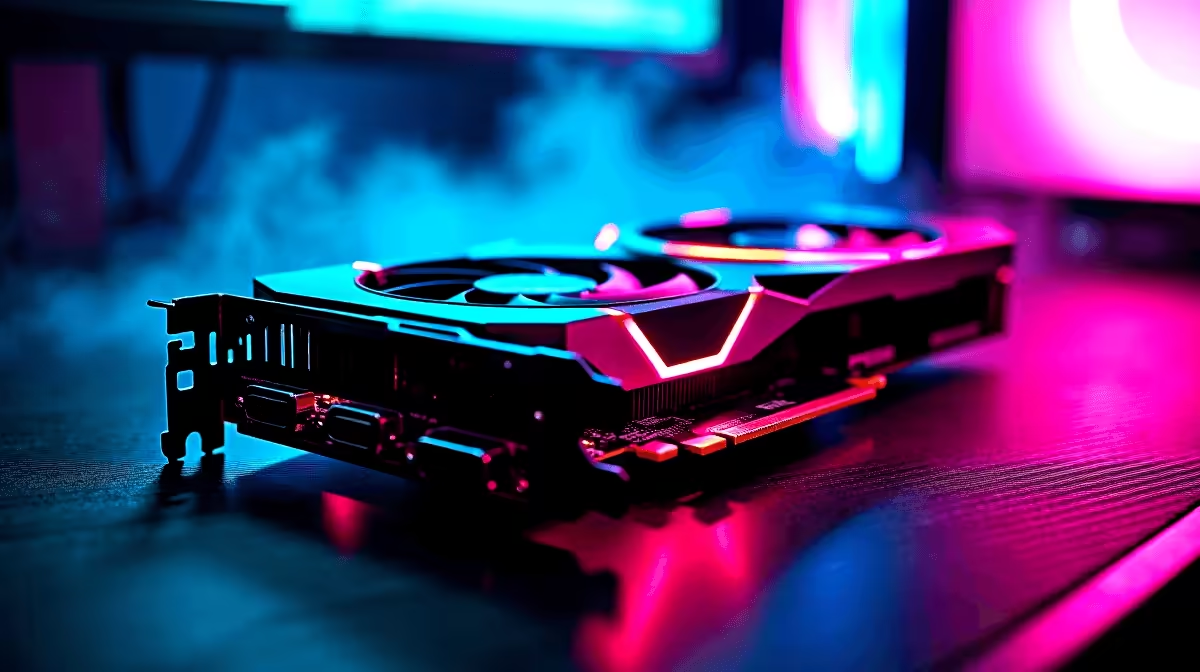
Rolling a natural 20 on your PC build shouldn't cost a fortune. If you are exploring the Forgotten Realms on a budget, the AMD Radeon RX 7600 is a brilliant choice for 1080p gaming. Let us dive into the expected RX 7600 Baldurs Gate 3 FPS numbers... and find the sweet spot between stunning visuals and buttery smooth combat.
The 1080p Sweet Spot ⚔️
Baldur's Gate 3 is a gorgeous RPG that demands a fair bit of graphical horsepower... especially when casting massive area-of-effect spells. Fortunately, AMD's RDNA 3 architecture handles the bustling streets of the Lower City exceptionally well. When tracking your RX 7600 Baldurs Gate 3 FPS, you can comfortably expect between 60 and 80 frames per second at native 1080p on Ultra settings. It is the perfect performance tier for gamers who want a premium experience without spending an absolute fortune.
If your current rig is struggling to keep up with the goblin hordes, it might be time for an upgrade. You can browse our best gaming PC deals to find a system equipped with the latest hardware to handle modern RPGs.
Surviving Act 3 Performance Drops
Any seasoned player knows that Act 3 is notoriously heavy on PC hardware. The dense crowds and complex architecture of the main city will test your entire system. Even with a capable card, your RX 7600 Baldurs Gate 3 FPS might dip into the 40s in the busiest market squares.
This is completely normal... and it happens on much more expensive setups too. Pairing your GPU with a strong processor and at least 16GB of fast RAM will help mitigate these late-game stutters. If you prefer something ready to plug and play right out of the box to solve this bottleneck... our pre-built PC deals offer incredible value in ZAR.
Best Settings for Maximum Performance ✨
To optimise your frame rate without losing that beautiful atmospheric colour, we recommend a few specific tweaks. Drop shadow quality to High instead of Ultra... lower fog resolution slightly... and enable AMD FSR 2.2 on the 'Quality' preset. This combination gives your RX 7600 Baldurs Gate 3 FPS a massive boost. You will easily push past the 90 FPS mark during heavy combat scenarios.
Performance Pro Tip ⚡
Turn off 'Dynamic Crowds' in the video settings if you experience stuttering in Act 3. It significantly reduces the CPU load in densely populated areas, ensuring your frame rate remains stable when exploring the city.
Need a portable solution for your late-night D&D campaigns? Many modern notebooks for sale now feature equivalent mobile GPUs that handle this masterpiece flawlessly while you are on the move.
Pushing to 1440p 🚀
Can the RX 7600 handle 1440p resolutions? Yes... but you need to be realistic with your expectations. At 1440p, your RX 7600 Baldurs Gate 3 FPS will hover around 45 to 55 on High settings. Turning FSR to 'Balanced' will get you closer to that magical 60 FPS target.
If you are building a custom rig to conquer the Sword Coast, grabbing the right components is crucial. You can explore our massive range of graphics cards to compare specs and pricing. And if you are hunting for a bargain to complete your build, always keep an eye on our weekly specials to stretch your rand even further.
Ready to Upgrade Your Adventure? Don't let low frame rates ruin your journey through Faerûn. Whether you need a brand new GPU or a complete system overhaul, Evetech has the best prices in South Africa. Explore our massive range of graphics cards and find the perfect hardware to conquer your world.











