

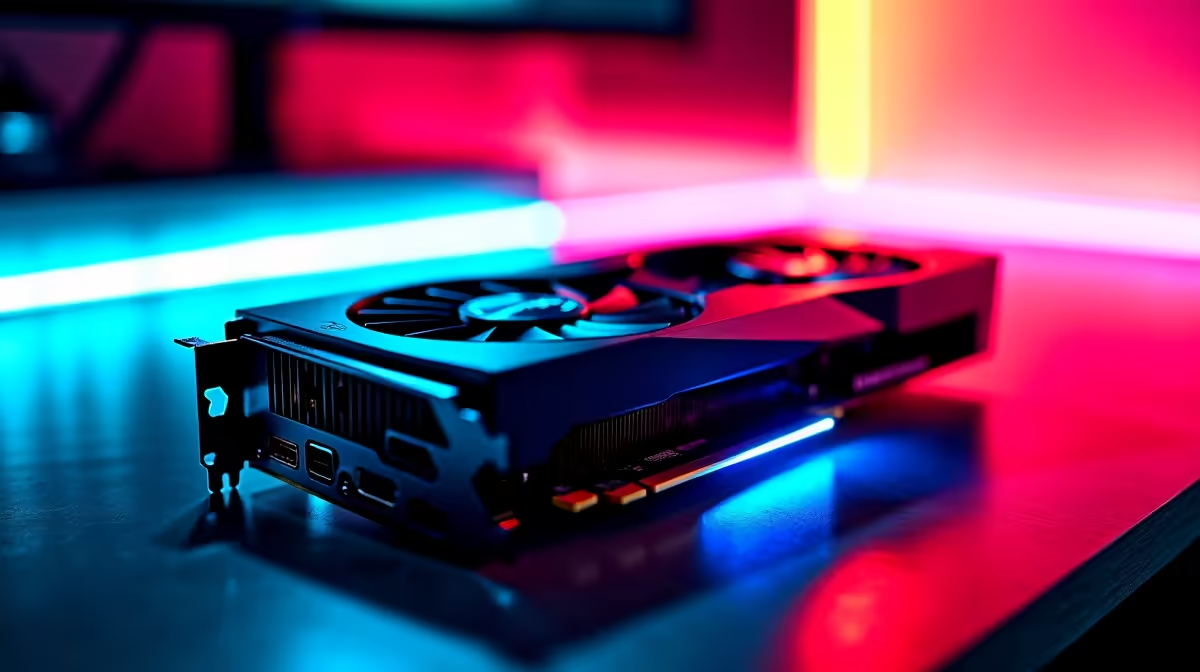
Dropping into Urzikstan with a stuttering frame rate is a nightmare. South African gamers know the struggle... high ping is bad enough without hardware holding you back. If you want high frames without spending a fortune in ZAR, AMD has an answer. Let us explore the RX 7600 Call of Duty Warzone at 1440p performance to see if it truly delivers.
Realistic FPS Benchmarks and Expectations
The AMD Radeon RX 7600 is widely marketed as a 1080p powerhouse. However... pushing it to 1440p in a competitive shooter is entirely possible with the right tweaks. When testing the RX 7600 Call of Duty Warzone at 1440p, you can expect a solid 70 to 90 FPS on balanced settings. This performance heavily depends on your specific drop zone and the intensity of the action.
The 8GB of VRAM is enough for 1440p, provided you do not max out every graphical slider. Maintaining smooth 1% low frame rates is critical for tracking moving targets. Frame generation technologies are great, but raw rasterisation performance still matters most for minimal input lag. If you are looking to upgrade your current rig for better visual clarity, browsing our range to buy graphics cards is your ideal first step. ⚡
Optimal Settings for Competitive Play
To maximise your FPS benchmark, you need to optimise your in-game settings carefully. Leave texture resolution on normal to conserve VRAM. Turn shadow map resolution down to low or very low. Set anti-aliasing to SMAA T2X for crisp edges without a massive performance hit. Always disable motion blur entirely... it only hinders your reaction time.
These tweaks keep your frame times incredibly smooth when the gas closes in. If you prefer a machine that is ready for action right out of the box, check our pre-built PC deals that handle these competitive settings effortlessly. Need portability to keep gaming during load-shedding or at a LAN? There are incredible notebooks for sale in South Africa featuring similar high-performance hardware.
Warzone Optimisation Tip 🔧
Always enable AMD FidelityFX Super Resolution (FSR) 2.1 in your Warzone settings. Setting it to "Quality" at 1440p gives you a massive FPS boost with almost no loss in visual sharpness... ensuring you spot those snipers across the map.
Building a Balanced System
A strong GPU needs a capable CPU to avoid bottlenecking at 1440p resolutions. Pairing your graphics card with a modern Ryzen 5 processor and at least 16GB of fast RAM ensures your system runs perfectly. Nobody wants a sudden stutter during a tense Gulag match.
Cooling is also essential during hot South African summers. Make sure your chassis has adequate airflow to keep those boost clocks high. If you want a complete setup designed specifically for competitive play, we have compiled the best gaming PC deals to match your exact budget. You can also hunt for massive component discounts on our specials page to stretch every single Rand further. 🚀
Ready to Dominate the Warzone? Finding the perfect balance between price and performance is crucial for South African gamers. If you are ready for a serious upgrade, explore our massive range of gaming specials and build a rig that guarantees high frames and glorious victories.











