Quick Answer
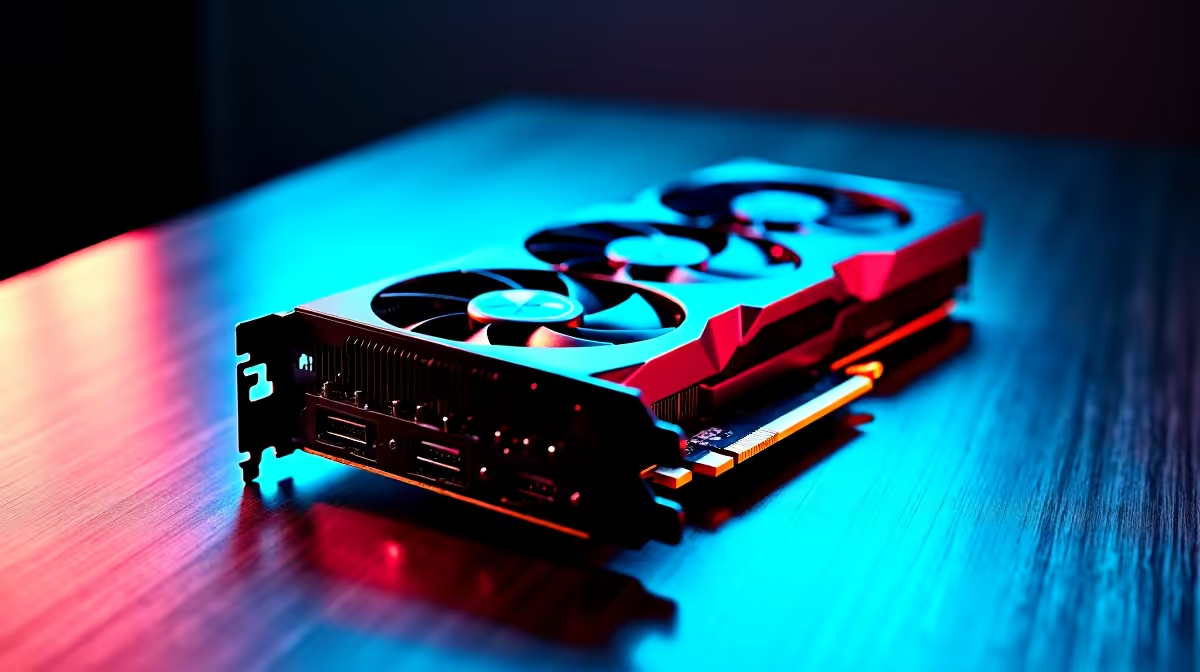
The AMD RX 7600 is a capable entry-level GPU for Blender 3D rendering in 2026, delivering solid GPU rendering performance via Cycles'' HIP backend for scenes that fit within its 8GB VRAM buffer. It is well-suited to student artists, hobbyists, and freelance creatives who need faster-than-CPU rendering without spending on a high-end workstation card.
Blender''s GPU rendering engine - Cycles - uses AMD''s HIP API to accelerate rendering on Radeon hardware, and the RX 7600 sits in an interesting bracket: it is affordable enough for South African students and independent 3D artists to consider seriously, while offering meaningfully faster Cycles rendering than a CPU alone for scenes of moderate complexity. Understanding where its 8GB VRAM ceiling becomes a constraint, and how to work around it, is key to getting the most from this card in a Blender workflow.
Cycles Rendering Performance and VRAM Limits
For scenes with moderate polygon counts, PBR texture sets under 4K, and standard lighting rigs, the RX 7600 renders in Cycles at a speed that makes iteration practical. Simple product visualisations, character models, and architectural interior shots with standard HDR lighting complete frames well within acceptable times for iterative work. The 8GB VRAM boundary becomes a real constraint when a scene''s combined texture, geometry, and BVH acceleration data exceeds available memory - at this point Blender falls back to CPU rendering, eliminating the GPU speed advantage entirely.
To work within the VRAM ceiling: use 2K textures where 4K is not strictly necessary, bake textures before rendering final frames, and keep polygon counts optimised through efficient modelling practices. Scenes that stay within the 8GB window render considerably faster than the same scene on a mid-range CPU.
Viewport Performance and EEVEE
Beyond Cycles, the RX 7600 handles Blender''s EEVEE real-time renderer and the viewport very comfortably. Complex scenes with multiple lights, subsurface scattering materials, and particle systems remain interactive at a resolution that makes working in the 3D viewport comfortable. For animators and designers who spend more time blocking and posing than final rendering, the viewport responsiveness is where the RX 7600''s RDNA 3 compute muscle is most immediately felt. EEVEE renders - used for animation previews and stylised output - complete quickly and are limited almost entirely by GPU shader throughput rather than VRAM.
Frequently Asked Questions
Q: Is the RX 7600 good enough for professional Blender work? A: It depends on your scene complexity. For freelance work, student projects, and moderate-complexity visualisations, the RX 7600 is a practical choice. Large-scale scenes with 4K texture sets, heavy displacement, or very high polygon counts will encounter VRAM limits and require either scene optimisation or a card with more memory.
Q: Does AMD''s HIP backend work well in Blender? A: Yes. AMD''s HIP integration in Blender is mature and stable as of 2026. Cycles GPU rendering on the RX 7600 via HIP is reliable and noticeably faster than CPU-only rendering for scenes that fit in VRAM. Ensure your AMD Adrenalin drivers and Blender version are both kept current for the best compatibility.
Q: Should I pair the RX 7600 with a powerful CPU for Blender? A: A capable CPU remains important for scene loading, modifier evaluation, and CPU fallback rendering. An AMD Ryzen 5 or Ryzen 7 processor paired with the RX 7600 gives you a balanced system where the GPU handles Cycles and EEVEE rendering while the CPU manages everything else efficiently.
Ready to Find Your Perfect Match? Shop AMD Radeon graphics cards and workstation components at Evetech.