

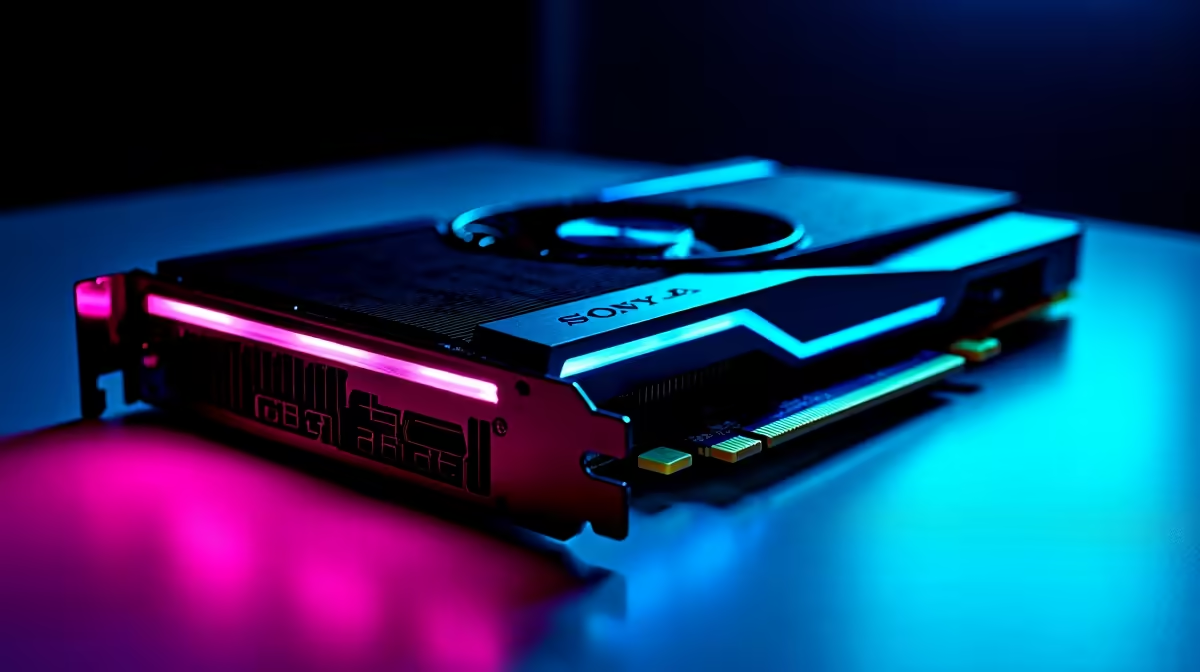
Looking to push your rig to the limit without destroying your ZAR budget? The AMD Radeon RX 7800 XT is an absolute beast for 1440p gaming... but how do you actually prove it? Welcome to our RX 7800 XT benchmarking and performance testing guide. Whether dodging loadshedding for a quick session or building a brand-new rig, we will show you how to measure true graphical power.
Why an RX 7800 XT Benchmarking Guide Matters 🚀
Throwing new hardware into your case is always exciting. However, you need to know if it is running at peak efficiency. Benchmarking is not just for extreme overclockers. It is a vital step for every PC enthusiast in South Africa.
Testing helps you monitor temperatures and check for thermal throttling. It also confirms your clock speeds match AMD's official specifications. When you upgrade your graphics card, you want peace of mind. Running a structured performance testing guide ensures you get every ounce of value for your hard-earned Rands.
Setting Up Your Performance Testing Environment
Before you start tracking frame rates, your system needs a clean slate. Background applications eat up valuable resources. Close your browsers, chat apps, and RGB software during tests.
If you are customising one of our premium gaming PCs, ensure your BIOS is updated. You should also enable AMD Smart Access Memory (SAM) if you have a compatible Ryzen CPU. This simple toggle allows your processor to access the full VRAM of your GPU... instantly boosting frame rates.
Driver Clean-Up Pro Tip 🔧
Always use Display Driver Uninstaller (DDU) in Safe Mode before installing your new AMD Radeon GPU. Clearing out old registry files ensures your RX 7800 XT performance testing guide yields accurate numbers without frustrating driver conflicts.
Top Tools for Accurate GPU Benchmarking
To get reliable data, you need the right software. Synthetic benchmarks offer a great baseline. 3DMark Time Spy is the industry standard for testing DirectX 12 performance. It pushes your GPU to 100% utilisation and provides a score you can compare online.
For real-world testing, use games with built-in benchmark tools. Titles like Cyberpunk 2077 and Returnal are incredibly demanding. They provide detailed readouts of your minimum, maximum, and average FPS.
Interestingly, many gamers enjoy comparing desktop stats against modern high-performance notebooks. It highlights just how much raw cooling power a dedicated desktop card provides.
Analysing Results and Optimising Your Rig ✨
Once your tests are complete, it is time to read the data. Your RX 7800 XT should easily clear 60 FPS in most modern titles at 1440p on ultra settings. If your numbers look low, check your temperatures using AMD Adrenalin software.
Poor case airflow is often the hidden culprit behind low scores. If tweaking fans and curves sounds too complex, do not stress. You can always explore our reliable pre-built PC options. These systems are professionally assembled and stress-tested for optimal airflow right out of the box.
Benchmarking is an ongoing journey. As new drivers release, performance often improves. Be sure to keep an eye on our latest tech specials to find the perfect monitors and accessories to complement your newly tested powerhouse.
Ready to Dominate 1440p Gaming? Upgrading your graphics card is a thrilling experience... especially when the benchmarks validate your choice. For maximum frame rates, stunning visual fidelity, and incredible value in South Africa, AMD's latest hardware is hard to beat. Explore our massive range of graphics card specials and find the perfect GPU to conquer your favourite titles.











