

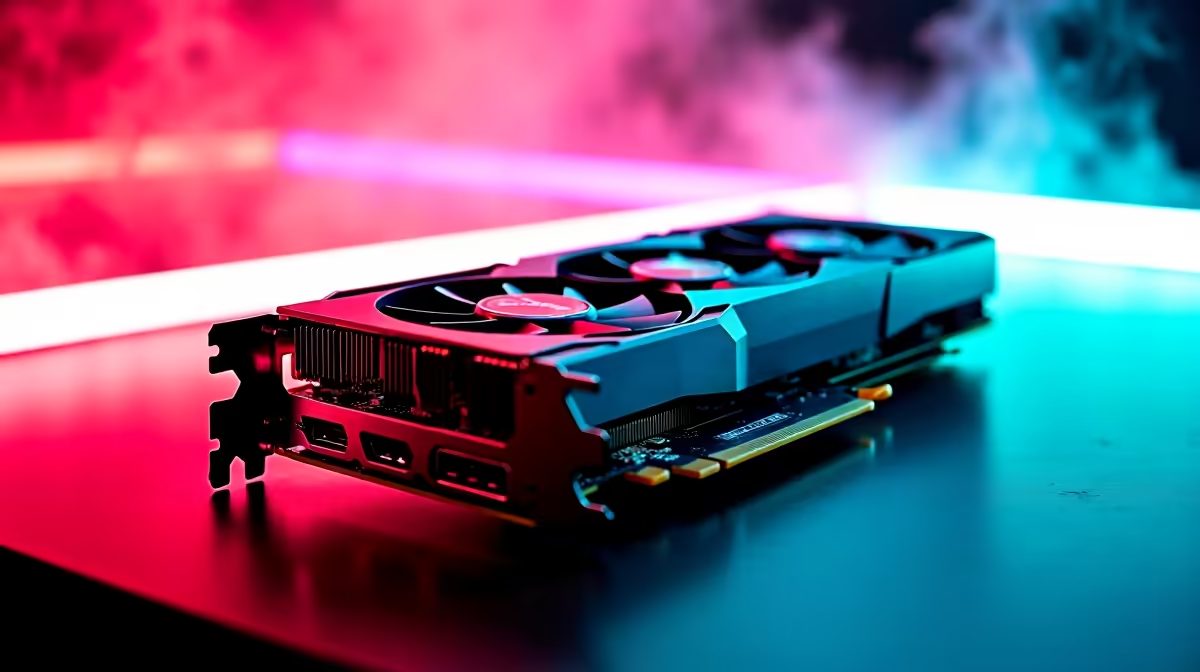
Exploring the highlands around Hogsmeade is a magical experience... but stuttering frame rates can ruin the illusion faster than a botched potion. If you are eyeing the AMD Radeon RX 7800 XT, you probably want to know how it handles one of the most demanding titles of the year. Let's break down the RX 7800 XT Hogwarts Legacy FPS numbers and find the best settings to optimise your gaming setup.
1440p and 4K Performance Benchmark 🚀
The RX 7800 XT is an absolute 1440p powerhouse. When you crank the graphical settings to Ultra at 1440p without ray tracing, this GPU comfortably pushes past the 90 FPS mark. It is exactly the kind of fluid performance you want when flying on a broomstick or dodging attacks from dark wizards. If you are looking to buy graphics cards for a buttery-smooth experience, this specific AMD card delivers serious value for your hard-earned ZAR.
Pushing into 4K territory is also highly achievable with this architecture. You can expect a solid 50 to 60 FPS on High settings... which is incredibly impressive for a GPU in this price bracket. If you want a complete rig that can handle these resolutions out of the box, browsing the best gaming PC deals is a smart move to save both time and money.
Best Settings for Maximum Frames 🪄
Hitting those high RX 7800 XT Hogwarts Legacy FPS numbers requires a little bit of menu tweaking. The game engine is notoriously heavy on system memory and VRAM allocation. Fortunately, the massive 16GB of VRAM on the 7800 XT gives you plenty of breathing room to push texture limits and bring out every vibrant colour in the wizarding world.
For the ideal balance of stunning visuals and high frame rates, try these specific parameters:
- Global Quality: High to Ultra
- Ray Tracing: Off
- Upscaling: AMD FSR 2.0 set to Quality
If you prefer to skip the tedious building process and jump straight into the magic, checking out our pre-built PC deals ensures you get a perfectly balanced system without the hassle of cable management.
Performance Pro Tip ⚡
Hogwarts Legacy loves fast memory. Make sure your RAM's XMP or EXPO profile is enabled in your motherboard BIOS. This simple tweak can boost your minimum frame rates significantly and reduce annoying stutters in crowded areas like the Great Hall.
Ray Tracing vs Traditional Rasterisation
Ray tracing looks undeniably beautiful... but it comes with a heavy performance tax. The 7800 XT can handle it smoothly at 1080p, but at 1440p, you will see your frame rates drop closer to the 50 FPS mark. For the absolute smoothest spellcasting and combat, sticking to standard rasterisation is the best way to maintain a rock-solid performance benchmark.
Of course, not everyone wants a massive desktop tower taking up space on their desk. If you need portability for LAN events or varsity work, there are incredible notebooks for sale in South Africa that pack a surprisingly similar graphical punch. Whichever route you choose for your gaming journey, always keep an eye on the latest Evetech specials to score top-tier hardware without stretching your budget too far.
Ready to Experience the Magic? Don't let lag ruin your Hogwarts adventure. Whether you need a massive GPU upgrade or a brand new rig, we have the hardware to max out your settings. Explore our massive range of PC components and find the perfect machine to conquer your world.











