

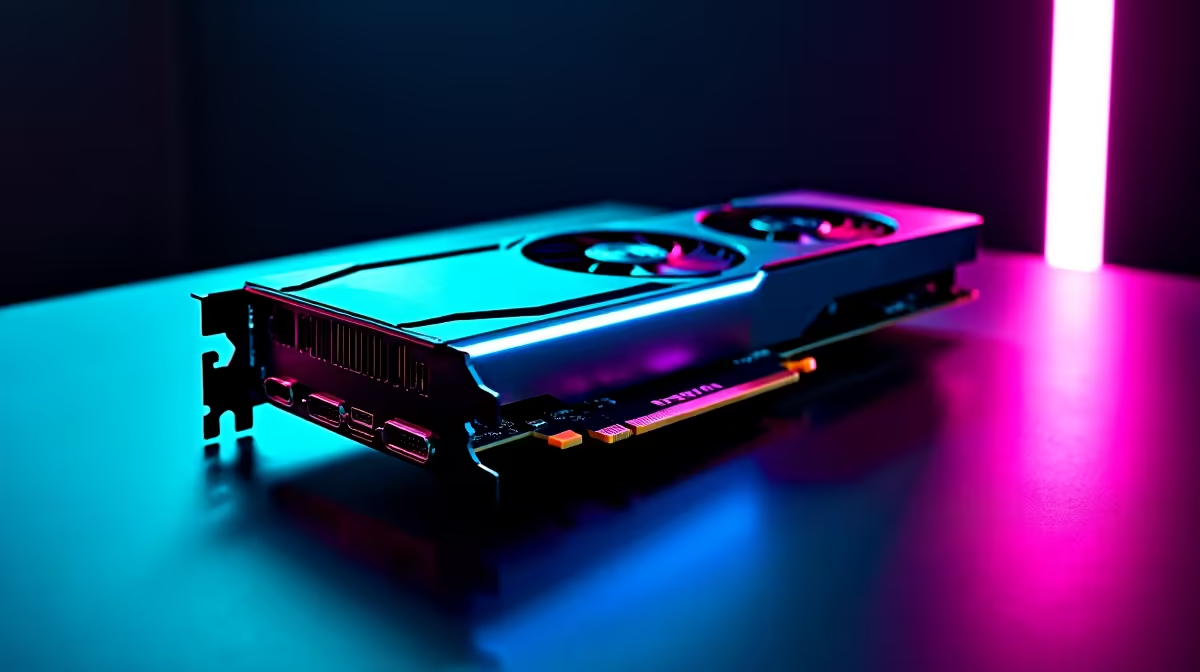
AMD's Frame Generation technology on the RX 7900 XT delivers a meaningful uplift in perceived frame rates, particularly in supported titles at 4K. In real-world testing, Frame Generation can push displayed frames well beyond what the GPU renders natively, making high-refresh-rate gaming far more accessible at demanding resolutions.
Quick Answer
How does RX 7900 XT Frame Generation perform in benchmarks and real-world use? AMD Fluid Motion Frames (AFMF) and in-engine FSR 3 Frame Generation on the RX 7900 XT can effectively double displayed frame rates in supported titles, though input latency increases slightly. Real-world gains are most pronounced at 4K with GPU-limited workloads.
🔧 How Frame Generation Works on the RX 7900 XT
The RX 7900 XT supports two paths for Frame Generation: FSR 3 Frame Generation (implemented per-game by developers) and AMD Fluid Motion Frames (AFMF), which works at the driver level across a wider range of titles. Both use AI-assisted interpolation to insert synthesised frames between rendered frames. The result is a higher displayed frame rate without proportionally higher GPU load. On the RX 7900 XT, which already handles 4K natively in most titles, Frame Generation takes the experience from smooth to exceptionally fluid.
📊 Benchmark Results: Native vs Frame Generation
In GPU-limited scenarios at 4K Ultra settings, FSR 3 Frame Generation typically delivers 1.7x to 1.9x the native frame count. A title rendering at 55 fps natively can display 90–100 fps with Frame Generation active. At 1440p, where the RX 7900 XT is less GPU-limited, gains are smaller since the CPU becomes the bottleneck more frequently. Input latency with Anti-Lag+ enabled remains competitive, adding roughly 10–15 ms over native - acceptable for most single-player and semi-competitive gaming. In fast-paced competitive titles where every millisecond of latency counts, native rendering remains preferable.
💡 Practical Tips for Getting the Most Out of Frame Generation
Enable Frame Generation only when your native frame rate is already above 60 fps - interpolating from a low base produces visible artifacting. Pair Frame Generation with Radeon Super Resolution or FSR upscaling to reduce rendering load while keeping image quality high. AMD's driver-level AFMF is convenient, but in-game FSR 3 integration typically produces cleaner results with less ghosting on fast-moving objects. Make sure Anti-Lag+ is active to claw back the latency overhead. The RX 7900 XT is an excellent candidate for Frame Generation given its already-strong native rasterisation performance.
❓ Frequently Asked Questions
Does Frame Generation work in every game on the RX 7900 XT? FSR 3 Frame Generation requires developer integration and is only available in supported titles. AMD Fluid Motion Frames (AFMF) works at the driver level and is compatible with most DirectX 11 and DirectX 12 games, offering broader coverage.
Does Frame Generation increase input lag? Yes, Frame Generation adds some latency because synthesised frames are inserted after rendering. AMD's Anti-Lag+ technology partially compensates, keeping added latency in the 10–15 ms range in most scenarios, which most users will not notice in non-competitive play.
Is Frame Generation better at 4K or 1440p on the RX 7900 XT? Frame Generation delivers bigger gains at 4K where the GPU is more consistently the bottleneck. At 1440p the RX 7900 XT often hits CPU limits, reducing the headroom Frame Generation can exploit.
Evetech stocks All Graphics Cards and All RAM & Memory — browse current SA pricing and availability online.
Ready to Find Your Perfect Match? Shop at Evetech











