

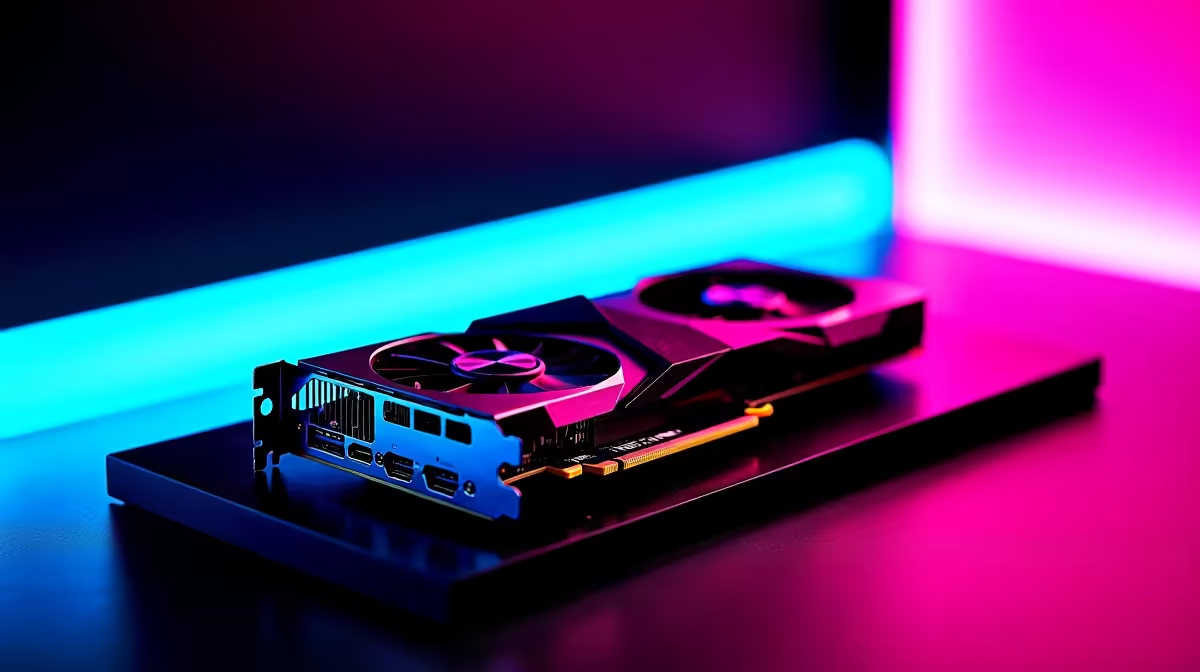
Night City is absolutely brutal on hardware. If you are dropping serious ZAR on a top-tier GPU, you want to know it can handle those neon-lit streets without stuttering. Running the RX 7900 XTX Cyberpunk 2077 at 4K is the ultimate stress test. Let us dive into the actual frames per second you can expect... and the exact settings you need for buttery-smooth gameplay. 🚀
Pushing the Limits of Rasterisation
AMD built a monster. When looking at raw rasterisation, this flagship card easily pushes past 60 FPS at native 4K on Ultra settings. It is a massive win for anyone looking to upgrade older hardware. If you are currently browsing the latest graphics cards, this Radeon powerhouse offers incredible value for high-end 4K gaming.
Cyberpunk 2077 eats VRAM for breakfast at this resolution. Thankfully, the 7900 XTX packs a massive 24GB of GDDR6 memory. This means you will never hit a memory bottleneck... even with community texture mods installed. When testing the RX 7900 XTX Cyberpunk 2077 at 4K without ray tracing, we regularly see averages hovering around 80 FPS in crowded areas like Corpo Plaza. The sheer rendering power on display here proves that AMD takes top-tier performance seriously.
FPS Benchmarks and Ray Tracing Reality
Turn on Ray Tracing Overdrive and things get heavy quickly. Native 4K with path tracing brings even the mightiest rigs to their knees. However, AMD FSR 3 and frame generation completely flip the script.
By setting FSR to Quality mode, you comfortably sit above 60 FPS while enjoying those gorgeous neon reflections. You will find this exact GPU inside some of our premium pre-built gaming PCs because it simply delivers a premium experience without compromise.
Optimisation Pro Tip 🔧
For the best balance of visual fidelity and performance, drop Volumetric Fog and Screen Space Reflections from Psycho to High. You will instantly gain around 10 to 15 percent more frames without losing any noticeable detail or colour in Night City.
Optimal Settings for Smooth 4K Gameplay
You do not need every single slider maxed out to make the game look stunning. Here is the sweet spot for your graphics settings:
- Resolution: 3840 x 2160
- FSR 3: Quality Mode
- Ray Tracing: Ultra
- Crowd Density: High
- Color Precision: Medium (High costs FPS with zero visual gain)
- Motion Blur: Off (for a crisper image during fast driving)
If your current rig struggles to run these settings smoothly, it might be time for an upgrade. Exploring the best gaming PC deals available right now is a great starting point for your 4K journey.
Beyond the Desktop Experience
Desktop power is unmatched for pushing maximum pixels. But what if you travel often or deal with unpredictable load shedding schedules? You might want to look at high-performance gaming laptops as a solid alternative. Modern notebooks now offer incredible desktop-class performance that you can take anywhere.
Keeping an eye on our exclusive tech specials ensures you get the absolute most out of your hard-earned ZAR... whether you are buying a whole new rig or just upgrading your primary monitor. ✨
Ready to Conquer Night City? Pushing modern games to their absolute limits requires serious hardware. If you want to experience true 4K gaming without compromise in South Africa, Evetech has you covered. Explore our massive range of graphics cards and build your ultimate rig today.











