

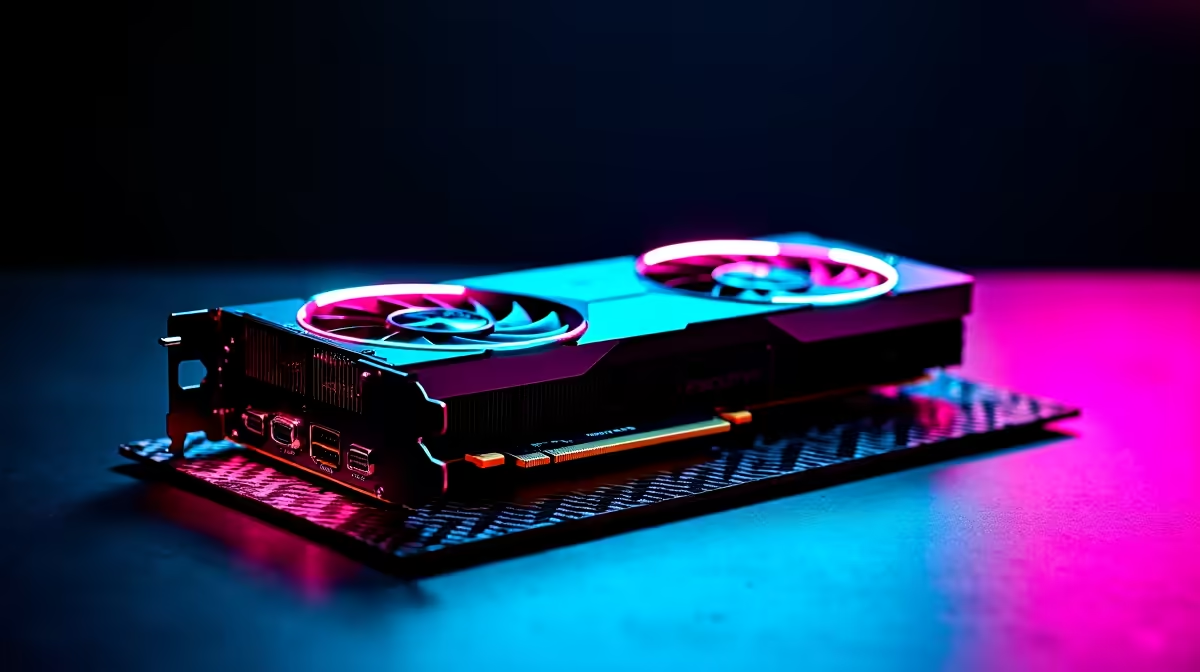
Dropping into Fortnite with lag is a quick way back to the lobby. If you play competitively in South Africa, you need every frame you can get. This is especially true when load shedding is not interrupting your grind. So... what happens when you pair AMD's flagship GPU with a standard HD monitor? Running the RX 7900 XTX Fortnite at 1080p sounds like total overkill. But for esports players chasing 360Hz or even 500Hz refresh rates, it is pure survival. Let us look at the real numbers.
Why Test at 1080p? 🚀
You might wonder why anyone would buy a top-tier RDNA 3 GPU just for 1080p. The truth is simple. Competitive gaming is about latency and frame rates... not just pretty colours. Pushing the RX 7900 XTX Fortnite at 1080p performance to its limits eliminates GPU bottlenecks entirely.
If you are building a rig to dominate local tournaments, you need raw power. Exploring the latest graphics cards for sale is your first step. But you also need a powerful CPU that can keep up. A massive GPU means absolutely nothing if your processor drags it down. Finding perfectly balanced gaming PC deals ensures you get hardware that works together flawlessly.
FPS Benchmark Results
At 1080p Epic settings, the RX 7900 XTX easily crushes the 200 FPS mark. But competitive players do not use Epic settings. When you switch to Performance Mode with low meshes, the numbers get genuinely ridiculous. We are talking well over 600 FPS on average.
This means your system will never drop below the refresh rate of high-end esports monitors. Even during intense build battles with explosions everywhere, your frame times remain incredibly stable. If you want this level of stability without the hassle of building it yourself, grabbing one of our expertly assembled pre-built PC deals is a smart move.
Optimal Settings Pro Tip ⚡
To get the absolute highest FPS on your RX 7900 XTX, switch Fortnite to DirectX 12 mode. AMD cards heavily favour DX12 over DX11, giving you significantly smoother frame times and fewer micro-stutters during intense late-game rotations.
Completing Your Competitive Setup 🏆
High frames give you peek advantage and much lower input delay. Every ZAR spent on performance translates directly to a competitive edge. Not everyone wants a massive desktop setup in their room though. Some players travel for LAN events and need serious portability. If that sounds like you, exploring high-refresh-rate gaming laptops might be the better play.
Whether you choose a desktop or mobile machine, upgrading your hardware is an investment. You do not have to break the bank either. Keep an eye on our weekly specials to score massive discounts on top-tier components.
Ready to Dominate the Island? Stop blaming lag for lost matches. Whether you need a fresh GPU upgrade or a completely new rig, we have the hardware to push your frames to the absolute limit. Explore our massive range of gaming PC deals and secure your Victory Royale today.











