

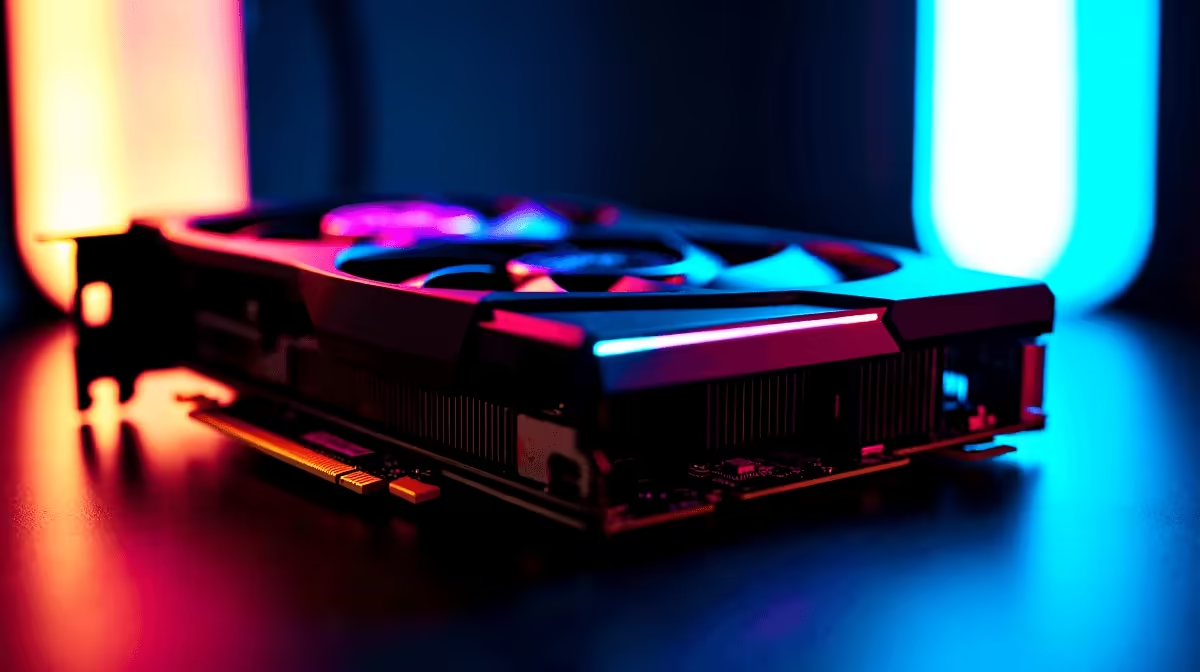
Playing on the Cape Town Valorant servers requires more than just good aim. You need raw, unadulterated frames. If you are eyeing AMD's flagship GPU, you are probably wondering about the exact RX 7900 XTX Valorant FPS potential. Let us dive into the benchmarks and settings that will push your rig to Radiant tier... without dropping a single frame when the utility starts flying.
Pushing the Limits: RX 7900 XTX Benchmark Results 🚀
Valorant is notoriously CPU-heavy. However, pairing a top-tier processor with a flagship GPU unlocks absurd performance. At 1080p competitive settings, the RX 7900 XTX easily pushes past 700 to 800 FPS. Even at 1440p or 4K, you will comfortably saturate a premium 360Hz monitor.
When you are pushing 800 frames per second, your frame times drop to roughly 1.2 milliseconds. This means the image on your screen is as fresh as technically possible. Even if you only have a 240Hz display, generating extra frames reduces overall system latency. It provides a massive advantage for holding tight angles on maps like Ascent.
If you want to build a rig capable of these numbers while stretching your ZAR further, exploring the best gaming PC deals is your smartest starting point. You need a balanced system to prevent bottlenecks.
Best Settings for Maximum RX 7900 XTX Valorant FPS
You do not buy a premium card to play on low settings. But in tactical shooters, visual clarity is everything. Keep Material and Detail Quality on Medium to maintain vibrant colours without visual clutter. Turn off V-Sync and Motion Blur completely. Always ensure Multithreaded Rendering is enabled to let your processor breathe.
For Anti-Aliasing, MSAA 4x offers the perfect balance. It smooths out jagged edges on enemy models without taxing the GPU. Anisotropic Filtering should be left at 8x or 16x to keep ground textures sharp.
Optimise Your Latency ⚡
Always enable AMD Anti-Lag in your Radeon software. For the RX 7900 XTX, this feature reduces input delay significantly... ensuring your clicks register the exact millisecond you spot an enemy pixel moving across your screen.
Pairing Your GPU with the Right Hardware ✨
A massive bottleneck will ruin your RX 7900 XTX Valorant FPS. You need fast DDR5 RAM and a beefy modern processor to keep up with the graphics card. If you prefer a system that is ready to plug and play right out of the box, our pre-built PC deals offer perfectly matched components.
Maybe you travel often for LANs or work? Desktop power is incredible, but modern notebooks for sale in South Africa now pack incredible high-refresh-rate displays. They rival desktop monitors and keep you competitive on the go.
Upgrading Your South African Setup 🔧
Getting your hands on flagship hardware is an investment in your gaming career. Thankfully, finding the right components to boost your framerates is easier than ever. Whether you want to browse our latest specials for a lightning-fast NVMe SSD, or you are finally ready to buy graphics cards that can handle true 4K gaming... upgrading translates directly to better in-game performance.
Ready to Dominate the Leaderboards? Pushing maximum frames gives you the ultimate competitive edge in Valorant. Don't let hardware hold back your rank. Explore our massive range of gaming PC specials and find the perfect machine to conquer your lobbies today.











