

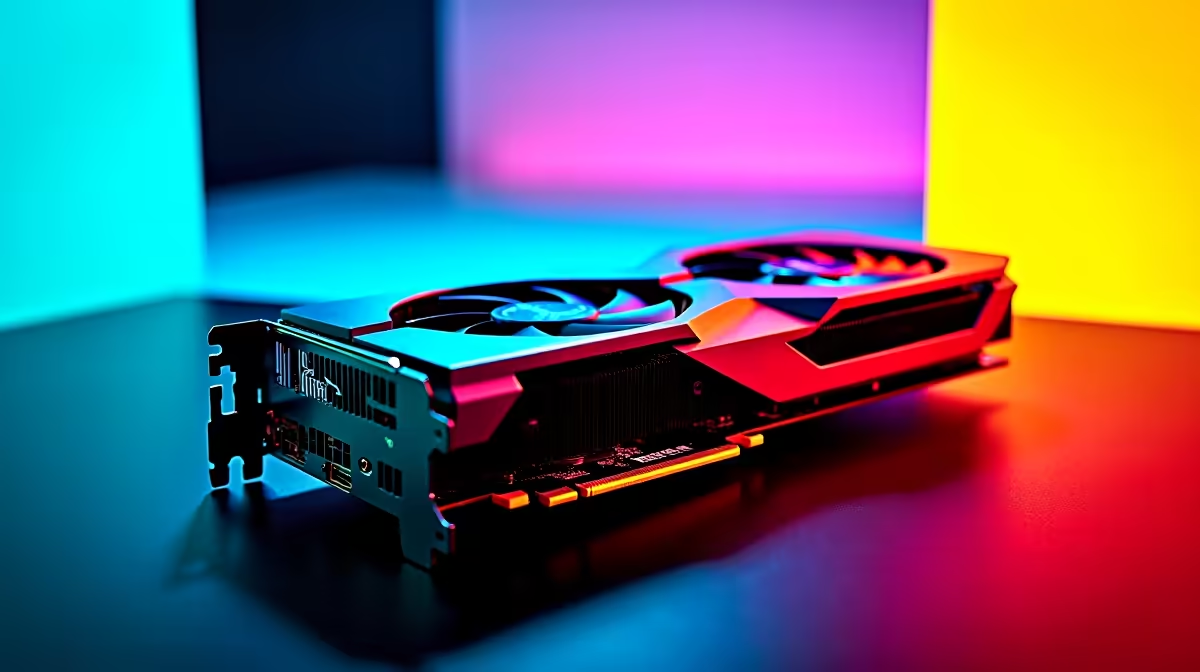
Are you ready to dominate the multiverse? Marvel Rivals is taking the South African gaming scene by storm... but sudden frame drops can easily ruin your ultimate ability. If you want to maximise your RX 9070 Marvel Rivals FPS, you need the right setup. Let us dive into the ultimate performance benchmark and uncover the best settings to keep your gameplay buttery smooth.
The Power Behind the Frames 🚀
The RX 9070 is shaping up to be an absolute beast for competitive hero shooters. Pushing high frame rates at 1440p requires serious graphical muscle... especially when multiple heroes unleash their powers at once. If you are looking to upgrade your current rig, browsing the latest graphics cards is your very first step. We looked at the data to see exactly how this GPU handles the chaotic, colourful explosions of the game.
RX 9070 Marvel Rivals FPS: Benchmark Breakdown
In demanding titles, the RX 9070 delivers incredible results. At 1440p ultra settings, you can comfortably expect well over 140 FPS. This ensures your tracking remains flawless when playing fast-paced, highly mobile characters. However, pairing this powerful GPU with a strong processor is absolutely vital. You can find excellent, balanced pairings in our best gaming PC deals to avoid any frustrating system bottlenecks.
For those who prefer a hassle-free, plug-and-play solution, exploring pre-built PC deals is an incredibly smart move. A properly balanced system ensures your 1% low frame rates stay high... keeping stuttering far away from your crucial ranked matches.
Performance Pro Tip ⚡
Always ensure your AMD Adrenalin drivers are updated to the latest version before tweaking your in-game settings. Turn on Radeon Anti-Lag to drastically reduce input delay... giving you a crucial competitive edge in fast-paced team fights.
Best Settings for Competitive Play 🔧
To squeeze every last drop of your RX 9070 Marvel Rivals FPS, you need to optimise your in-game menus. Visuals are great, but consistent performance wins matches.
- Shadow Quality: Set this to Medium. You save massive amounts of VRAM without losing much visual clarity.
- Volumetric Fog: Keep this on Low. This clears up the battlefield and boosts your frames significantly.
- Upscaling: Use FSR 3 set to Quality mode. It keeps the game looking incredibly sharp while pushing your frame rate to the absolute max.
Mobile gamers are certainly not left out of the action. If you travel often for work or studies, checking out notebooks for sale in South Africa can help you find a portable powerhouse to run your favourite shooters on the go.
Maximising Your ZAR Value ✨
Building a rig capable of high-end performance does not have to break the bank. You can often save thousands of Rands by keeping a close eye on seasonal specials for premium components. Whether you are holding the line with Magneto or flanking the enemy team with Spider-Man, a stable and high frame rate is your best weapon. Do not let hardware limitations hold you back from reaching the top ranks.
Ready to Dominate the Multiverse? Achieving the highest RX 9070 Marvel Rivals FPS is just the beginning. For maximum power, choice, and value in South Africa, Evetech is hard to beat. Explore our massive range of gaming PC specials and find the perfect machine to conquer your world.











