

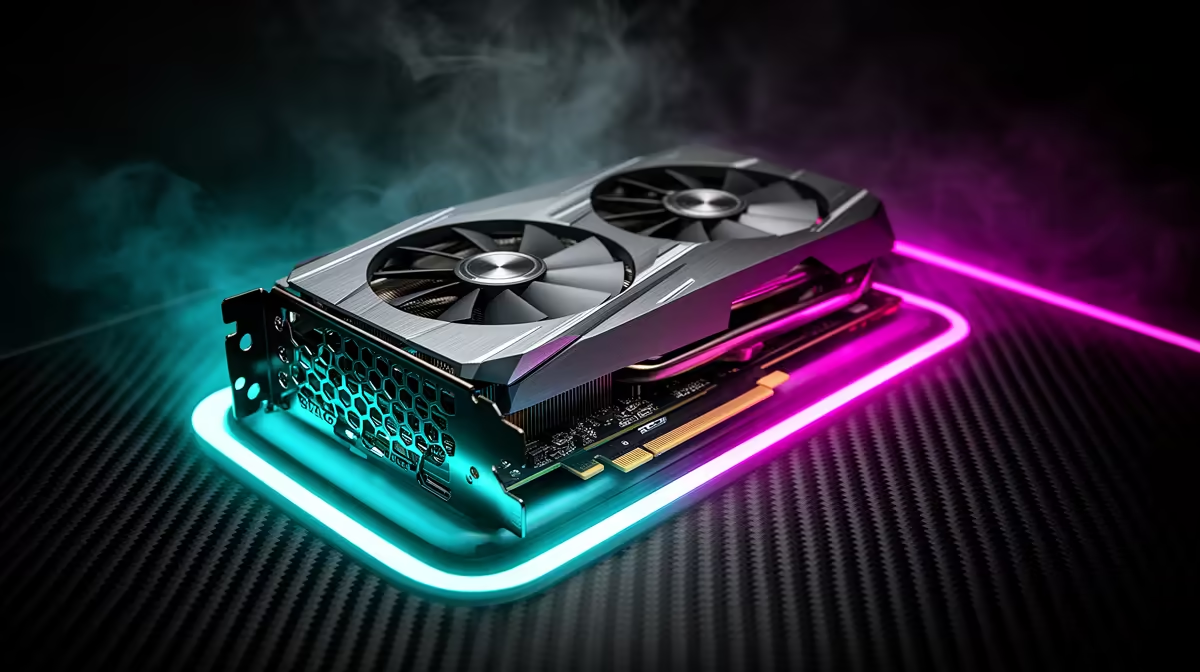
Dropping into Urzikstan with a stuttering rig is a guaranteed trip to the Gulag. If you want to dominate the local South African lobbies, you need serious graphical horsepower. We took the highly anticipated AMD Radeon RX 9070 XT for a spin. Let us dive into the ultimate RX 9070 XT Call of Duty Warzone at 1440p performance breakdown.
Why 1440p is the Sweet Spot ✨
Pushing pixels in modern battle royales requires a delicate balance. You want crisp visuals to spot enemies from afar, but you also need maximum frame rates. The 1440p resolution offers the perfect middle ground. The RX 9070 XT is engineered specifically to crush this resolution.
The latest RDNA architecture brings massive improvements to rasterisation. With ample VRAM onboard, you will never have to worry about texture pop-in ruining your immersion. Upgrading your GPU is the fastest way to boost your frames. If you are hunting for the latest silicon to elevate your rig, you can buy graphics cards directly from our massive catalogue.
FPS Benchmark Results 🚀
We ran extensive tests dropping into high-density points of interest. Our FPS benchmark reveals exactly what this AMD powerhouse can do. On the Extreme preset at 1440p, the RX 9070 XT comfortably averages around 145 FPS. The 1% lows hover near 110 FPS... meaning you will not experience jarring stutters during intense firefights.
When you tweak the graphics for competitive play, those numbers skyrocket. We easily pushed past the 190 FPS mark. If you do not want to build a system from scratch to get these numbers, you are in luck. Grab one of our expertly assembled pre-built PC deals that feature top-tier AMD components.
Dialling in the Optimal Settings 🔧
Raw power is great, but software tweaks unlock your true potential. To get the absolute best out of your RX 9070 XT Call of Duty Warzone at 1440p experience, you need to adjust your in-game menus.
Set your Texture Resolution to Normal. Turn Particle Quality to Low. Most importantly, enable AMD FidelityFX Super Resolution (FSR) 3.0 and set it to Quality mode. This setup maximises visibility while keeping your frame times incredibly low. Colour customisation is another crucial factor. Use your GPU software to boost digital vibrance slightly... making player models pop against drab backgrounds.
Warzone Visibility Tip ⚡
Turn down volumetric quality and water caustics. These settings eat up your frame rate and offer zero competitive advantage when you are scanning the horizon for enemy squads.
Pairing these optimal settings with a high-refresh monitor ensures you never miss a crucial shot. You can find the perfect hardware match by browsing our best gaming PC deals right now.
Taking Your Setup Portable
Sometimes you need to take the fight on the road. Desktop graphics cards are incredible, but modern mobile tech is catching up fast. If you travel often but still need to grind your Battle Pass, we stock the most powerful laptops for sale in South Africa.
Whether you choose a desktop or a portable battlestation, value matters. Upgrading your gear does not have to drain your wallet. Keep a close eye on our weekly specials to save thousands of ZAR on your next major hardware upgrade.
Ready to Dominate the Warzone? Stop blaming lag for your lost gunfights. Equip yourself with hardware that delivers buttery smooth frames and unmatched clarity. Explore our massive range of gaming PC specials and find the perfect machine to conquer your next match.











