


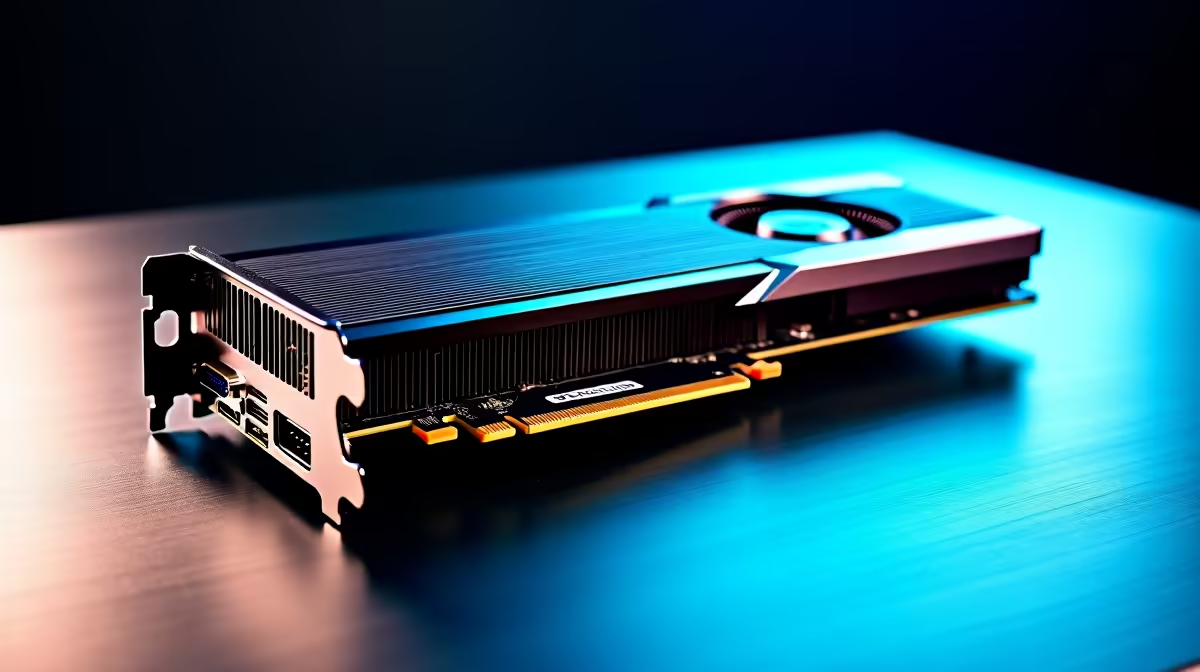
Quick Answer
The AMD RX 9070 XT is capable of running large language model inference workloads, but it requires using ROCm software and is best suited for smaller models that fit within its VRAM capacity. It is a compelling option for SA professionals who want local AI inference without importing expensive alternatives.
RX 9070 XT for LLM Inference: What You Need to Know
Running large language model inference locally has become a practical goal for developers, researchers, and AI-savvy professionals. The AMD RX 9070 XT, built on RDNA 4 architecture, brings meaningful improvements in compute throughput and memory bandwidth over its predecessors, making it a more serious candidate for this workload than earlier AMD consumer GPUs.
The card ships with 16GB of GDDR6 memory. For LLM inference, VRAM capacity is the primary constraint. At 16GB you can comfortably run quantized versions of models in the 7B to 13B parameter class (Q4 or Q5 quantization). Models in the 30B to 70B range require more VRAM than a single consumer card can provide and are out of reach for single-card inference without aggressive quantization or offloading to system RAM, which severely reduces token generation speed.
ROCm Compatibility and Software Stack
AMD's ROCm platform is the software layer that enables GPU-accelerated AI workloads on AMD hardware. The RX 9070 XT sits on RDNA 4, which ROCm 6.x supports. Tools like llama.cpp with HIP backend, Ollama, and LM Studio with ROCm builds can take advantage of the card for local inference.
Practical ROCm setup on Windows involves more configuration than Nvidia's CUDA ecosystem, though Linux deployments are more straightforward. SA professionals running Linux-based AI workstations will find the workflow more predictable. Windows users should expect some additional setup steps to get ROCm-accelerated inference running correctly.
Token generation speed on the RX 9070 XT for a 7B Q4 model is competitive with other mid-range consumer GPUs in its class. Real-world output varies depending on the model architecture, quantization format, and whether you use FlashAttention-compatible backends.
Practical Considerations for SA Professionals
For a South African professional investing in local LLM inference, the RX 9070 XT presents an accessible entry point. The card sits at a price point that is meaningfully lower than Nvidia's equivalent VRAM offerings locally, and its 16GB VRAM is enough to run useful models for text summarization, code completion, and question-answering tasks.
Loadshedding is a real concern for inference workloads. Generating tokens across a long document or running batch inference jobs can take significant time. Power cuts mid-inference are disruptive and wasteful. Pairing an RX 9070 XT inference workstation with a quality UPS ensures that longer jobs complete without interruption.
The card draws substantial power under full inference load, similar to gaming at high settings. Ensure your power supply and UPS are rated to handle sustained GPU loads over extended periods.
Frequently Asked Questions
Can the RX 9070 XT run LLaMA 3 models?
Yes, quantized versions in the 7B and 13B class run well within the 16GB VRAM. Larger unquantized models exceed the VRAM limit and require system RAM offloading, which reduces performance significantly.
Is ROCm stable enough for professional use in 2026?
ROCm 6.x has improved substantially. For LLM inference with supported tools like llama.cpp and Ollama, it is stable enough for daily professional use, particularly on Linux. Windows support continues to mature.
How does the RX 9070 XT compare to Nvidia cards for AI inference?
Nvidia's CUDA ecosystem has broader software support and is generally easier to configure. The RX 9070 XT competes on VRAM per rand value in SA, which makes it attractive when CUDA support is not a strict requirement.
Ready to Find Your Perfect Match? Explore Evetech's range of professional-grade graphics cards for your AI workstation build. Browse graphics cards









