

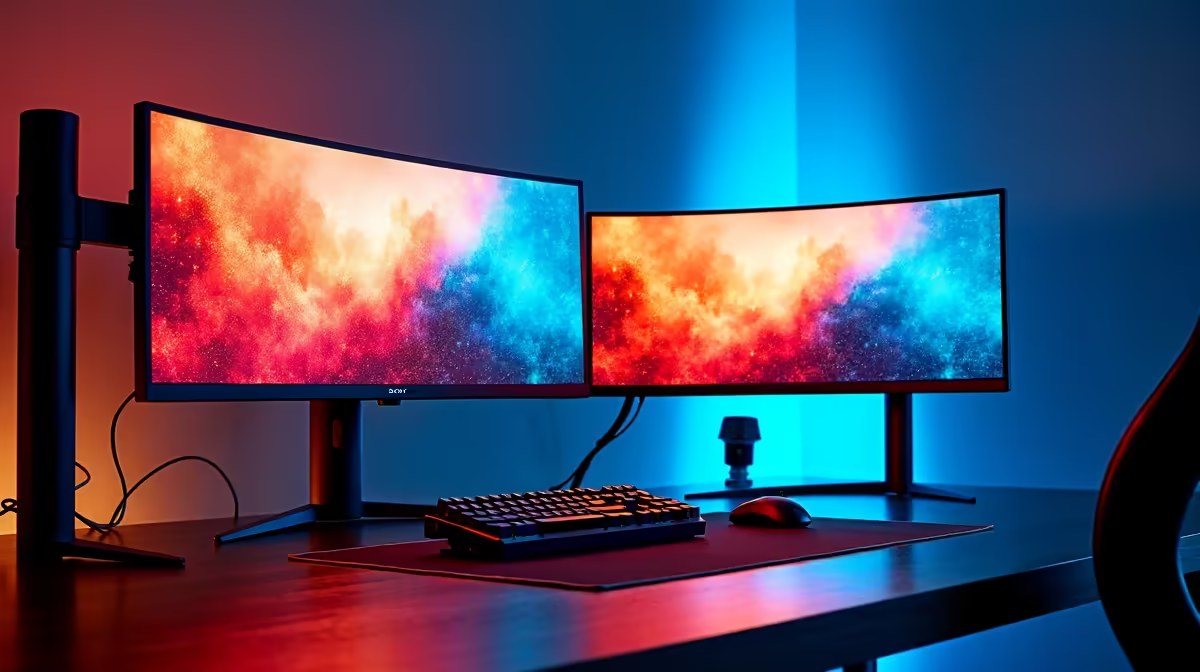
You survived loadshedding and finally booted up your sleek dual-screen battle station. Your favourite game is loaded... but your frame rates are suddenly tanking. If you are desperately searching for a second monitor causing performance drop fix, you are not alone. Countless South African gamers experience this frustrating stutter. Let us explore exactly why this happens and how you can get those buttery-smooth frames back today.
Why Your Dual-Screen Setup is Lagging ⚡
Running two screens forces your graphics card to work overtime. It must render your demanding AAA title on one display while handling background apps on the other. This split focus frequently leads to annoying micro-stutters.
The most common culprit is a refresh rate mismatch. If your primary screen is 144Hz but your secondary is 60Hz, Windows struggles to sync the frames. The Desktop Window Manager tries to force both screens to match, causing lag. Upgrading your secondary panel by browsing our dual monitor setups to match your main screen is the ultimate hardware solution.
The Ultimate Dual Display Lag Fix
Before buying new hardware, try disabling hardware acceleration in your background apps. Programs like Discord, Spotify, and Google Chrome use your GPU to render their interfaces. Turning this feature off forces them to rely on your CPU instead. This simple tweak frees up crucial graphics power for your main game. It works brilliantly whether you are on a desktop or using high-performance laptops as your primary gaming station.
Another vital step is adjusting your display settings. Try capping your main monitor to a multiple of your second screen. If your secondary is 60Hz, cap your main display at 120Hz. This makes the math easier for your graphics card.
Optimise Windows Settings 🔧
Press Windows Key + I, navigate to System, then Display, and select Graphics. Turn on 'Hardware-accelerated GPU scheduling'. This allows Windows to manage your video memory more efficiently. It is a fantastic second monitor causing performance drop fix that takes mere seconds to apply.
When Software Tweaks Are Not Enough 🚀
Sometimes, no amount of tweaking will solve the problem completely. Pushing pixels to multiple displays requires significant Video RAM. If you are running an older graphics card with limited memory, it might simply be overwhelmed by the dual load.
If your current rig is showing its age, it might be time to browse the latest gaming PCs. Modern graphics cards feature massive memory buffers designed specifically for heavy multi-tasking. Upgrading your components or investing in modern pre-built desktop rigs ensures you have the raw horsepower needed to game and stream simultaneously without compromise.
Keep Your System Running Smoothly ✨
Always keep your graphics drivers updated. Both NVIDIA and AMD frequently release software patches that specifically address multi-monitor bugs. Staying updated is the easiest way to prevent unexpected lag.
You should also check your cables. Ensure you use high-quality cables rated for your specific resolution. Cheap cables often bottleneck your data transfer. If you decide to upgrade your hardware to banish these frame drops forever, keep a close eye on our weekly tech specials to save some hard-earned Rands on premium gear.
Ready to Power Up Your Dual-Screen Setup? Do not let older hardware ruin your gaming experience. For maximum power and flawless multi-tasking in South Africa, a modern GPU is essential. Explore our massive range of PC components and find the perfect upgrade to conquer your world.











