

Sequential Read vs Write Speeds: The SSD Numbers That Actually Matter ⚡
If you’re building a PC in South Africa and you’re tired of guessing which SSD is “faster”, you’re not alone. A 510MB/s drive might look like a straight upgrade… until you notice its write speed is lower than the 460MB/s alternative. For gamers, that difference can show up in game installs, shader caching, and the “wait time” after you press Play. Let’s decode Sequential Read vs Write Speeds: 510MB/s vs 460MB/s SSD in plain terms, so you buy once and game longer. 😄
Sequential Read vs Write Speeds: 510MB/s vs 460MB/s SSD Explained (No Fluff) 🚀
Sequential speeds measure how fast data moves in large, continuous chunks. That’s useful, but real-world PC workloads are mixed: OS tasks, game files, launcher downloads, and lots of small reads/writes.
- Sequential Read (510MB/s scenario): Often helps with loading large assets efficiently.
- Sequential Write (460MB/s scenario): Often matters more when the drive is receiving lots of data, like installs, updates, and copying large folders.
So which is “better”?
- If your PC is mostly reading (gaming, loading maps, running games already installed), higher sequential read usually feels smoother.
- If your PC is mostly writing (installing, updating, rendering, streaming assets), better sequential write can reduce those annoying progress bars.
Important: These are still oversimplified compared to real metrics like IOPS and controller behaviour. But sequential numbers are a good first filter when two SSDs are otherwise similar.
What to look for beyond the headline speeds 🔧
When you’re comparing SSDs with similar capacities, check:
- Interface (e.g., PCIe Gen 4/Gen 5 vs older): Faster buses can improve throughput.
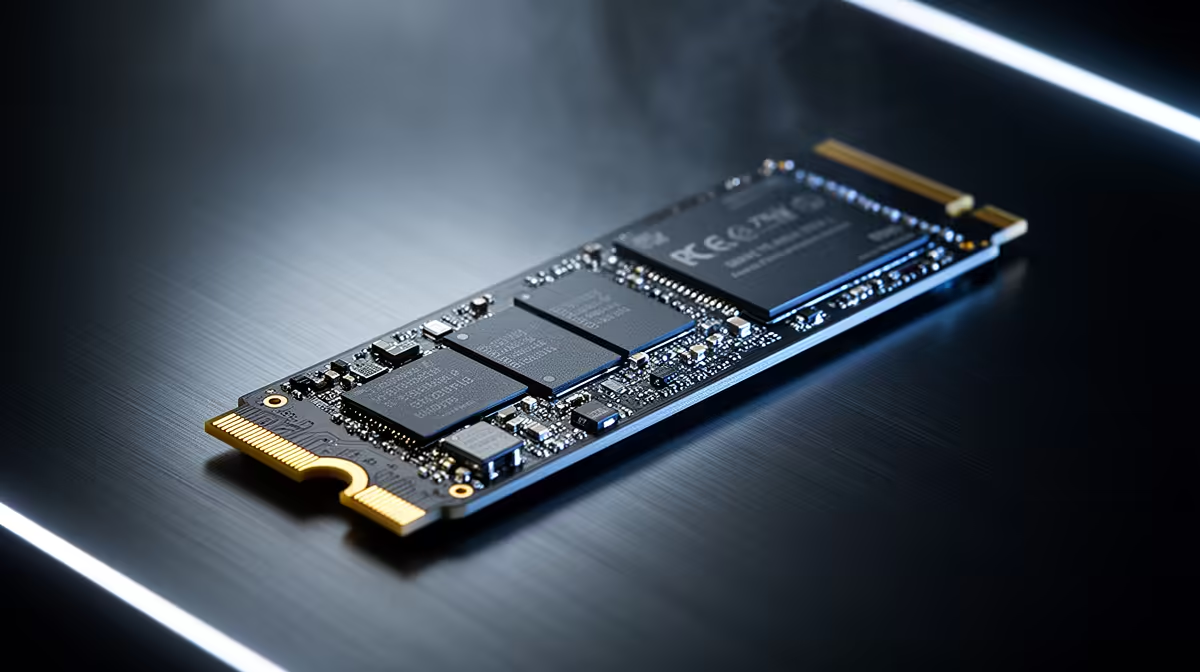
- Form factor (M.2 2280 vs SATA 2.5"): Make sure it physically fits your motherboard or laptop slot.
- Whether the spec is consistent across models (some drives are “fast” in one direction but weaker in the other).
For a solid comparison shortlist, browse Evetech’s selection of SSDs and filters here:
If you already trust a brand family, narrow it down:
Need the right physical size?
And if you’re future-proofing:
Quick Decision Guide for Gamers (South African Reality Check) ✨
Here’s a simple way to choose between two SSDs that have “mixed” sequential numbers like 510MB/s vs 460MB/s:
- Mostly gaming + lots of installs/updates: pick the drive with the better write if the spec is clearly higher there. Your launcher and patching will benefit.
- Mostly playing established libraries, less reinstalling: sequential read tends to feel better for loading.
- You do school/work + gaming: lean toward balanced performance and check the interface and model line, not just one spec sheet.
Mini micro-story
I’ve watched friends upgrade a “fast-looking” SSD, then complain that installs still take forever. Usually, the drive was great at reading but less consistent at writing. The fix was choosing the model with stronger write throughput in the same class. Lesson learned… specs matter, but direction matters too. 😅
Productivity Pro Tip ⚡
On Windows, open Task Manager → Performance → Disk, and check whether your SSD is showing steady activity during installs and updates. If writes spike during patching and installs take too long, prioritise SSDs with stronger write performance and a matching PCIe generation for your motherboard.
CALLTOACTION
Ready to Find Your Perfect Match? The Mac vs Windows debate is complex, but for maximum power, choice, and value in South Africa, Windows is hard to beat. Explore our massive range of laptop specials and find the perfect machine to conquer your world.











