

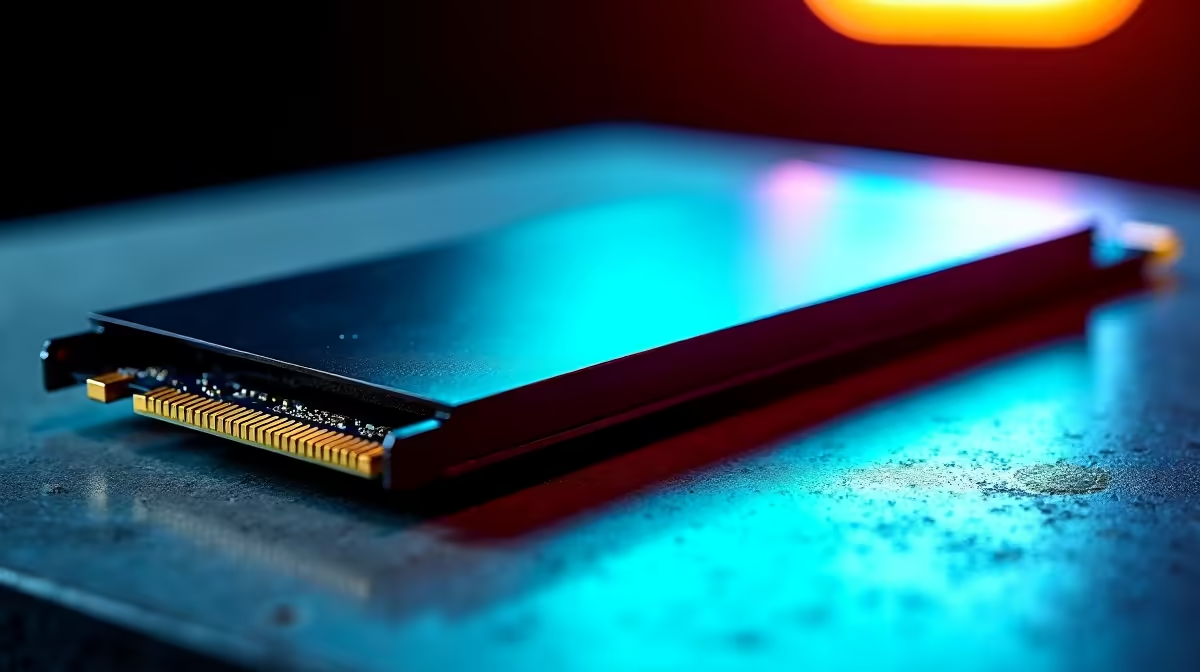
Understanding the Shader Cache Fix and Code Vein II Performance
There is nothing worse than lining up a perfect parry in Code Vein II only for a sudden frame drop to ruin your flow. If you are tired of micro-stuttering during intense boss fights, you are likely looking for a permanent solution. The Shader Cache Fix: Why SSDs Reduce Stutter in Code Vein II is a topic gaining massive traction among South African gamers who want a fluid experience without the technical hiccups ⚡.
When you play a modern title like Code Vein II, the game engine constantly compiles shaders... these are small programs that tell your GPU how to render light and shadow. If your storage cannot keep up with these requests, the CPU pauses to wait for data. This pause is what you feel as a "stutter". To eliminate this bottleneck, many enthusiasts choose to buy NVMe SSDs which offer the bandwidth necessary to feed your processor instantly.
Why Fast Storage is the Ultimate Shader Cache Fix
The primary reason why SSDs reduce stutter is latency. Traditional hard drives use spinning platters... they are simply too slow for the rapid-fire data requests of Unreal Engine titles. By upgrading your components, you ensure that pre-compiled shaders are pulled into memory before the frame even needs to be drawn.
In South Africa, where loadshedding might already be testing your patience, you do not need your PC to add more frustration. Investing in the best SSD deals ensures your rig stays snappy for years to come. Even a budget-friendly drive can offer speeds up to 10 times faster than an old mechanical drive, effectively acting as a hardware-level shader cache fix.
Performance Pro Tip ⚡
If you are still experiencing minor hitches after an upgrade, try clearing your DirectX Shader Cache in Windows Disk Cleanup. This forces the game to rebuild the cache on your new, faster drive, often resolving legacy stutter issues that carried over from your old installation.
External vs Internal: Choosing Your Upgrade Path
Not every gamer wants to open their chassis and fiddle with the motherboard. If you are a laptop gamer or simply prefer a plug-and-play solution, you can buy external SSD units that connect via USB-C. While internal drives are technically faster, a high-quality external drive still provides the low seek times required to stop assets from hitching 🚀.
For those building a dedicated gaming rig, the choice is clear. You should buy solid state drives that use the M.2 interface for the cleanest look and the highest performance. By moving your game library onto flash storage, you are not just fixing Code Vein II... you are optimising your entire digital lifestyle.
Ready to Find Your Perfect Match? The battle against stutter is won with the right hardware. For maximum speed, choice, and value in South Africa, a high-performance SSD is the best upgrade you can make. Explore our massive range of SSD specials and find the perfect drive to conquer your next boss fight.











