

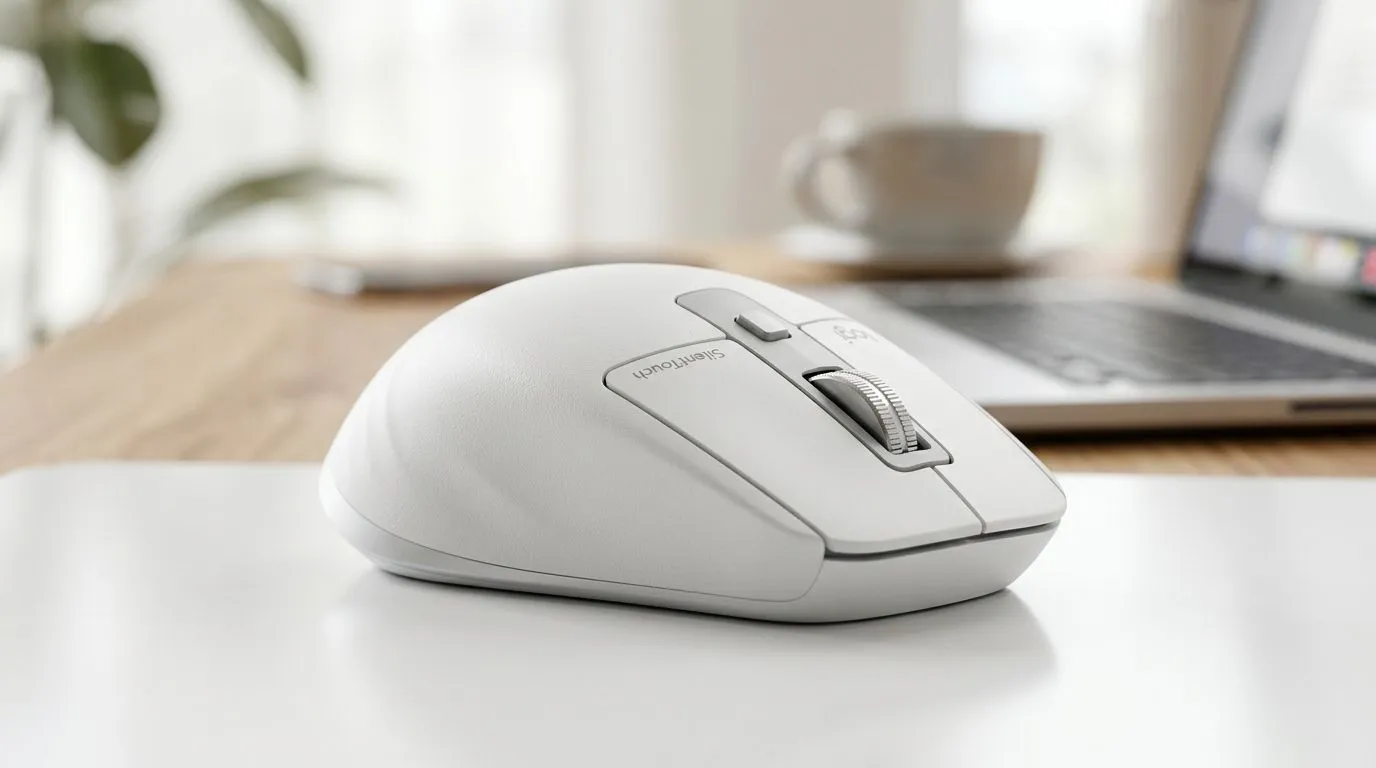
SilentTouch Technology: What It Changes in Click Noise & Productivity
If your desk sounds like a keyboard factory, you’re not alone. In South Africa, loadshedding, quiet rooms, and late-night sessions mean click noise gets… loud fast. 🎧 Add productivity tasks on top, and that constant “tick tick” can quietly drain focus.
So what actually changes with SilentTouch technology in gaming mice? Less distraction. More comfort. And better work sessions between ranked games. Let’s break down what SilentTouch Technology: What It Changes in Click Noise & Productivity really means for real people.
SilentTouch Technology: Quieter clicks, calmer sessions ⚡
Traditional mouse switches are built for speed and lifespan, but they also tend to be audible. SilentTouch technology uses redesigned switch mechanics to greatly reduce the noise when you press the buttons.
For gamers, quieter clicks can be a comfort upgrade in shared spaces: a partner in the room, roommates studying, or you gaming while everyone else’s asleep. It also helps when you stream or record, because mic pickup isn’t left to luck.
For productivity, the biggest benefit isn’t “mystical” performance. It’s reduction of background distraction. Your brain can stay on the task, whether you’re coding, editing, or crunching spreadsheets.
What “silent” should feel like in practice
You want reliable actuation, consistent feel, and no “mushy” button behaviour. In other words… silent should not mean sloppy. If you’re used to crisp clicks, give yourself a few minutes of adjustment. Then evaluate consistency during:
- rapid-fire clicking in shooters
- drag-and-drop work in design tools
- repeated UI interactions while researching
SilentTouch Technology: Productivity boosts you can actually measure 🔧
Here’s the honest part. A quieter switch doesn’t magically raise FPS. But it can improve throughput by protecting attention. Less audible interruption means fewer micro-pauses, especially during repetitive tasks like copying links, formatting documents, or marking up images.
If you work from home in SA, your “typing soundtrack” and mouse clicks become part of your environment. Switch noise can compete with voices on calls too. SilentTouch technology can help the desk become quieter so you can concentrate.
Productivity Pro Tip ⚡
On Windows, use the PowerToys FancyZones utility to create custom snap layouts for your windows. It's a lifesaver for managing multiple apps on an ultrawide monitor, letting you organise your timeline, preview window, and asset folders perfectly for video editing.
Quick routine for better flow
Try this for one workday or one weekend session:
- Pick two “focus tasks” that repeat (for example: spreadsheet edits and research tabs).
- Use one mouse for the entire period.
- Note when you naturally lose momentum. Is it noise? Controls? Setup?
Then adjust. If clicks are the trigger, SilentTouch is worth considering.
Choosing the right mouse for SilentTouch Technology: What It Changes in Click Noise & Productivity 🚀
Silent switches matter, but the full experience also depends on shape, sensor, polling, and button layout. If you’re buying in South Africa, consider how you’ll use it:
- FPS / competitive: prioritise reliable actuation and comfort during fast clicking
- Content creation: aim for ergonomic support and easy side-button access
- Hybrid work: balance quiet clicks with smooth scrolling and dependable tracking
Before you buy, check what’s available locally and match the mouse style to your hand. Evetech stocks a wide range of options, including accessories that help you set up a better desk feel.
You can browse mouse accessories here: mouse accessories from Evetech. If you want the responsive feel of wired setups, start here: wired mouse options. Prefer desk freedom and cable-free play? See wireless mouse choices.
SilentTouch Technology: Make it worth it with the right deal ✨
If you’re aiming for quiet clicks plus strong value, don’t ignore promotions. A good mouse at a better price means you can upgrade now without stretching your budget. For local savings and proven picks, check: best gaming mouse deals on Evetech. And if you want to narrow down specifically around gaming mouse options, use this category page: gaming mouse range.
Ready to Find Your Perfect Match? The Mac vs Windows debate is complex, but for maximum power, choice, and value in South Africa, Windows is hard to beat. Explore our massive range of laptop specials and find the perfect machine to conquer your world.











