

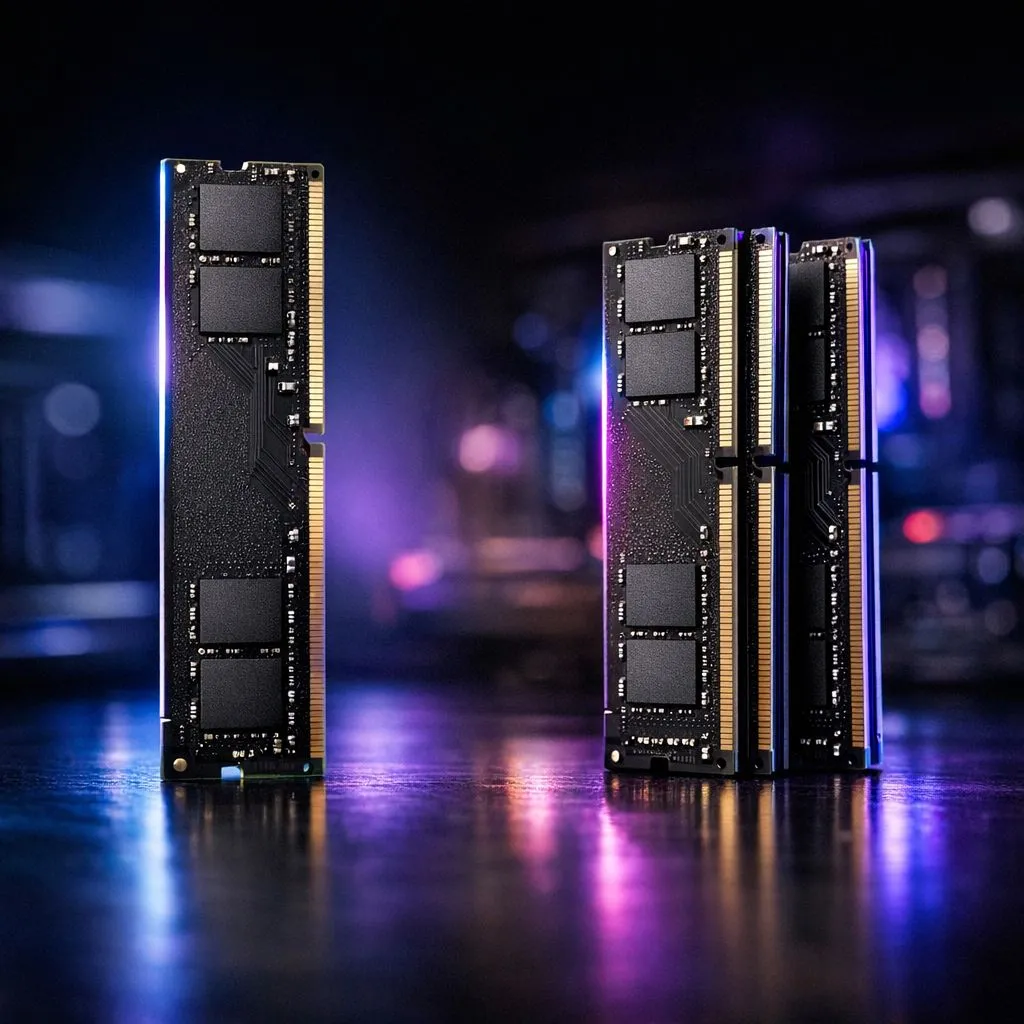
You’ve just unboxed a beast of a graphics card, your CPU is ready for anything, but you’re still hitting frustrating frame drops in the final circle of Warzone. What gives? Before you blame your GPU, look at your RAM. The debate between single vs dual channel memory isn't just for hardcore overclockers; it's a fundamental choice that can unlock serious, real-world performance for your rig. Let's dive into why two sticks are almost always better than one.
Understanding the Core Difference: Single vs Dual Channel Memory
Think of your computer's memory access as a highway. With a single stick of RAM, you have a single lane. All the data travelling between your CPU and your RAM has to queue up and go through that one path. It works, but it can get congested, especially during intense tasks.
This is where the magic of dual channel memory comes in. By installing two identical RAM sticks in the correct motherboard slots, you effectively open a second lane on that highway. This doubles the theoretical data bandwidth, allowing your CPU to read and write data from memory much faster. It’s a simple concept that solves a major bottleneck, especially in modern gaming and content creation.
Does Dual Channel Memory Actually Boost FPS?
So, does this "wider highway" actually translate to more frames in your favourite games? Absolutely. 🚀
While a powerful, dedicated graphics card handles most of the heavy lifting for visuals, your CPU is constantly feeding it data. When the CPU has to wait for data from slow, single-channel memory, the GPU sits idle for milliseconds, causing micro-stutters and lowering your average FPS.
The performance uplift from a dual channel memory setup is most noticeable in two scenarios:
- CPU-Intensive Games: Titles like Cyberpunk 2077, Microsoft Flight Simulator, or large-scale strategy games that rely heavily on the processor see significant gains.
- Systems with Integrated Graphics (APUs): If you're gaming on a Ryzen APU without a dedicated graphics card, dual channel RAM is non-negotiable. Your integrated graphics use system RAM as video memory (VRAM), so doubling the bandwidth gives it a massive performance boost.
This principle isn't new; it provided a solid performance uplift even with older standards like these classic DDR3 gaming RAM modules. For modern systems, whether you're building with budget-friendly DDR4 memory or going for the latest tech, the rule still holds true.
Getting it Right: Your Dual Channel Checklist 🔧
Activating dual channel mode is easy, but you have to get the physical installation right. Simply popping two sticks into any available slots won't cut it.
For the best results, you need a matched pair of RAM modules—ideally, a kit sold together with the same capacity, speed, and latency timings. Then, you need to install them in the correct slots on your motherboard to enable the dual channel configuration.
Check Your Motherboard Manual! ✨
Most motherboards have four RAM slots, typically colour-coded. To enable a dual channel setup, you usually need to install your two RAM sticks in the second and fourth slots (often labelled A2 and B2). Always consult your motherboard's manual to be 100% sure. Getting this wrong will force your system back into single-channel mode, leaving performance on the table.
Single vs Dual Channel: The Verdict for Your Next Build
When weighing up single vs dual channel memory, the conclusion is clear. For any new gaming PC or performance-focused upgrade in South Africa, a dual channel kit is the only way to go. The performance gain is substantial, and the cost difference is often negligible. A 2x8GB (16GB) kit costs roughly the same as a single 16GB stick, making it one of the most cost-effective performance upgrades you can make.
Whether you're looking at the latest cutting-edge DDR5 memory for an Intel 13th Gen or Ryzen 7000 series build, the principle remains the same. Top brands design their kits specifically for this. For example, a reliable Kingston DDR5 memory kit is built and tested to run perfectly in pairs. The same goes for high-performance options from brands like ADATA DDR5 memory, which are designed to give you that competitive edge right out of the box.
Don't let a simple configuration choice bottleneck your entire system. Choose dual channel, and let your components perform as they were meant to.
Ready to Unleash Your PC's Full Potential? The single vs dual channel memory debate is settled. For maximum performance in gaming and productivity, a dual channel setup is essential. Explore our massive range of DDR5 memory and give your rig the bandwidth it deserves.











