

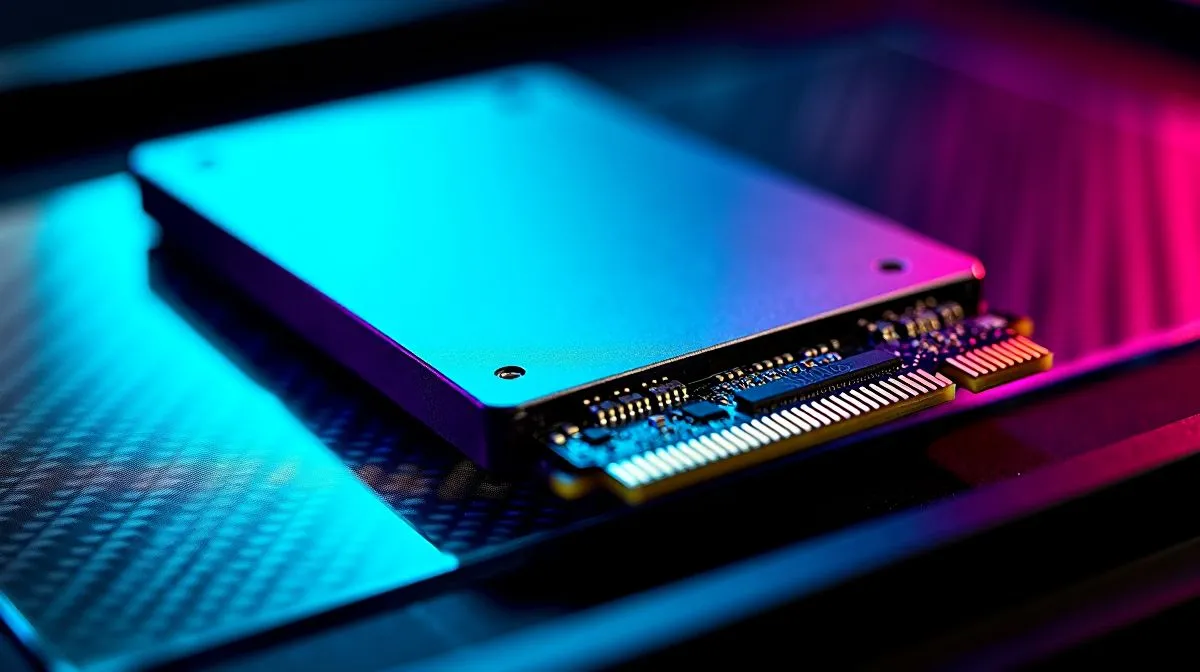
Slow Game Load Times, what’s really wrong?
South African gamers, frustrated by long level loads despite blazing SSD claims? "Slow Game Load Times Despite High-Speed SSD? Fix It" is your problem line... but often the fix is simpler than a new drive. Here are practical steps, local tips and buying pointers to get your games loading in seconds rather than minutes. 🔧
Common causes of slow loads with high-speed SSDs
Sometimes the SSD is only part of the story. Older motherboards may limit NVMe lanes, or BIOS settings might force SATA emulation. Background tasks, fragmented virtual memory, or outdated firmware can add seconds to every load. Check the general SSD buying guide on Evetech for differences between SATA and NVMe performance and compatibility. https://www.evetech.co.za/PC-Components/buy-solid-state-drives-83
Quick fixes you can try today
First, update SSD firmware and motherboard BIOS. Then confirm your drive uses AHCI or PCIe mode rather than legacy RAID emulation. TRIM support should be enabled in Windows for sustained speed. Pause heavy background apps and set your game to install on the fastest drive. If Storage Sense or pagefile settings are misconfigured, they will slow load times. For straightforward SSD replacements, browse solid-state drives at Evetech. https://www.evetech.co.za/PC-Components/buy-solid-state-drives-83?brands=ADATA
Productivity Pro Tip ⚡
On Windows, use the PowerToys FancyZones utility to create custom snap layouts for your windows. It's a lifesaver for managing multiple apps on an ultrawide monitor, letting you organise your timeline, preview window, and asset folders perfectly for video editing.
Advanced checks, lanes, ports and file systems
If problems persist, test the drive in a different M.2 slot or a different PC to rule out motherboard throttling. Some motherboards share PCIe lanes between GPUs and M.2 slots; consult your manual. Reformatting to NTFS or exFAT will not usually change load times, but correct partition alignment and ensuring TRIM works will. Want to compare reliable brands? Look at ADATA and Kingston ranges to see compatibility and warranty options on Evetech. https://www.evetech.co.za/PC-Components/buy-solid-state-drives-83?brands=Kingston
When a replacement makes sense
If benchmarks show your NVMe is underperforming and updates do not help, a newer NVMe gen drive is worth it for AAA titles. Consider capacity too, game installs are larger than ever. Evetech lists CORSAIR NVMe models and bigger capacity options if you need 2TB drives for large libraries. https://www.evetech.co.za/PC-Components/buy-solid-state-drives-83?brands=CORSAIR https://www.evetech.co.za/PC-Components/buy-solid-state-drives-83?attributes-capacity=2TB
Final checklist and next steps
Run firmware, check BIOS mode, test another slot, enable TRIM and disable unnecessary background tasks. Still stuck? Document the steps you took and reach out to support for targeted help. Want a quick hardware refresh? We’ve made it easy to compare drives and find options that suit local builds and budgets. 🚀 Check local warranty terms, RMA support, and delivery estimates in ZAR today online.
Ready to Find Your Perfect Match? The Mac vs Windows debate is complex, but for maximum power, choice, and value in South Africa, Windows is hard to beat. Explore our massive range of laptop specials and find the perfect machine to conquer your world.











