

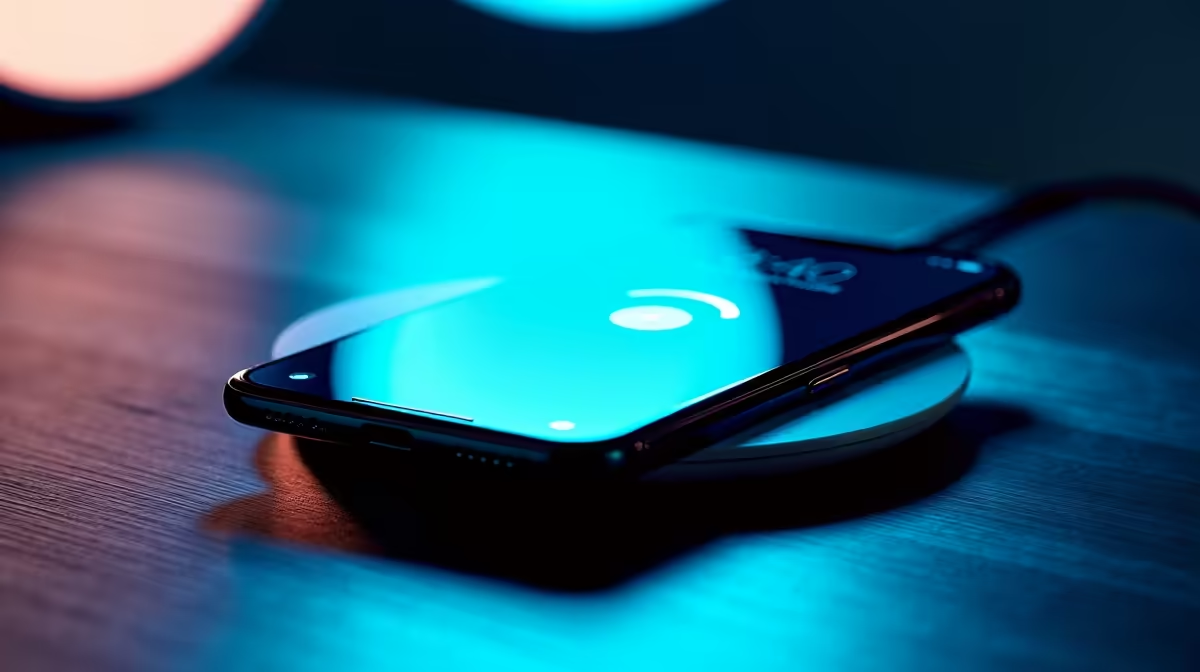
Is Your Wireless Charger Playing Snail? Unpacking Slow Wireless Charging Causes
Frustrated by your phone taking ages to charge on its wireless pad? You’re not alone! Many South African tech users experience the drag of slow wireless charging, turning convenience into a chore. Whether you’re trying to power up before a gaming session or just keep your device topped for a busy day, a sluggish charge can be incredibly irritating. But don't stress – we're here to unpack the common culprits behind these wireless charging woes and show you exactly how to fix them, getting you back to full power, fast. ⚡
Understanding Wireless Charging: More Than Just Magic
Before we dive into why your wireless charger might be underperforming, let's quickly demystify how it works. Wireless charging relies on electromagnetic induction, transferring energy between a coil in the charging pad and a coil in your device. It's convenient, cable-free, and increasingly common in modern smartphones and accessories. However, this convenience comes with specific requirements for optimal performance. When these aren't met, you'll likely encounter slow wireless charging.
Why Is My Wireless Charger So Slow? Common Causes Unpacked
Experiencing slow wireless charging can be a head-scratcher, especially when you expect seamless power. Here are the most frequent reasons your device isn't juicing up as quickly as it should:
Misalignment: The Sweet Spot is Crucial
The biggest culprit for a slow charge is often simply poor alignment. The charging coils in your phone and pad need to be directly on top of each other for efficient power transfer. Even a slight shift can drastically reduce charging speed, making your wireless charger feel incredibly sluggish.
Case Interference: Your Stylish Armour Might Be the Problem
That sleek, protective phone case you love? It might be hindering your wireless charging. Thick cases, especially those with metal elements, magnets, or cardholders, can create a barrier between the charging coils, leading to inefficient power transfer and, you guessed it, slow wireless charging.
Charger Quality and Power Output: Not All Pads Are Created Equal
Just like wired chargers, wireless charging pads vary wildly in quality and power output. A cheap, low-wattage charger simply won't deliver the same speed as a fast wireless charger designed for optimal performance. If you’re using an older or generic pad, this is a prime suspect for why your wireless charging is slow. For a wide selection of reliable options, you can explore various chargers from Evetech.
Device Compatibility: Matching Your Tech
Not all devices support the same wireless charging speeds. An older phone might only accept 5W wireless charging, even if your pad can deliver 15W. Conversely, a newer phone might require a specific fast wireless charging standard (like Qi EPP) that your current pad doesn't support.
Background Apps and Usage: Multitasking While Charging
If you're using your phone for demanding tasks – like gaming, streaming, or running GPS – while it's on the wireless pad, it will naturally charge slower. The power coming in is being actively consumed, leading to a net slower charge.
Heat: The Enemy of Efficiency
Wireless charging generates heat. If your phone or the charging pad gets too hot, the device’s internal systems will intentionally slow down the charging process to prevent damage and prolong battery life. This thermal throttling is a common reason for a wireless charger to be slow.
Cable and Adapter Issues: Don't Forget the Foundation
Even though the charging itself is wireless, the pad still needs power. A faulty USB cable connecting the pad to the wall adapter, or a low-power wall adapter itself, can starve your wireless charger of the juice it needs to function optimally.
Turbocharge Your Charge: How to Fix Slow Wireless Charging
Now that we've identified the common issues, let's get down to business and fix that slow wireless charging problem.
Realign Your Device: Find the Sweet Spot
This is often the quickest fix. Carefully place your phone directly in the centre of the charging pad. Some pads have indicators, but generally, aiming for the middle is best. Experiment with slight adjustments until your phone indicates it's charging rapidly.
Ditch the Bulky Case: Go Bare (or Slim)
Try removing your phone case before charging. If you notice a significant speed increase, your case is the culprit. Consider a thinner, wireless charging-compatible case, or simply remove it during charging sessions.
Invest in Quality Chargers: Power Up Your Pad
Upgrade your wireless charging pad and its accompanying wall adapter. Look for products from reputable brands that specify fast wireless charging support (e.g., 10W, 15W, or even 20W). You don't always need to break the bank; there are fantastic chargers under R500 that offer excellent performance.
Check Device Compatibility: Match Made in Tech Heaven
Consult your phone's specifications to understand its maximum wireless charging input. Then, ensure your charging pad supports that standard. If you’re looking for reliable options, brands like Promate offer a range of quality chargers that are often compatible with various devices.
Manage Background Activity: Let Your Phone Rest
Close unnecessary apps running in the background while charging. If you don't need to use your phone, put it in "Do Not Disturb" or even "Airplane Mode" to minimise power consumption and allow it to charge faster.
Optimise Your Charging Routine 💡
For the fastest possible wireless charge, consider placing your phone on the pad before you go to bed, or during times when you won't be actively using it. This allows the device to charge without interruption from screen time or background processes, ensuring maximum efficiency.
Keep it Cool: Beat the Heat
Ensure your phone and charger are in a cool, well-ventilated area. Avoid placing them on soft surfaces that can trap heat, like blankets or pillows. If your phone feels hot, give it a moment to cool down before resuming charging.
Inspect Cables and Adapters: The Unsung Heroes
Even though the charge is wireless, the cable and wall adapter powering the pad are crucial. Ensure you're using a high-quality, undamaged USB cable and a wall adapter that provides sufficient power (often 9V/2A or higher for fast wireless charging). Sometimes, a simple swap can make all the difference. You can find robust chargers under R1000 that include compatible adapters.
Software Updates: Keep Everything Current
Always ensure your phone’s operating system and any relevant charging apps are up to date. Manufacturers often release updates that improve charging efficiency and fix bugs, which could be contributing to slow wireless charging.
Beyond the Basics: Advanced Tips for Optimal Wireless Charging
- Cleanliness is Key: Dust and debris can sometimes interfere with optimal contact. Give your charging pad and phone's back a quick wipe.
- Location, Location, Location: Avoid placing your wireless charger near strong magnets or other electronic devices that could cause interference.
- Consider a Charging Stand: Many wireless chargers come as stands, which can help with alignment and sometimes even offer better cooling due to airflow.
By systematically troubleshooting these common issues, you can almost certainly fix slow wireless charging and get your devices powered up efficiently again. It’s all about understanding the nuances of this convenient technology and making a few smart adjustments. Happy charging! 🚀
Ready to Power Up Your Life? Don't let slow charging hold you back. Whether you need a new wireless charging pad, a robust power bank, or a high-speed wall adapter, Evetech has you covered with a massive selection of quality charging solutions. Explore our full range of chargers and accessories today and experience the difference fast, reliable power makes!











