

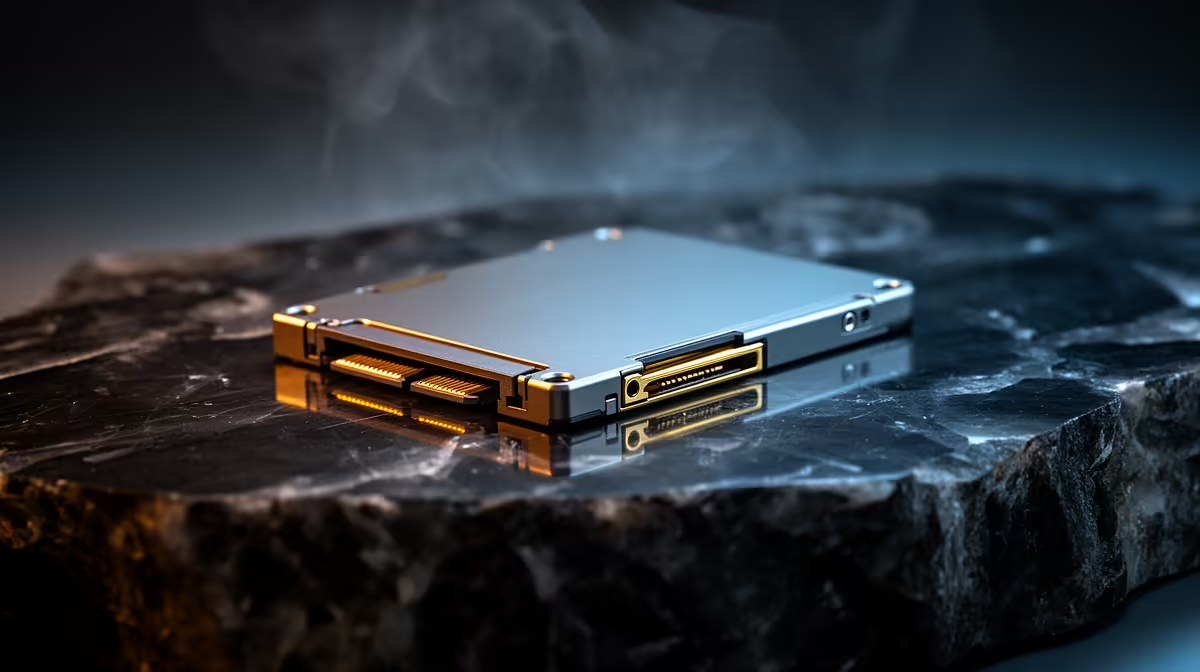
South Africa SATA SSD Speed Improvement: How Much to Expect
Buying an SSD in South Africa is one of the fastest ways to feel like you “upgraded your PC”… without replacing everything. If your rig still uses SATA storage, you’ll notice snappier boot times, faster game loading, and quicker downloads. ⚡ But the big question is real: how much faster is “speed improvement” on a SATA SSD?
Let’s break it down in plain terms, so you know what to expect before you spend your hard-earned ZAR.
South Africa SATA SSD Speed Improvement: What numbers make sense
A SATA SSD is limited by the SATA connection. In practice, you should expect much better real-world performance than a hard drive, but not the same peak speeds as NVMe drives.
For most SATA SSDs, typical advertised sequential performance sits around the ~500–550 MB/s range. However, game load times and overall “PC feels fast” depend heavily on file types, caching, and your drive’s controller performance.
Evetech stocks a range of SSDs you can compare side-by-side here:
Shop SSDs in one place 🔧
What improves immediately (and what won’t)
You will likely feel:
- Faster Windows boot and app launches
- Quicker level/map loading in many games
- Less stutter when launching games after updates
You might not see:
- Instant “NVMe-level” transfers
- Big FPS gains (SSDs rarely increase raw FPS, they reduce waiting)
If you’re running a Steam library that’s growing faster than your patience, this still matters. Waiting is the enemy… and SATA SSDs reduce it.
South Africa SATA SSD Speed Improvement: Real-world tips that matter
Your SATA port and system configuration decide the ceiling. Before you buy, check whether your machine supports SATA correctly (most do), and whether you’re cloning from a HDD.
Productivity Pro Tip ⚡
On Windows, open Task Manager → Performance → Disk and compare “Active time” on your current drive. If it’s often near 100% during game load screens, a SATA SSD will usually feel dramatically smoother. After upgrading, repeat the check to confirm the improvement.
Choose the right SSD type (brands and form factor)
Even on SATA, not all SSDs behave the same. Controller quality and cache management can change sustained and mixed workloads (like gaming + background downloads). If you prefer a familiar lineup, browse:
ADATA SSDs ✨
Or if you’ve trusted Kingston drives before:
Kingston SSD options
For system compatibility, also match the form factor. Many modern builds are M.2, but plenty still use 2.5-inch SATA. If you’re shopping by physical fit, start here:
M.2 2280 form factor SSDs
And if you’re comparing beyond SATA, you’ll see interface generations that can wildly change performance. For example, Gen 5 discussions belong in NVMe land:
Filter by Gen 5 interface options
How to estimate your improvement (quick reality check)
A good rule for gamers: expect noticeable load-time reduction after moving from HDD to SATA SSD. For SATA-to-SATA upgrades (old SSD to newer SSD), improvements can be smaller and more workload-dependent.
If you tell yourself, “I’m not chasing FPS, I’m chasing less waiting,” you’ll buy smarter. 🚀
South Africa SATA SSD Speed Improvement: What to do before you checkout
Before you click Buy, do two things:
- Confirm your current drive type (HDD vs SATA SSD vs M.2).
- Decide your goal: faster loads, a new boot drive, or improved install/download responsiveness.
Then choose an SSD that matches your system and budget. In South Africa, that often means balancing price-per-GB with proven reliability.
Ready to Find Your Perfect Match? The Mac vs Windows debate is complex, but for maximum power, choice, and value in South Africa, Windows is hard to beat. Explore our massive range of laptop specials and find the perfect machine to conquer your world.











