

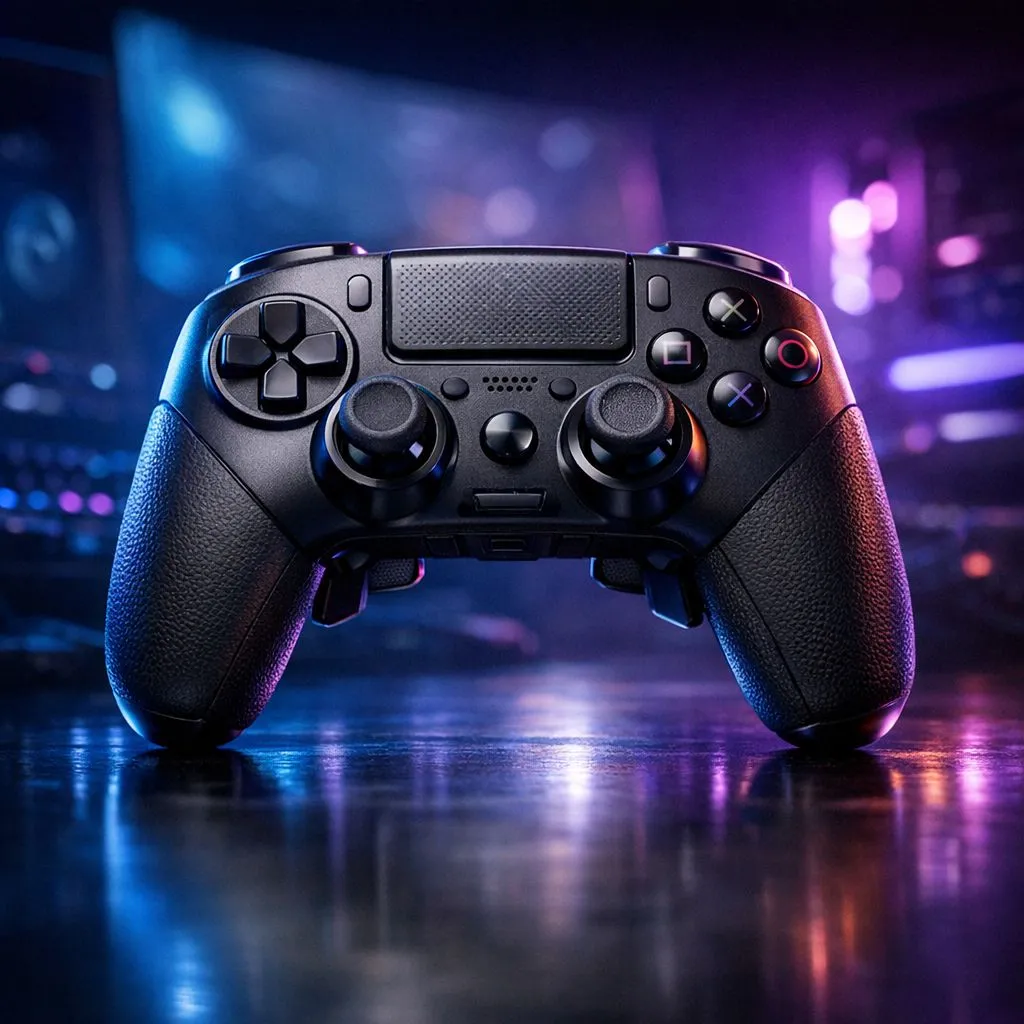
South African Esports Controller Settings Guide
Whether you're grinding Ranked in Jozi or competing in a Cape Town LAN, your controller settings can be the difference between a clutch win and a frustrating loss. In the fast-paced world of local competitive play, generic presets just don't cut it. This South African Esports Controller Settings Guide breaks down how to fine-tune your gear to dominate the local meta and climb the leaderboards.
Master Your Deadzones for Precision Aiming
One of the most overlooked aspects in any South African Esports Controller Settings Guide is the deadzone. This setting determines how much you need to move the thumbstick before the game registers an input. For local competitive titles like Call of Duty or Apex Legends, you want this as low as possible without causing stick drift. If your aim feels heavy, it's likely your deadzone is too high. If you are looking to upgrade your current setup, you can buy gaming controllers from Evetech that feature Hall Effect sensors to help mitigate these issues entirely.
Response Curves and Sensitivity Profiles
Sensitivity is subjective, but most local pros lean toward a "Dynamic" or "Linear" response curve. These curves allow for finer movements when making micro-adjustments during long-range gunfights... a common occurrence in the open maps of Warzone. While you experiment with these, remember that hardware matters. Many Razer gaming controllers come with dedicated software to customise these curves on a hardware level, giving you an edge over standard peripheral users ⚡.
Pro Aiming Tip 🎯
Always test your new settings in a private match or firing range for at least 30 minutes before jumping into a ranked lobby. Muscle memory takes time to adjust, especially if you are switching from a standard controller to one with back paddles or mechanical switches.
Why Hardware Polling Rates Matter in Mzansi
With our local internet latency, every millisecond counts. A higher polling rate means your controller talks to your PC more frequently. For those demanding the absolute lowest input lag, the Razer Wolverine V3 Tournament Edition offers an 8K polling rate that feels incredibly fluid... even when the ping isn't on your side ✨. This level of responsiveness is essential when competing for ZAR prize pools in high-stakes tournaments.
Customising Button Layouts for Movement
Movement is king in the modern South African gaming scene. If you aren't using paddles, you're likely playing "Claw" or sacrificing your ability to aim while jumping. Mapping jump and crouch to back buttons allows you to keep your thumbs on the sticks at all times. This small change can boost your win rate in close-quarters combat significantly 🚀.
Ready to Find Your Perfect Match? The right settings are only half the battle; you need the hardware to back it up. For maximum precision and the best deals in South Africa, Explore our massive range of gaming controllers and find the perfect tool to conquer your next match.











