

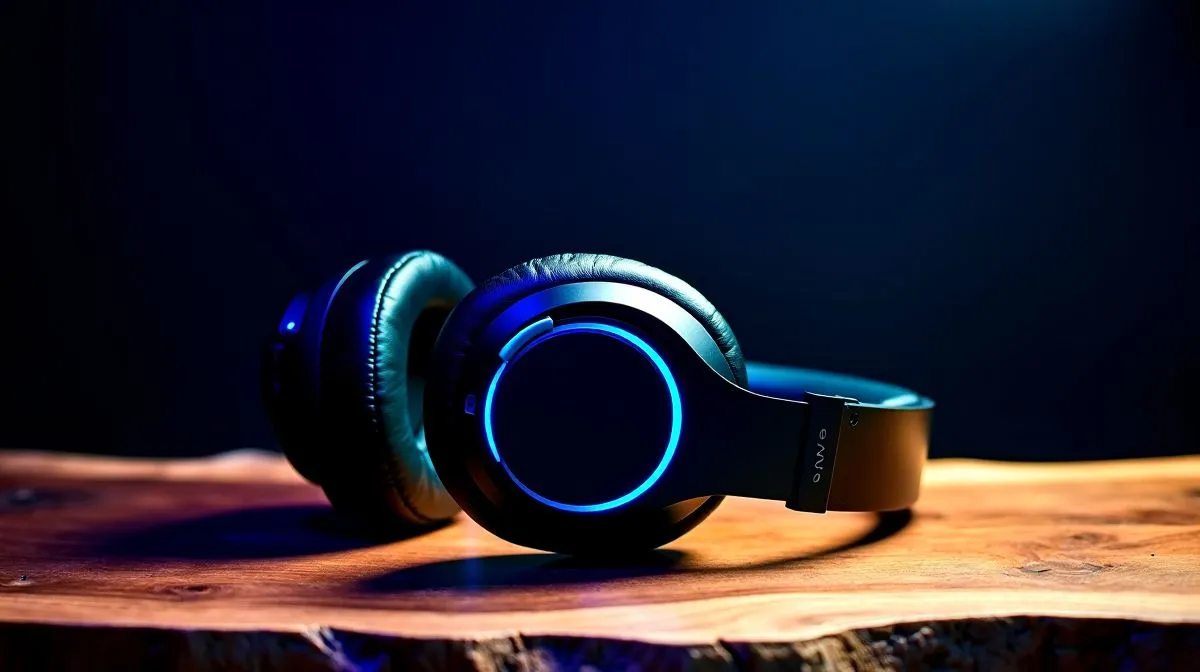
South African Gamers: Optimise Wireless Headsets for Low Latency
If you’ve ever heard your footstep a half-second after it happened… you know why wireless can feel “off”. South African gamers want the convenience of wireless, but they also want competitive timing. The good news? You can optimise wireless headsets for low latency with a few setup tweaks and smart hardware choices. 🔧 Whether you’re on PC, PlayStation, or an Xbox setup at home, the right settings can tighten that delay fast.
South African Gamers: Optimise Wireless Headsets for Low Latency (Start With the Right Connection)
Most latency issues come from the connection path. Before you buy another headset, check what you’re using:
2.4GHz USB dongle usually wins for gaming
For gaming, a dedicated 2.4GHz wireless dongle typically performs better than Bluetooth. Why? It’s designed for gaming audio, with less “shared” bandwidth. If your headset supports it, use the USB dongle directly into your PC (or console) rather than a hub.
Avoid Bluetooth when reactions matter
Bluetooth is convenient for calls and casual audio, but it often introduces more delay. If your headset offers both modes, try the gaming mode first.
A quick placement test at home
Try moving your PC and dongle away from the router and thick walls. Even a small change in line-of-sight can reduce packet drops. ⚡
South African Gamers: Optimise Wireless Headsets for Low Latency (Tune Windows and Your Game)
Latency isn’t only the headset. Your system settings can add delay.
Productivity Pro Tip ⚡
On Windows, set your headset to the default communication device and disable “audio enhancements” in Sound settings. This can reduce processing delay and odd buffering behaviour, especially on USB wireless audio devices.
Set the correct output device
In Windows:
- Sound settings → choose your headset as the output device
- Turn off any “enhancements” or spatial modes unless you’re sure they don’t add delay.
Keep your audio path simple
If you’re using voice chat, use one consistent method. Mixing multiple apps and virtual audio tools can add buffering.
South African Gamers: Optimise Wireless Headsets for Low Latency (Pick a Headset With Gaming-First Features)
Not every “wireless” headset is built for competitive timing. Look for:
- Low-latency 2.4GHz wireless support
- A dongle designed for gaming use
- Stable wireless range in typical living-room conditions
If you want a practical option to start with, check out the Razer Barracuda X Chroma Wireless Headset here: Razer Barracuda X Chroma Wireless Headset (Phantom White) at Evetech. ✨
And if you want to compare across brands and models, browse:
South African Gamers: Optimise Wireless Headsets for Low Latency (Practical Checklist Before You Queue)
Before you join a match, do this in under 2 minutes:
- Switch to the headset’s wireless gaming mode (dongle if available).
- Confirm the correct output device in Windows.
- Disable audio enhancements for the headset.
- Test a “call and response” sound: play a short audio clip, then tap the desk or click a button to compare timing.
- Run a quick router sanity check: avoid heavy downloads while you play.
That’s how you turn wireless into competitive-grade audio. 🚀
Ready to Find Your Perfect Match? The Mac vs Windows debate is complex, but for maximum power, choice, and value in South Africa, Windows is hard to beat. Explore our massive range of laptop specials and find the perfect machine to conquer your world.











