

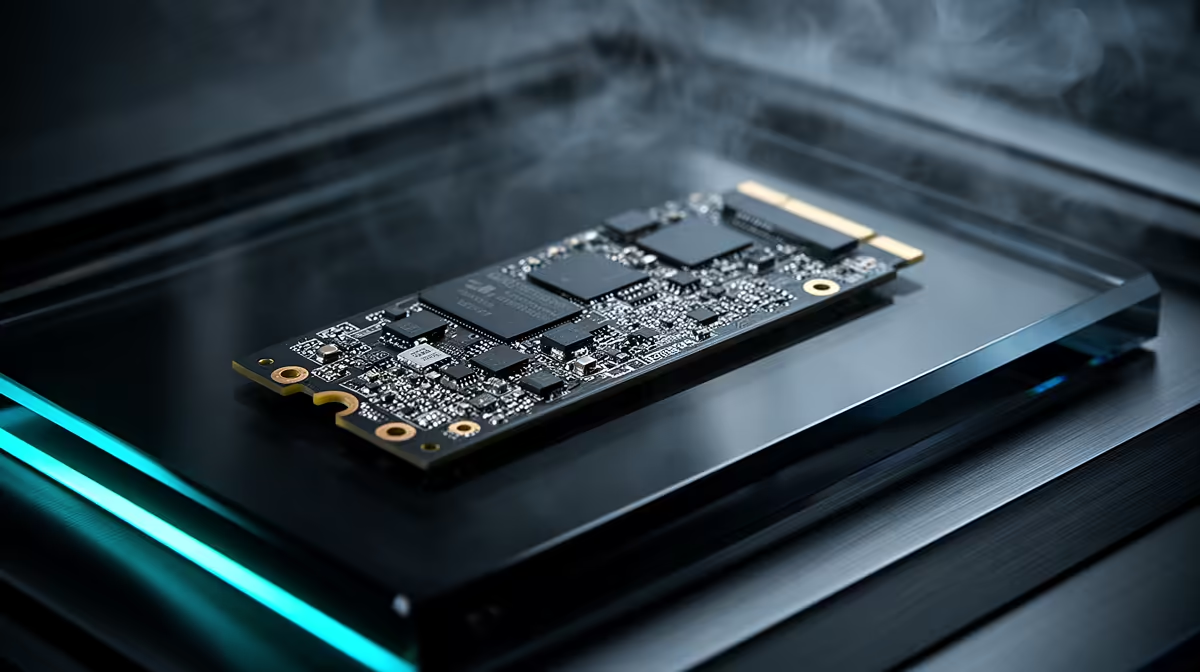
Tired of staring at loading screens while your mates are already dropping into the action? In South Africa, where massive game downloads are a reality, slow storage can be a major bottleneck. An SSD cache for gaming is a clever, cost-effective way to get lightning-fast speeds from your big, old hard drive. It’s about making your PC smarter, not just throwing money at it. Let's dive into how this tech can get you in the game faster. 🚀
What is an SSD Cache and How Does It Boost Gaming?
Think of an SSD cache as a VIP lane for your PC's data. It’s a small, ultra-fast Solid State Drive that works together with your large, traditional Hard Disk Drive (HDD). Your system intelligently learns which files you use most—like the main executable for Apex Legends or critical map data for Elden Ring—and keeps a copy on the speedy SSD.
When you launch the game, your PC pulls the data from this cache instead of the slower HDD. The result? Drastically reduced load times and a much snappier gaming experience. It's the perfect hybrid solution, giving you the massive storage capacity of an HDD with the speed benefits of modern solid-state drives.
The Real-World Impact of Using an SSD as a Cache
So, what does this mean for your daily gaming sessions? It means less time waiting and more time playing. An SSD cache for gaming directly targets the moments that frustrate us most:
- Initial Game Loading: Booting up a massive open-world title can feel instant.
- In-Game Loading Screens: Fast-travelling or loading a new level becomes significantly quicker.
- Texture Pop-In: It helps reduce that annoying effect where textures and objects appear blurry before loading in properly, especially when moving quickly through a game world.
This performance boost makes it one of the most effective upgrades you can make, especially if you're working with a tight budget. It breathes new life into an older system without needing to replace your entire storage setup.
Pro Tip: Cache Size Matters
For a solid gaming cache, aim for an SSD that’s at least 10-15% of your main HDD's capacity. For a 2TB game drive, a 256GB cache SSD is a fantastic sweet spot for holding several of your most-played titles.
Setting Up Your SSD Cache: Is It Right for You?
Is an SSD cache for gaming in South Africa the right move for your rig? It's an ideal solution if you have a massive library of games sitting on a large HDD and you're not ready to splurge on a multi-terabyte SSD just yet.
Modern motherboards often come with built-in software like AMD StoreMI or Intel Rapid Storage Technology that makes setup straightforward. You'll typically install a small, fast drive—blazing-fast NVMe SSDs are perfect for this role—and use the software to pair it with your larger HDD. The system handles the rest, automatically optimising performance in the background. ⚡
It’s a set-and-forget solution that delivers consistent speed improvements for the games you play most often.
SSD Cache vs. a Full SSD Upgrade
The big question: why not just buy a large SSD? While a dedicated SSD for your entire games library is the ultimate performance king, it comes at a much higher price point in ZAR. A 4TB SSD can cost significantly more than a 4TB HDD paired with a 512GB cache SSD.
- Full SSD: Unbeatable speed for everything on the drive. Simple, one-drive solution. Higher cost per gigabyte.
- SSD Cache: Near-SSD speed for your most-used files. A budget-friendly compromise for huge storage needs.
Ultimately, the choice comes down to your budget and storage requirements. If you need massive space for games, videos, and more, the caching route offers a brilliant balance of speed and capacity. You can even use portable external SSDs for extra game storage on the go. An SSD cache for gaming remains one of the smartest performance-per-rand upgrades a South African gamer can make.
Ready to Obliterate Your Load Times? Give your gaming rig the speed it deserves with a new drive. Check out the best SSD deals at Evetech and find the perfect match for your budget and performance needs.











