

You’re in the final circle, the tension is thick, and suddenly… a stutter. Not your network, not your GPU. It could be your lightning-fast NVMe SSD throttling because it’s running too hot. Here in South Africa, with our warm climate and intense gaming sessions, effective SSD cooling is no longer a luxury for enthusiasts. It’s a crucial part of any serious gaming rig, ensuring you get the peak performance you paid for, especially when it matters most. ⚡
Why Your Blazing-Fast SSD Hates the Heat
Modern Solid State Drives, especially the NVMe M.2 models, are performance beasts. They move massive amounts of data at incredible speeds, but all that work generates significant heat. When an SSD gets too hot, it activates a self-preservation mode called thermal throttling.
Think of it like a marathon runner slowing down to cool off. The drive intentionally reduces its speed to prevent damage. For you, the gamer, this translates to:
- Longer loading times
- In-game stuttering and asset pop-in
- Slower file transfers
This issue is particularly relevant for the latest Gen4 and Gen5 drives. Understanding how different models handle heat is the first step, and exploring the wide range of SSDs available can help you make an informed choice from the start.
Top SSD Cooling Solutions for Your SA Rig
Fortunately, preventing your SSD from throttling is straightforward and affordable. Proper SSD cooling in South Africa comes down to a few key solutions that any PC builder can implement.
Use Your Motherboard's Built-in Heatsink
Most modern gaming motherboards come equipped with at least one M.2 heatsink. It's that metal slab covering the M.2 slot. It’s not just for looks! It uses a thermal pad to draw heat away from the drive's controller and memory chips. Always use it if you have one.
Pro Tip: Peel the Plastic! 🔧
It sounds obvious, but many builders forget to remove the thin, clear plastic film from the thermal pad before installation. Leaving it on will trap heat and make the problem worse. Double-check before you screw it down!
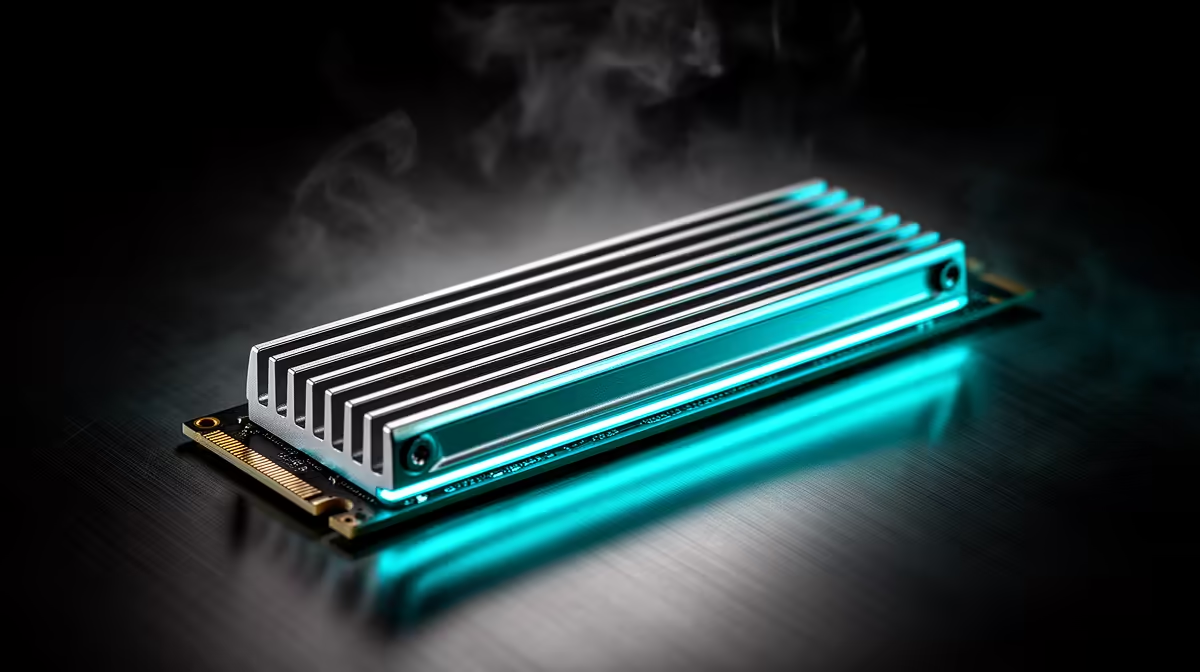
Add an Aftermarket NVMe Cooler
If your motherboard lacks a heatsink or you’re running an exceptionally hot high-performance drive, an aftermarket cooler is a fantastic upgrade. These range from simple passive aluminium heatsinks to more complex designs with tiny fans. They are especially vital for the latest generation of lightning-fast NVMe SSDs that push the boundaries of speed and, consequently, heat.
Don't Neglect Case Airflow 🌬️
An SSD doesn't exist in a vacuum. If your entire PC case is a hotbox, no heatsink will be able to cool your drive effectively. Ensure you have a good airflow path, with cool air coming in from the front or bottom and hot air being exhausted out the back or top. A well-ventilated case is the foundation of all component cooling.
Choosing a Cool-Running Drive
When it comes to performance and thermals, not all drives are created equal. Some models are simply more efficient and run cooler under load. While you're hunting for the best SSD deals in South Africa, take a moment to look up reviews focusing on thermal performance. A drive that stays cool under pressure can save you the need for an elaborate cooling solution.
This principle even applies to portable storage. High-speed external SSDs can also get warm during large file transfers, so choosing a model with a well-designed enclosure matters.
Ultimately, keeping your SSD cool is about ensuring stability and getting the consistent performance you need for a smooth gaming experience. Whether it's through a simple heatsink or optimising your case fans, a little attention to your drive's temperature goes a long way. ✨
Ready for Unthrottled Performance? Don't let heat be the final boss that defeats your rig's potential. An optimised setup ensures your load times stay instant and your gameplay remains buttery smooth. Explore our full range of solid-state drives at Evetech and lock in consistent, top-tier speed.











