

Staring at a render bar that moves slower than rush-hour traffic on the N1? You’re not alone. For video editors in South Africa, every second counts, and that old spinning hard drive is costing you time, clients, and creativity. The secret to unlocking buttery-smooth timelines and lightning-fast exports isn't just a beefy CPU or GPU… it's your storage. An SSD for video editing isn't just an upgrade; it's a complete workflow revolution. 🚀
Why Your Hard Drive is a Bottleneck
For years, traditional Hard Disk Drives (HDDs) were the go-to for mass storage. They’re cheap and offer huge capacities. But they have a massive physical limitation: a spinning platter and a mechanical arm that has to physically seek out data. Think of it like trying to find a specific sentence in a book by flipping through every page.
An SSD (Solid-State Drive), on the other hand, has no moving parts. It uses flash memory, acting more like super-fast RAM. This means near-instant access to your files. When you’re scrubbing through 4K footage or applying complex colour grades, that instant access is the difference between a fluid creative process and a frustrating, stutter-filled nightmare. The right SSD for video editing eliminates this bottleneck entirely.
Choosing the Best SSD for Video Editing
Not all SSDs are created equal, especially when it comes to the demanding world of video work. While any SSD is a huge leap from an HDD, understanding the key differences will help you make the smartest investment.
NVMe vs. SATA: Speed is King ⚡
The two main types you’ll encounter are SATA and NVMe.
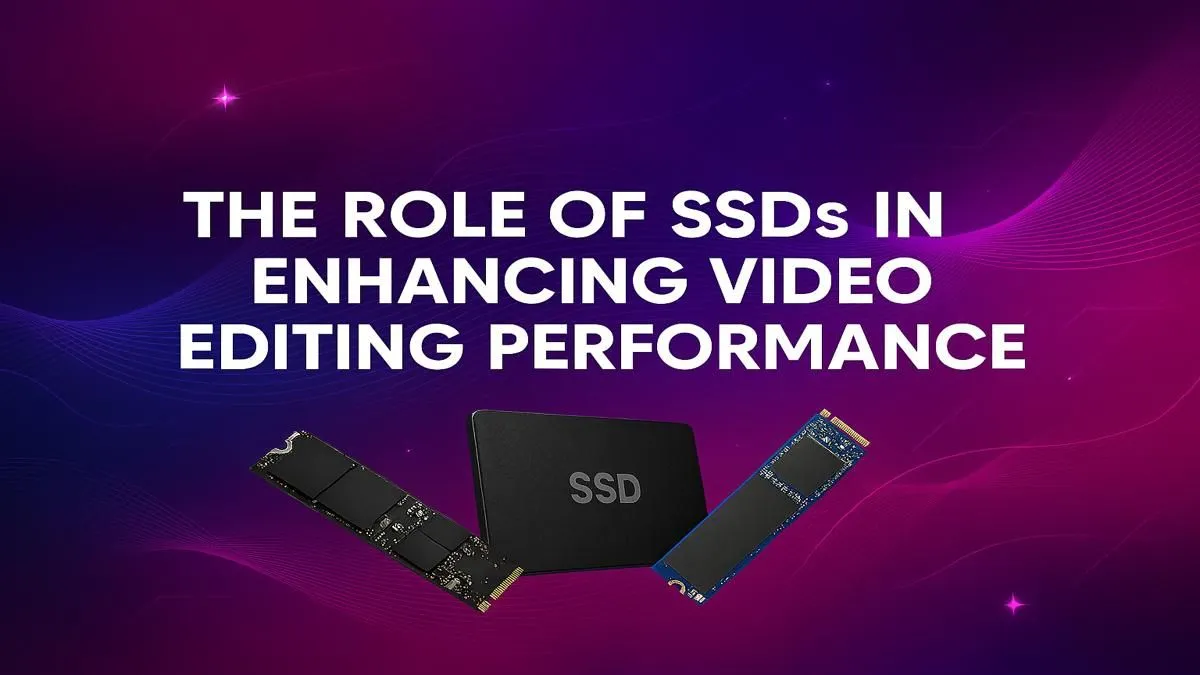
- SATA SSDs: These use an older interface and are shaped like a small 2.5-inch block. They are much faster than HDDs, topping out at around 550 MB/s. They’re a fantastic, budget-friendly option for storing your operating system, software, or completed projects.
- NVMe M.2 SSDs: This is where the real magic happens for video editors. These small, stick-like drives plug directly into the motherboard and use the PCIe bus, the same super-fast lane your graphics card uses. A modern Gen4 NVMe SSD can hit speeds of over 7,000 MB/s… more than 12 times faster than a SATA SSD.
For video editing, those massive sequential read/write speeds of an NVMe drive are crucial. They allow you to play back multiple streams of high-resolution video without dropping frames and to export your final projects in a fraction of the time.
Scratch Disk Pro Tip 🔧
Set your video editing software's cache and scratch disks to your fastest NVMe SSD. This simple tweak forces all temporary files, previews, and renders to be written and read from your speediest storage, dramatically improving timeline scrubbing and playback performance. Keep your OS on a separate SSD for the ultimate setup!
Capacity: How Much is Enough?
Video files are massive. A few minutes of 4K RAW footage can eat up hundreds of gigabytes. A common strategy for a powerful editing setup is a multi-drive solution:
- Drive 1 (OS & Apps): A 500GB - 1TB NVMe SSD is perfect for a snappy system.
- Drive 2 (Active Projects & Cache): A fast 2TB - 4TB NVMe SSD is the sweet spot. This is your workhorse SSD for video editing, where all your current project files, assets, and cache files live.
- Drive 3 (Archive & Backup): A larger, more affordable HDD or SATA SSD can be used for storing completed projects and long-term backups.
Building a Balanced Editing Powerhouse
While an SSD is a monumental upgrade, it works best as part of a balanced system. A fast drive can't help if your CPU is struggling to decode footage or your GPU can't handle the real-time effects. Your processor, whether from powerful Intel-based PCs or one of the cutting-edge AMD Ryzen systems, is the brain of the operation, handling the core processing tasks.
Similarly, the graphics card is essential for accelerating renders and effects. Top-tier NVIDIA GeForce gaming PCs offer CUDA cores that are heavily utilised by programs like Adobe Premiere Pro, while high-performance AMD Radeon gaming rigs provide incredible value and power for applications like DaVinci Resolve. For the ultimate, no-compromise setup, exploring purpose-built professional workstation PCs ensures every component is selected for maximum stability and performance.
The Real-World Impact of Your SSD Upgrade ✨
So, what does this upgrade actually feel like? Forget the specs and numbers for a moment. It means your editing software opens in seconds, not minutes. It means importing massive video files is quick and painless. It means you can hit play on a complex 4K timeline with multiple effects and watch it back smoothly, in real-time.
Most importantly, it means that final export, the one that used to take an hour, might now be done in ten minutes. That's more time for creative work, more time for another client, or just more time to grab a well-deserved coffee. By investing in a proper SSD for video editing, you are buying back your most valuable asset: time. If you're looking to get started without the hassle of building it yourself, check out our latest pre-built PC deals for a system that's ready to go.
Ready to Banish the Render Bar for Good? A high-speed SSD is the cornerstone of a modern editing rig, saving you time and frustration on every project. The performance leap is undeniable. Explore our huge range of high-speed SSDs and find the perfect drive to bring your creative vision to life... faster.











