

Stuck on a loading screen while your VR headset sits idle? That jarring stutter during an intense Beat Saber session isn't your GPU… it's your old hard drive struggling to keep up. For South African gamers, upgrading to an SSD for VR gaming is the most impactful way to slash load times and maintain total immersion. It's time to stop waiting and start playing. 🚀
Why Your Old HDD is Bottlenecking Your VR Experience
Traditional Hard Disk Drives (HDDs) rely on spinning platters and a mechanical arm to read data. Think of it like a tiny record player… it’s slow, and it can only access one piece of data at a time. In the massive, data-rich worlds of Virtual Reality, this mechanical delay causes frustrating problems:
- Endless Loading Screens: VR games like Half-Life: Alyx or Asgard's Wrath have huge environments. An HDD simply can't feed that data to your system fast enough, leaving you staring into the virtual void.
- Texture Pop-In: Ever turn your head quickly and see blurry, low-quality textures that slowly sharpen? That's your HDD failing to load high-resolution assets in real-time, completely shattering the illusion.
- Performance Stutter: When the game needs a new asset urgently and your drive can't deliver, your entire experience freezes for a split second. This stutter is a major cause of discomfort and motion sickness in VR.
Switching to one of the many modern solid-state drives available today eliminates these physical limitations entirely.
The Real-World Benefits of an SSD for VR Gaming ⚡
Upgrading isn't just about specs on a page; it’s about fundamentally improving how your VR sessions feel. An SSD for VR gaming delivers tangible benefits that you'll notice from the very first boot-up.
Say Goodbye to Waiting
The most immediate improvement is speed. Games that took minutes to load on an HDD will now launch in seconds. This means less downtime and more time actually in the game. Getting a quality drive doesn't have to break the bank either, with plenty of great SSD deals in South Africa available to fit any budget.
Seamless, Immersive Worlds
With an SSD, your PC can stream game assets almost instantaneously. As you explore vast open worlds, high-resolution textures, models, and environments load in the background without a hitch. The result? A smooth, consistent, and believable virtual world that never breaks character.
Optimise Your VR Library
your most-played VR titles on your SSD and move older, less-played games to a secondary HDD to save space. This gives you the best of both worlds: lightning-fast performance for your favourite games and bulk storage for your back catalogue.
Choosing the Right SSD for Your VR Setup 🔧
When you're ready to make the jump, you'll see a few different types of SSDs. Let's break down the best options for a top-tier VR experience.
NVMe vs. SATA SSDs
- SATA SSDs: These are a massive leap from HDDs and connect via the same cable. They are a fantastic, budget-friendly choice and will provide a huge boost to your VR gaming.
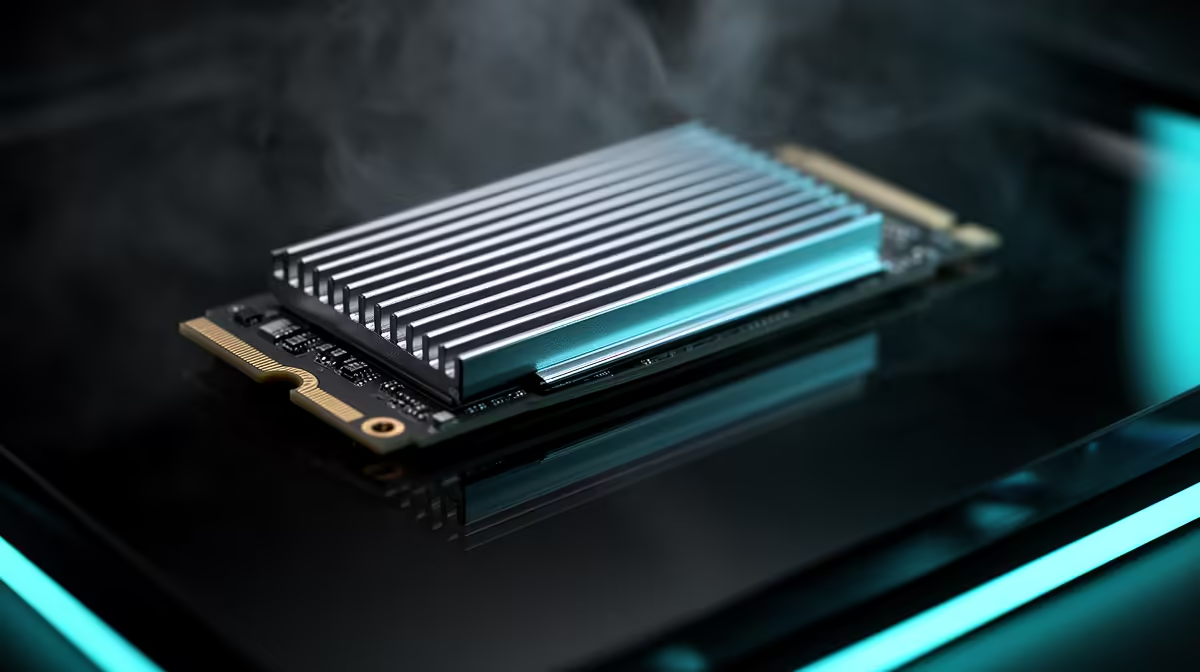
- NVMe SSDs: These drives plug directly into the motherboard (via an M.2 slot) and offer the absolute fastest speeds possible. For the ultimate SSD for VR gaming performance with zero compromises, a quality NVMe SSD is the clear winner, making load times practically non-existent.
What About Capacity and External Options?
VR games are getting bigger, often exceeding 100GB. We recommend at least a 1TB SSD to comfortably store a healthy library of titles. If your internal space is already full, don't worry. Modern, high-speed external SSDs that connect via USB-C or Thunderbolt are now fast enough to run VR games directly from them, offering a flexible and powerful storage solution. ✨
Ready to Banish VR Lag for Good? The performance leap is real, and the perfect drive for your rig and budget is waiting. Explore Evetech's massive range of SSDs and make every virtual world load in a flash.











