

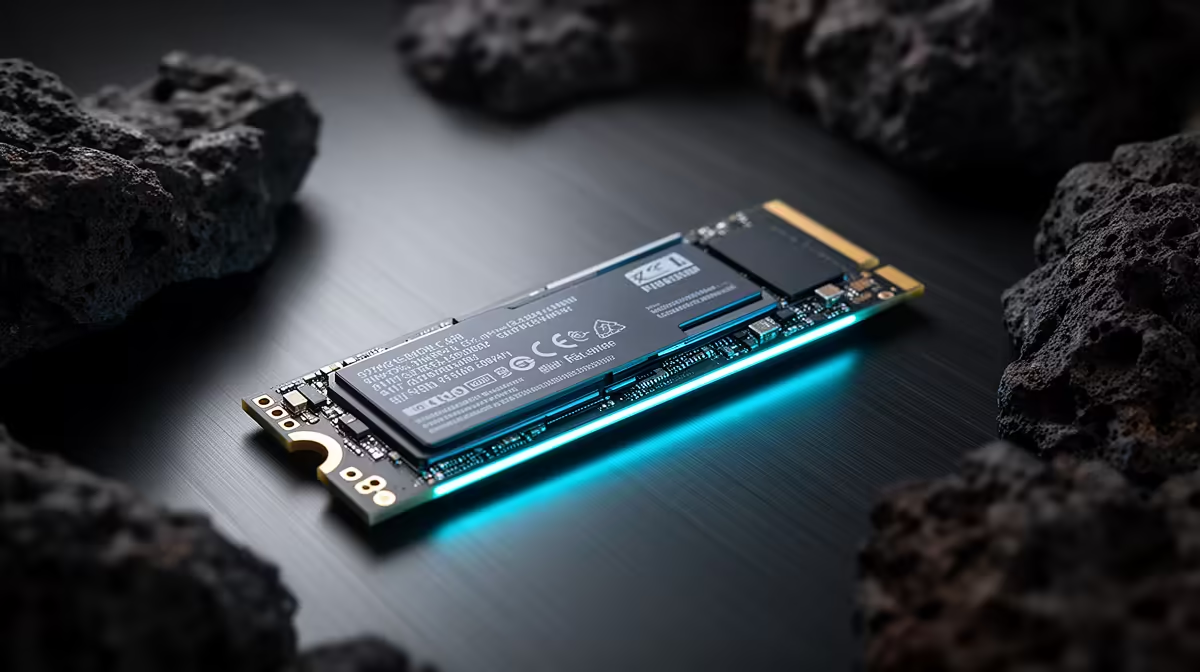
That brand-new SSD felt like a rocket, right? Games loaded instantly. Now… not so much. If your load times are starting to feel like a trip to the Home Affairs queue, you're in the right place. Proper SSD maintenance for gaming is crucial, especially in South Africa, to keep that lightning-fast performance you paid for. Let's get your drive back in the race and ensure it stays speedy for years to come. 🚀
Why SSD Maintenance for Gaming Actually Matters
Unlike old-school hard drives (HDDs), you don't need to defragment an SSD. In fact, you absolutely shouldn't. But that doesn't mean they're a "set it and forget it" component. Over time, without proper care, even the best drives can lose a step.
The core of good SSD maintenance for gaming revolves around giving the drive breathing room to manage its data cells efficiently. Things like TRIM (a system command that cleans up used data blocks) and firmware updates are vital. Neglecting them can lead to slower write speeds, longer game loads, and stuttering when new assets are loaded into a level. Keeping your drive in top shape ensures the investment you made in modern solid-state drives continues to pay off in pure performance.
Practical Steps to Keep Your Drive Blazing Fast ⚡
Ready to get your hands dirty? Don't worry, these steps are simple and require no special tools. This is the essential checklist for keeping your gaming SSD fast in SA.
Keep It Clean (Don't Overfill)
This is the number one rule of SSD ownership. An SSD's performance degrades sharply once it gets too full. Why? Because it needs empty space to move data around and perform background "garbage collection" tasks. When it's crammed, every write operation becomes a complex shuffle.
As a golden rule, try to keep at least 20-25% of your drive's capacity free. If you're constantly battling for space, it might be time to upgrade to a larger drive. You can often find some of the best SSD deals online, making a capacity boost more affordable than you think.
The 75% Rule
Never fill your SSD past 75-80% capacity. The drive needs free space to perform maintenance tasks like wear-levelling and garbage collection. A full SSD is a slow SSD… guaranteed.
Update Your Firmware
Think of firmware as the mini-operating system for your SSD. Manufacturers often release updates that improve performance, enhance stability, and patch security bugs. Running on outdated firmware is like using an old graphics driver… you're just leaving performance on the table.
Most major brands (like Samsung, Crucial, WD) have their own free software utilities (e.g., Samsung Magician) that make checking for and applying firmware updates a one-click process. Schedule a check every few months—it only takes a minute.
Ensure TRIM is Enabled
For most modern systems (Windows 10 and 11), TRIM should be enabled by default. This command allows the operating system to tell your SSD which data blocks are no longer in use and can be wiped internally. Without it, your SSD's write performance will eventually plummet.
You can quickly check if it's active:
- Open the Start Menu and type
cmd. - Right-click "Command Prompt" and select "Run as administrator".
- Type
fsutil behavior query DisableDeleteNotifyand press Enter.
If the result is 0, you're good to go! TRIM is active. If it's 1, it's disabled, and you should enable it with the command fsutil behavior set DisableDeleteNotify 0.
When Maintenance Isn't Enough: Is It Time to Upgrade? ✨
Sometimes, even the best maintenance can't overcome old technology. If you're still running a smaller, older SATA SSD, the performance gap between it and a modern NVMe drive is massive. We're talking speeds of over 7,000MB/s vs. around 550MB/s.
Upgrading to one of today's blazing-fast NVMe SSDs will have a more significant impact on your load times and overall system responsiveness than almost any other component. For gamers with massive libraries, grabbing a high-speed external SSD to store less-played titles can also be a fantastic way to free up precious space on your primary drive.
Upgrade Your Storage Game Feeling like your current drive just can't keep up? Explore our massive range of SSDs and find the perfect fit for your rig and budget. Shop our complete SSD collection at Evetech for performance that leaves lag in the dust.











