

You’re in the final circle in Warzone, the tension is thick, and you’ve got the perfect angle… then your game stutters. A micro-freeze, but it’s enough. You’re back in the lobby, fuming. While you might blame your GPU or internet, a hidden culprit could be sabotaging your rig: SSD thermal throttling. It’s a real performance bottleneck, especially during our hot South African summers, but thankfully, it’s one you can easily fix.
Understanding SSD Thermal Throttling
So, what exactly is SSD thermal throttling? In simple terms, it's a safety feature. Your Solid State Drive, especially a super-fast one, has a controller chip that works incredibly hard. Like any high-performance component, this generates heat. When the temperature hits a certain threshold (usually around 70°C or higher), the controller deliberately slows down to cool off and prevent damage. 🌡️
Think of it as your SSD taking a breather. The result for you? Slower read/write speeds, which can translate to longer game loading times, asset pop-in, and those infuriating in-game stutters. This affects all types of drives, from standard 2.5-inch models to the latest, lightning-fast NVMe SSDs that slot directly into your motherboard.
The South African Heat Factor in SSD Performance
Why should South African gamers be extra vigilant about SSD temperatures? Our climate. Whether you’re gaming through a humid Durban summer or a dry Gauteng heatwave, the high ambient temperature raises the baseline heat inside your PC case. This means your components have less thermal headroom to begin with.
A PC case sitting in a 30°C room will struggle to keep components cool more than one in a 20°C room. It’s simple physics. This extra environmental heat can be the tipping point that pushes your drive into throttling territory during an intense gaming session. Even the most reliable solid-state drives can feel the heat when the environment is working against them.
How to Fight Back Against SSD Throttling 🔧
Spotting SSD thermal throttling can be tricky, as its symptoms mimic other PC problems. The key is to look for performance drops when your system is under heavy load for a prolonged period. Here’s how you can diagnose and fix it.
Monitor Your Temperatures
Knowledge is power. Use free tools like HWiNFO64 or CrystalDiskInfo to monitor your SSD's temperature. If you see it consistently creeping above 65-70°C during gaming or large file transfers, you’ve likely found your problem.
What's a 'Good' SSD Temperature?
. Most NVMe SSDs operate happily between 30°C and 65°C under load. Anything consistently above 70°C is a red flag for potential SSD throttling. Staying in the green zone ensures you get the peak performance you paid for.
Improve Your Case Airflow
The best way to keep any component cool is with good, old-fashioned airflow.
- Tidy Your Cables: Messy cables obstruct airflow. Spend 20 minutes on cable management.
- Optimise Fan Placement: Ensure you have a clear path for air to travel, typically in from the front/bottom and out through the back/top.
- Clean Your Filters: Dust is the enemy of cool. A clogged filter suffocates your PC.
These principles also apply to managing heat for high-speed external SSDs, which can also get warm during large data transfers.
Choosing Your Next SSD: Heatsink or No Heatsink?
When it's time to upgrade, preventing SSD thermal throttling starts with your purchase. Modern PCIe 4.0 and 5.0 drives are so fast that many experts consider a heatsink non-negotiable.
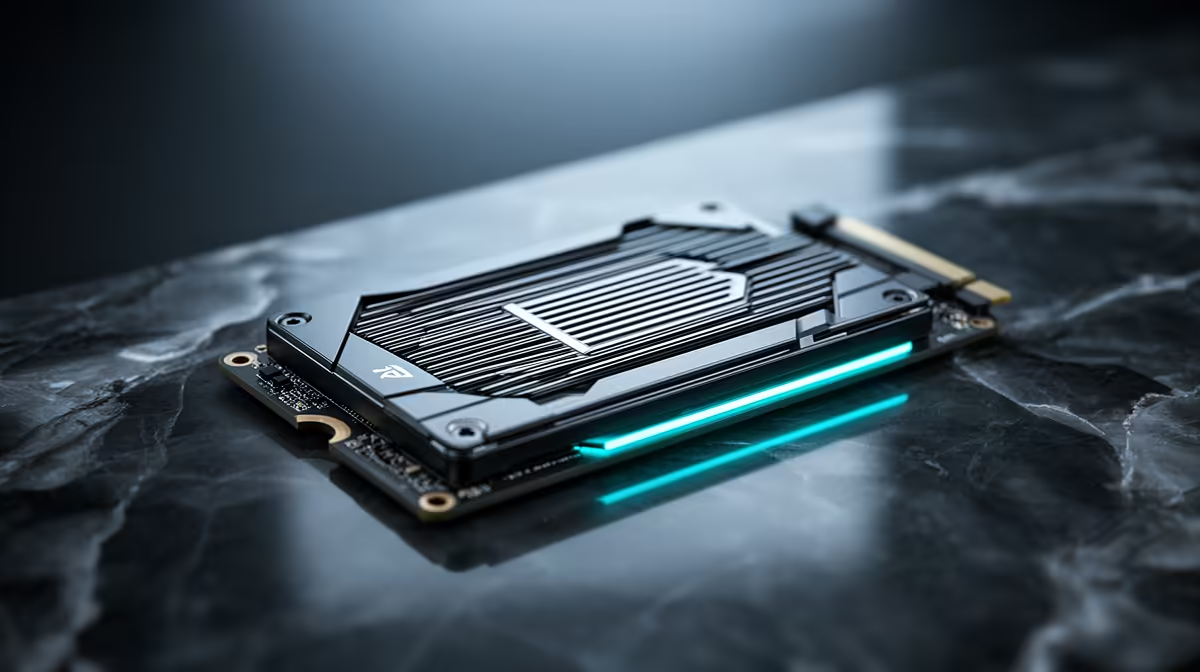
Many motherboards now come with built-in M.2 heatsinks, and they work brilliantly. If yours doesn't, or if you're using all the slots, buying an SSD with a pre-installed heatsink is a wise move. These are factory-optimised to provide the best cooling for that specific drive's controller and NAND chips. When browsing Evetech's full range of SSDs, you'll find plenty of options with robust, pre-fitted heatsinks designed for sustained performance. 🚀
Don't let heat steal your frames or slow your flow. A cool SSD is a fast SSD, ensuring your gaming rig is always ready for action.
Don't Let Heat Win. Upgrade Your Drive. Stop SSD thermal throttling from ruining your game. Check out the best SSD deals in South Africa and equip your rig with storage that stays cool under pressure.











