


Staring at another loading screen in Starfield, wondering if you can make a cup of coffee before it finishes? You're not alone. In South Africa, the great SSD vs HDD gaming debate is more than just specs… it's about reclaiming your precious gaming time. That long wait isn't a feature; it's a bottleneck. Let's dive into how the right drive transforms your open-world experience from a crawl to a full-on sprint. 🚀
SSD vs HDD: The Tech Behind the Speed
At its core, the performance difference between a Solid-State Drive (SSD) and a Hard Disk Drive (HDD) is mechanical. Think of your HDD as a library where a robotic arm has to physically find a spinning vinyl record (the platter) to read data. It’s effective, but it takes time.
An SSD, on the other hand, is like having a teleporter. It uses flash memory with no moving parts, accessing data almost instantly. While traditional hard drives offer incredible value per gigabyte—perfect for storing huge collections—the speed difference in gaming is night and day.
Open-World Gaming: Where SSDs Truly Shine 🗺️
Nowhere is the SSD vs HDD gaming performance gap more obvious than in sprawling open-world titles like Cyberpunk 2077, Elden Ring, or GTA V. These games are constantly "streaming" assets—textures, character models, and environmental details—directly from your storage drive as you explore.
With an HDD, this can lead to frustrating issues:
- Texture Pop-In: You'll see low-quality, blurry textures that suddenly "pop" into high detail a few seconds too late.
- Stuttering: When moving at high speed, the HDD can't feed the game data fast enough, causing noticeable hitches and stutters that ruin immersion.
- Long Fast-Travel Times: Those loading screens between locations feel endless as the drive struggles to load an entirely new area.
This is where modern Solid-State Drives (SSDs) make all the difference. By providing data instantly, they ensure a smooth, seamless experience where the world feels solid and responsive, just as the developers intended.
More Than Just Loading: The Full SSD Advantage
The benefits of an SSD go far beyond the initial loading screen. Your entire gaming experience feels snappier. Games install and patch significantly faster, and even your operating system and other applications will boot and launch in a fraction of the time. It’s a total system-wide upgrade.
NVMe vs. SATA: Which SSD is for You?
When you start shopping, you'll mainly see two types: SATA and NVMe.
- SATA SSDs: These are the most common entry point. They use the same cable as a traditional hard drive and are a massive leap in performance. For most gamers, a fantastic upgrade comes from affordable and reliable 2.5-inch SATA SSDs.
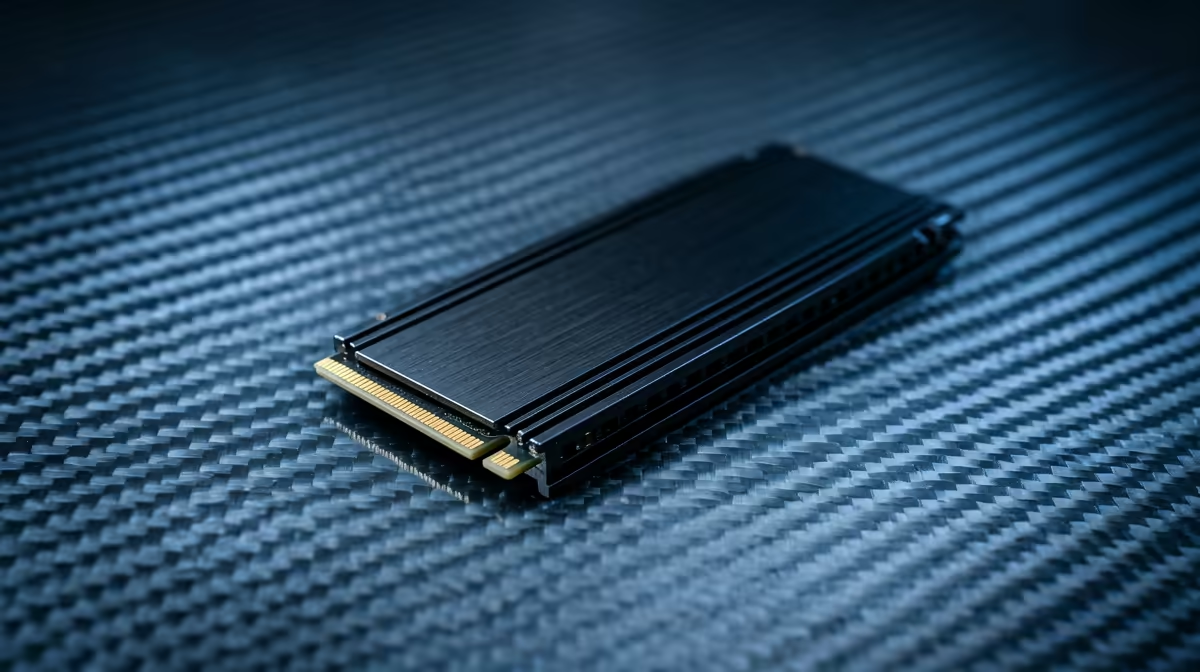
- NVMe SSDs: These are the Formula 1 cars of storage. They plug directly into the motherboard, looking like a stick of RAM, for mind-blowing speeds that are several times faster than SATA. For ultimate performance and future-proofing, check out our range of blazing-fast NVMe SSDs.
The Hybrid Drive Strategy 🔧
Don't feel you have to choose just one! A popular and cost-effective setup for SA gamers is to use a smaller, faster SSD (250GB-1TB) for your Windows OS and your most-played games. Then, add a large, affordable HDD (2TB+) for your massive library of other games, movies, and files. You get blistering speed where it counts and cheap mass storage for everything else.
The Verdict: Is an HDD Obsolete for Gamers?
So, should you throw your HDD away? Not at all. For mass storage of files or a secondary drive for your less-played Steam library, they still offer unbeatable value in ZAR per terabyte.
However, for your main operating system and primary gaming drive, an SSD is no longer a luxury… it's an essential component for any modern PC build. The debate of SSD vs HDD gaming is largely settled when performance is your priority. You can often find some incredible value by checking out the best SSD deals in South Africa and making the single most impactful upgrade to your rig's overall speed. ✨
Ready to Banish Lag for Good? The SSD vs HDD gaming debate has a clear winner for performance. Stop watching loading bars and start exploring vast open worlds without interruption. Explore our complete range of PC storage solutions and give your rig the speed it deserves.











