

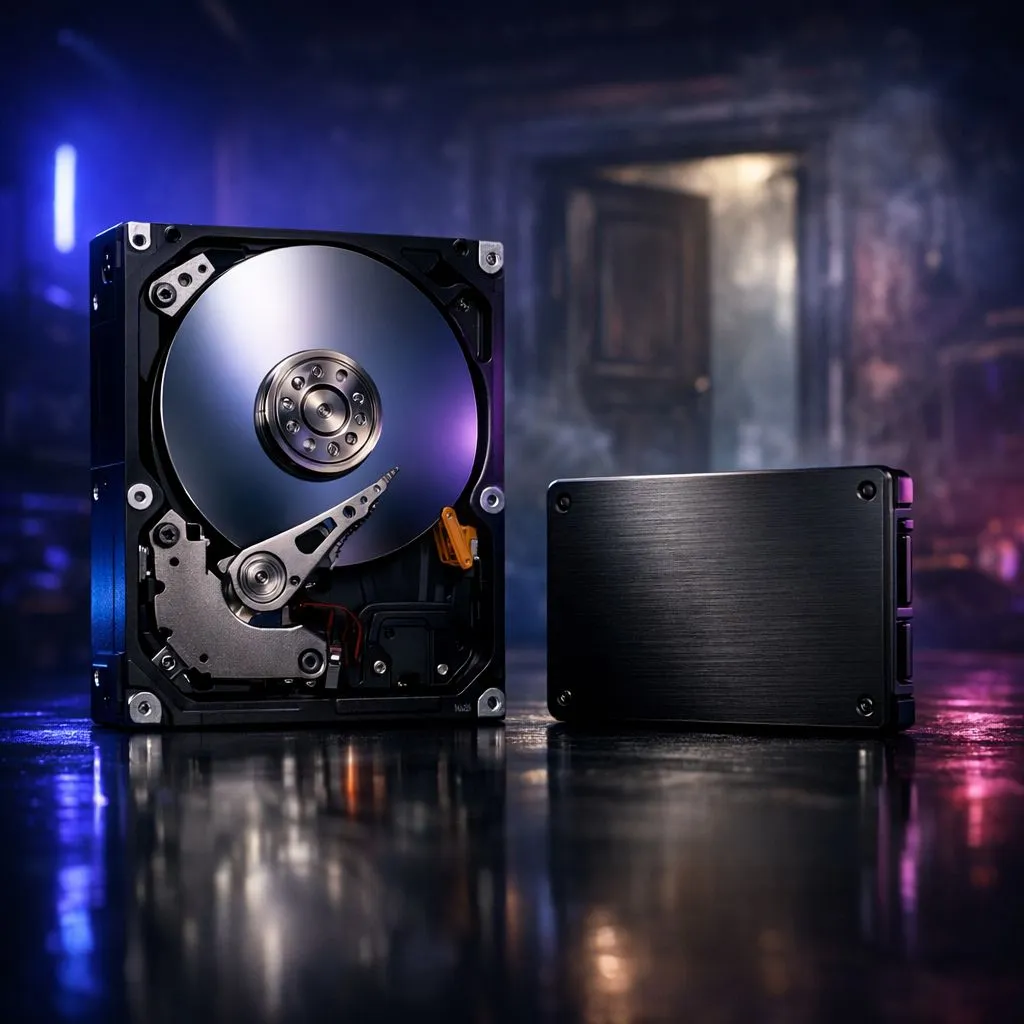
Remember that iconic creaking door animation from the original Resident Evil? It was a clever trick to hide loading screens while the PlayStation 1 struggled to fetch data. Today, those doors still exist, but the tech behind them has changed. Comparing SSD vs HDD load times: door loading in Resident Evil reveals just how much time you are losing to spinning platters. If you want to survive Raccoon City without the frustration, your storage choice matters more than ever. ⚡
The History of the Resident Evil Door
In the early days, the door animation was a necessity. It gave the hardware time to clear the old room from memory and load the next one. As we moved into the RE Engine era with titles like Resident Evil Village and the RE4 Remake, these transitions became seamless... but only if your hardware is up to the task. If you are still using an old mechanical drive, you might notice the game "hangs" for a split second before the door opens. Upgrading to modern solid state drives eliminates this friction entirely.
SSD vs HDD Load Times: Door Loading in Resident Evil Comparison
The difference in performance is staggering. A standard HDD operates at roughly 100MB/s. When the game requests high-resolution textures for the next room, the physical head of the HDD must move to find that data. This creates a bottleneck. In contrast, an SSD has no moving parts. It accesses data instantly.
Even if you are a console gamer or use a laptop with limited space, using an external SSD for your game library can significantly reduce these pauses. In many modern horror titles, an SSD can reduce a 30-second load screen to a mere 4 seconds.
Storage Pro Tip ⚡
Always leave about 10% to 15% of your SSD capacity empty. SSDs use this space for "wear levelling" and background maintenance. If you fill a drive to the brim, you might notice a drop in write speeds and overall responsiveness during heavy gaming sessions.
Why NVMe is the Gold Standard for Horror
If you want the absolute best experience, NVMe is the way to go. These drives plug directly into your motherboard's PCIe slots. When looking at SSD vs HDD load times: door loading in Resident Evil, NVMe drives make the transition almost invisible. You can buy NVMe SSDs that reach speeds over 7,000MB/s. This ensures that the atmosphere is never ruined by a loading icon. 🔧
Finding the Best Value in South Africa
Upgrading your PC shouldn't cost a fortune. We understand that South African gamers want performance without breaking the bank. You can often find the best SSD deals starting well under R1,000 for a 500GB unit. This is the single most impactful upgrade you can make for a smoother gaming experience.
Most modern motherboards in South Africa support at least one M.2 slot. If you are unsure about compatibility, browsing our full range of components/ssds will help you find the right fit for your specific rig. Don't let a slow drive be the reason Mr. X catches up to you. 🚀
Ready to Kill the Loading Screen? Don't let slow hardware ruin your immersion in the latest horror hits. Whether you need a lightning-fast NVMe or a reliable SATA drive, we have the stock to get you back in the game. Explore our massive range of SSD specials and upgrade your survival chances today.











