You’re deep in a VR world, heart pounding as you reload... then a stuttering screen shatters the illusion. Is your old hard drive to blame? For South African gamers, the SSD vs HDD for VR gaming debate isn't just about specs; it's about maintaining that crucial sense of presence. A slow drive can be the difference between feeling like you're in the game and just looking at it. So, does storage speed really matter? Absolutely.
SSD vs HDD: The Tech Behind the Speed
Before we dive into virtual worlds, let's get back to basics. The performance gap between these two storage types comes down to their physical design.
A traditional Hard Disk Drive (HDD) is a mechanical device. It uses spinning magnetic platters and a moving read/write head to find and access data, much like a tiny record player. While modern hard drives offer massive storage for a low price, that physical movement creates a bottleneck.
A Solid-State Drive (SSD), on the other hand, has no moving parts. It uses interconnected flash-memory chips to store data. This means it can access information almost instantly, resulting in a dramatic performance boost across your entire system. 🚀
Where Storage Speed Matters Most for VR Gaming
In standard PC gaming, a slow drive means longer loading screens. In VR, the consequences are far more jarring and can ruin the entire experience.
Here’s where the speed of an SSD becomes critical for VR gaming:
- Initial Load Times: This is the most obvious benefit. VR games like Half-Life: Alyx or Medal of Honor: Above and Beyond have large, detailed environments. An SSD can slash loading times from minutes to mere seconds, getting you into the action faster.
- Asset Streaming & Pop-In: This is the big one. VR worlds are too vast to load into memory all at once. Games constantly stream textures, models, and sounds from your drive as you move. A slow HDD can't keep up, leading to blurry textures that suddenly sharpen or objects that "pop" into view. This is a massive immersion-breaker.
- Reducing Stutter: When a game needs an asset that the drive is slow to deliver, it can cause a micro-stutter or a momentary freeze. In VR, even the slightest stutter is incredibly noticeable and can even contribute to motion sickness. A fast SSD ensures data is delivered smoothly, keeping your experience fluid.
For a seamless virtual experience, a responsive drive is non-negotiable. Investing in a quality pool of solid-state drives is one of the most impactful upgrades you can make.
Smart Storage Strategy 💡
't have the budget for a massive 4TB SSD just yet? No stress. A hybrid approach works wonders. Install your operating system and your most-played VR titles on a smaller, faster SSD (a 500GB or 1TB model is a great start). Use a larger, more affordable HDD for your archives, media files, and less-demanding games. You get the best of both worlds: snappy performance where it counts and bulk storage for everything else.
NVMe vs SATA SSD: Is Faster Always Better for VR?
Okay, so you're sold on an SSD. But now you see terms like "SATA" and "NVMe". What's the difference?
- SATA SSDs: These typically come in a 2.5-inch rectangular casing and connect via a SATA cable. They are a huge leap from any HDD and offer fantastic performance for the price. For most gamers, these reliable 2.5-inch SSDs are the perfect sweet spot.
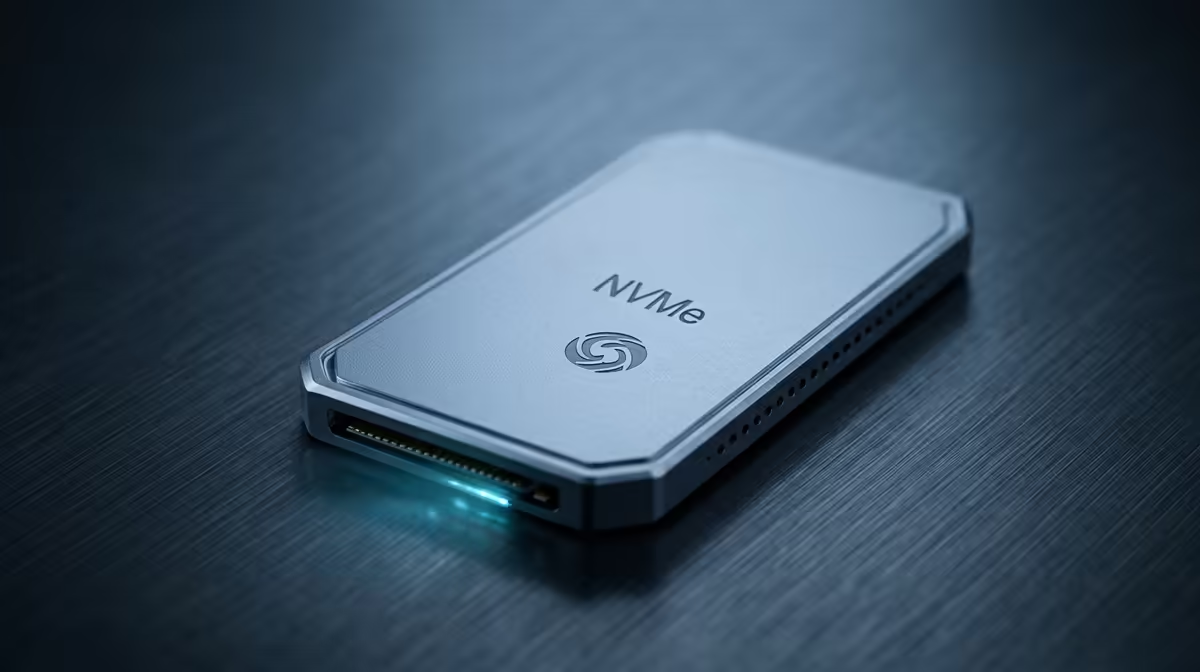
- NVMe M.2 SSDs: These look like a small stick of RAM and plug directly into a special M.2 slot on your motherboard. They are significantly faster than SATA SSDs, offering blistering read/write speeds. ⚡
When it comes to the SSD vs HDD for VR gaming discussion, any SSD is a massive win. The jump from an HDD to a SATA SSD will give you the most noticeable improvement in load times and texture streaming. While blazing-fast NVMe SSDs are the top-tier choice for overall system speed and future-proofing, the in-game difference between a good SATA and a great NVMe can be subtle for VR alone.
The Verdict: Is an SSD a Must-Have for VR Gaming?
Without a doubt, yes. While you can technically run some VR games from an HDD, the experience will be compromised by long load times, texture pop-in, and potential stuttering that pulls you right out of the world.
An SSD isn't a luxury for VR; it's a foundational component for a smooth and immersive experience. It ensures the virtual world loads around you as seamlessly as the real one. Given how affordable they've become, there's never been a better time to make the switch. Check out some of the best SSD deals in South Africa and prepare to leave loading screens behind for good.
Ready to Banish VR Loading Screens? The SSD vs HDD for VR gaming debate is clear: a fast SSD is your ticket to uninterrupted immersion. Don't let a slow drive pull you out of the action. Explore our massive range of PC components and find the perfect upgrade for your rig today.