

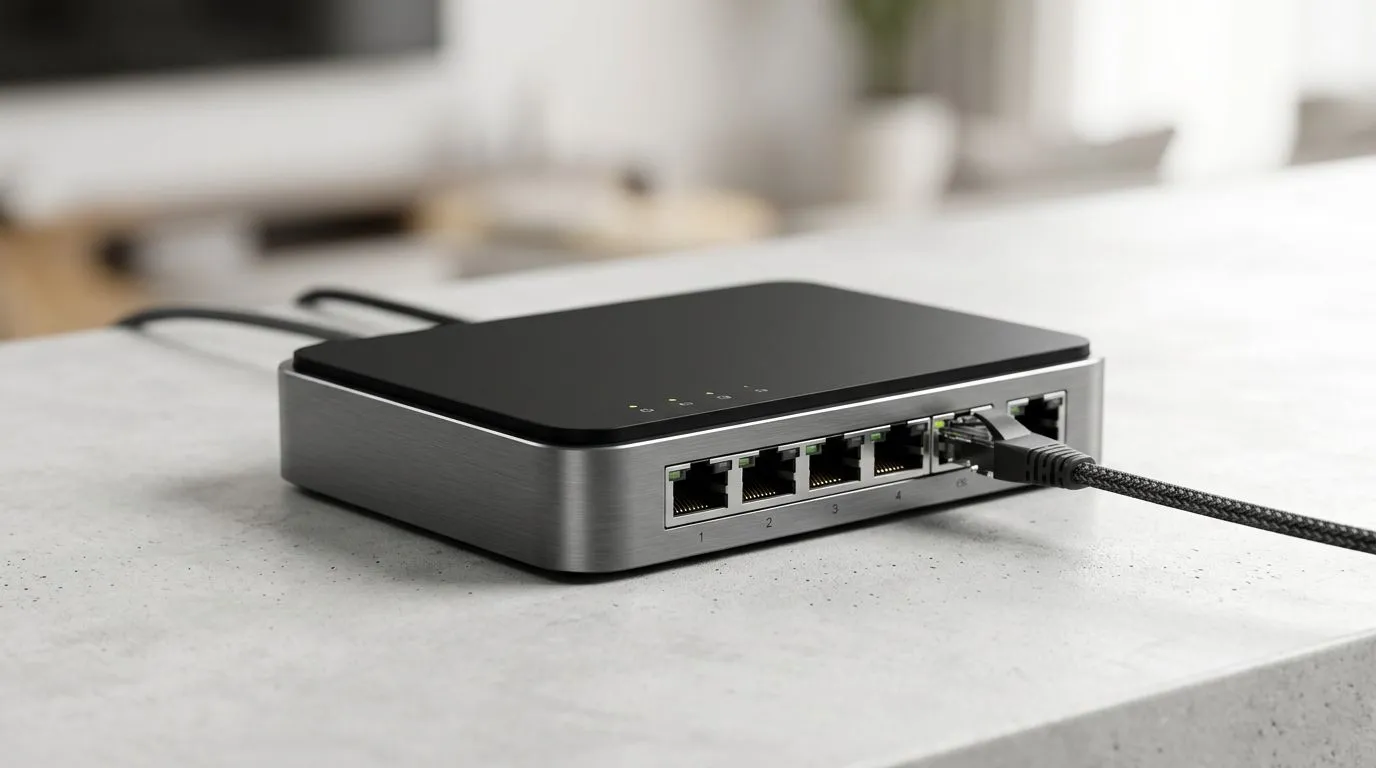
Stop WiFi Lag: How to Connect All Your Streaming Devices Perfectly for Zero-Drama Evenings
If you’ve ever watched a South African rugby stream freeze mid-try… you know the pain. 😤 The good news? “WiFi lag” usually isn’t your streaming service… it’s how your home network is set up. In this guide, I’ll show you how to connect all your streaming devices perfectly, so your TV, consoles, phones, and tablets stay smooth. ⚡ And no, you don’t have to buy everything at once.
Stop WiFi Lag: How to Connect All Your Streaming Devices Perfectly (Without Guesswork)
Start with one principle: WiFi performance is shared. When the network is busy, devices compete for airtime, and buffering starts. Here’s what to check first:
- Placement: Keep your router central and off the floor.
- Channels & bands: Use the right band for the right device.
- Device types: Streaming boxes and consoles prefer stable signal and wired or near-wired conditions when possible.
- Interference: Microwaves, thick walls, and neighbouring networks can quietly sabotage you.
A quick “lag diagnosis” story from the real world ✨
A common scenario: a gamer sets up in the lounge, everything looks fine… then two rooms away the smart TV starts buffering at the exact moment the Xbox updates. That’s not random. It’s the WiFi environment changing under load.
Stop WiFi Lag: How to Connect All Your Streaming Devices Perfectly Using the Right Hardware
If you want consistent performance, your best upgrades are usually:
- A better router (stronger coverage and smarter WiFi settings)
- The right WiFi adapters for devices that are far from the router
- A range extender only when you understand its trade-offs
- Fibre routers when you want stable WAN performance alongside strong WiFi
Stop WiFi Lag: How to Connect All Your Streaming Devices Perfectly with Evetech-Recommended Options
If your goal is smoother streaming across multiple rooms, explore options like these:
- Boost your home network with purpose-built wireless networking gear here: Wireless networking components
- Upgrade device connection quality with matching radios: Buy wireless adapters
- If coverage is inconsistent, start with a stronger core: Buy wireless routers
- For tricky layouts, use carefully placed range extenders: Wireless range extenders
- And if your internet edge matters too, align your setup with your fibre kit: Fibre routers
Stop WiFi Lag: How to Connect All Your Streaming Devices Perfectly (Practical Setup Steps) 🔧
Try this order of operations. It’s fast, and it works.
1) Place the router like you mean it
Put the router:
- high up (shelf level, not behind the TV cabinet)
- in the open
- away from metal objects and thick walls
Even a small move can reduce dead zones.
2) Separate your bands (so devices pick the right one)
Many homes mix 2.4GHz and 5GHz. When devices roam awkwardly, buffering happens. If your router supports it, consider:
- 2.4GHz for older devices farther away
- 5GHz for streaming devices in the same room
3) Prioritise streaming devices
Consoles and streaming boxes should get the most stable connection possible. If you can use Ethernet for one “always streaming” device, do it. Wired beats WiFi in consistency.
4) Tune for less interference
Change the WiFi channel, especially on 2.4GHz. Neighbours can be the invisible culprit in suburbs and townhouse blocks.
Productivity Pro Tip ⚡
If you’re using multiple devices at once, reduce roaming chaos by assigning your streaming console or TV to the stronger band (usually 5GHz) when it’s in range. Many routers let you “separate” band names (e.g., Home-5G vs Home-2.4G), so your devices don’t keep switching mid-stream.
Stop WiFi Lag: How to Connect All Your Streaming Devices Perfectly (When to Upgrade vs Troubleshoot)
Before you spend money, answer one question: is the problem distance or congestion?
- If lag happens in one specific room, that’s usually coverage or interference… consider placement and adapters first.
- If lag happens when the household is active, that’s usually capacity… consider a better router or smarter setup.
A smart budget approach in ZAR
Not sure what to buy first? Start with the “bottleneck”.
- If your router is old, a router upgrade often gives the biggest overall improvement.
- If your router is decent, then upgrading a few far devices with proper adapters can be the best value.
- Only use range extenders when placement can be optimised. Poor placement can make the situation worse, because the extender still needs a decent link back to the main router.
Stop WiFi Lag: How to Connect All Your Streaming Devices Perfectly (Final Checklist) 🚀
Before you settle in for movie night, run this final pass:
- Router placed centrally, elevated, and clear of obstructions
- Streaming devices on the strongest available band
- Channel interference reduced on crowded frequencies
- Critical device wired if possible
- If coverage still fails, upgrade with routers/adapters or add an extender strategically
Ready to Find Your Perfect Match? The Mac vs Windows debate is complex, but for maximum power, choice, and value in South Africa, Windows is hard to beat. Explore our massive range of laptop specials and find the perfect machine to conquer your world.











