

Storage Bottlenecks in Older PCs: Troubleshooting Guide
Is your PC feeling sluggish lately? You might think your CPU is the problem. However, storage bottlenecks in older PCs are frequently the real culprit. If you still run Windows on a mechanical hard drive... it is time for a change. Upgrading your drive can make a five-year-old machine feel brand new for just a few hundred ZAR. Let's fix that lag. ⚡
Identifying Storage Bottlenecks in Older PCs
The first sign of a bottleneck is a slow boot time. If you have time to make a cup of coffee while your PC starts... your drive is too slow. You might also notice "hitchings" or stutters during gameplay. This happens because the system cannot pull data fast enough from the disk.
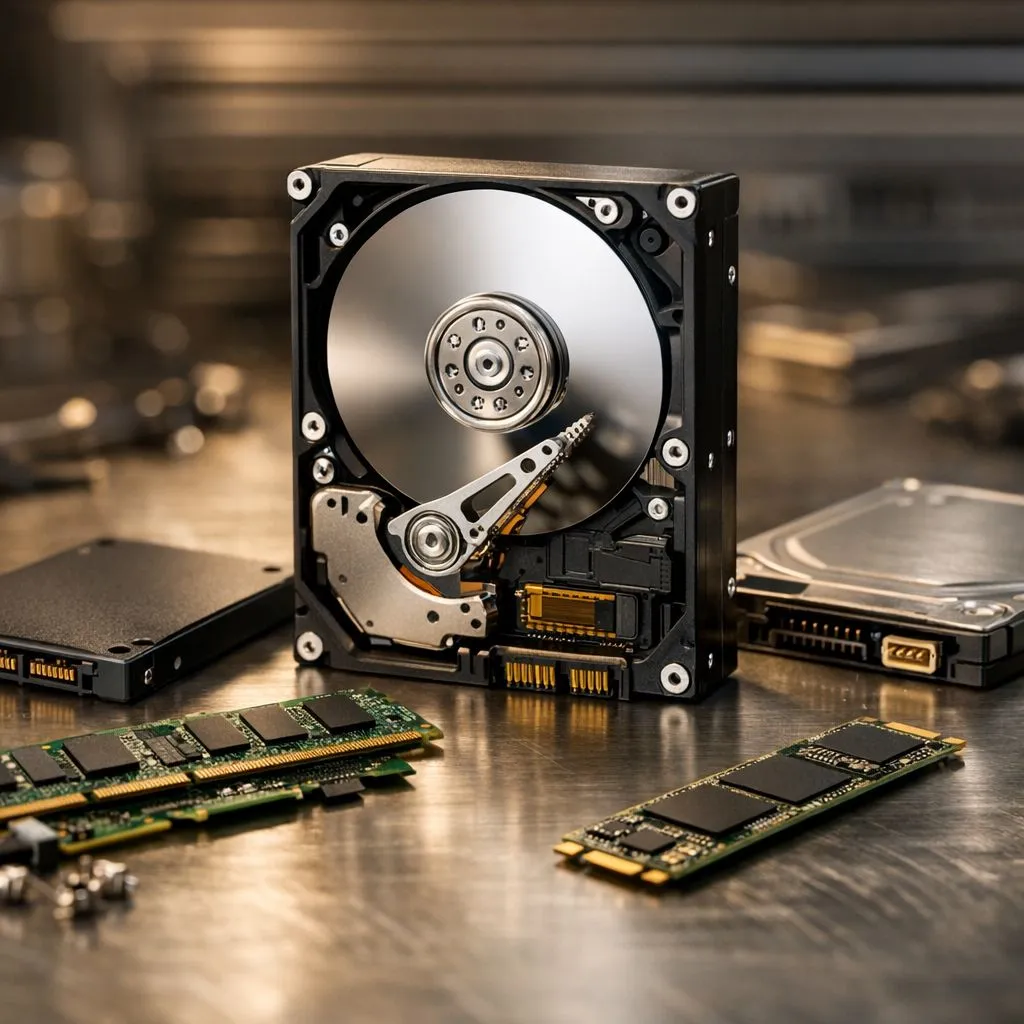
The most effective solution is upgrading to modern solid state drives to replace aging mechanical disks. Traditional hard drives rely on spinning platters. These moving parts wear down over time. Solid state technology uses flash memory... which is significantly faster and more reliable for daily use.
Moving to Modern NVMe Standards
If your motherboard supports it, moving away from SATA is a massive leap. Many mid-range PCs from the last few years include M.2 slots. These slots allow you to use NVMe SSDs using the PCI Express interface for incredible data throughput.
For those building high-end workstations or future-proofing their rigs, the latest technology is even faster. You can now find cutting-edge Gen 5 NVMe drives that reach speeds previously thought impossible. Even if your older PC cannot hit those maximum speeds... these drives offer great longevity.
Storage Health Check ⚡
Use a free tool like CrystalDiskInfo to check your drive's S.M.A.R.T. status. If you see a "Caution" warning or high reallocated sectors count, your drive is failing. Back up your data immediately and look for a replacement before you lose your files forever.
Choosing the Right Brand for Your Upgrade
Reliability is just as important as speed when troubleshooting storage bottlenecks in older PCs. You want a brand that offers a solid warranty and proven performance. In the South African market, a few names stand out for their consistency.
For instance, ADATA offers excellent value for gamers on a budget. If you need professional-grade endurance, Western Digital provides top-tier reliability across their Blue and Black ranges. Additionally, Kingston remains a favourite for their compatibility with a wide variety of older motherboards. 🔧
Portable Solutions for Older Systems
Sometimes you cannot open your PC... or perhaps you are using an older laptop with limited internal slots. This does not mean you have to suffer through slow load times. You can bypass internal limitations by investing in an external SSD for your game library.
Modern USB ports are fast enough to run games directly from an external source. Choosing dedicated external form factor devices ensures you have a rugged, portable way to carry your data between machines. It is a simple plug-and-play fix for storage bottlenecks in older PCs. 🚀
Ready to Eliminate the Lag? Storage bottlenecks in older PCs don't have to ruin your experience. For the best prices on storage upgrades in South Africa, we have you covered. Explore our massive range of SSD specials and give your PC the speed boost it deserves.











