

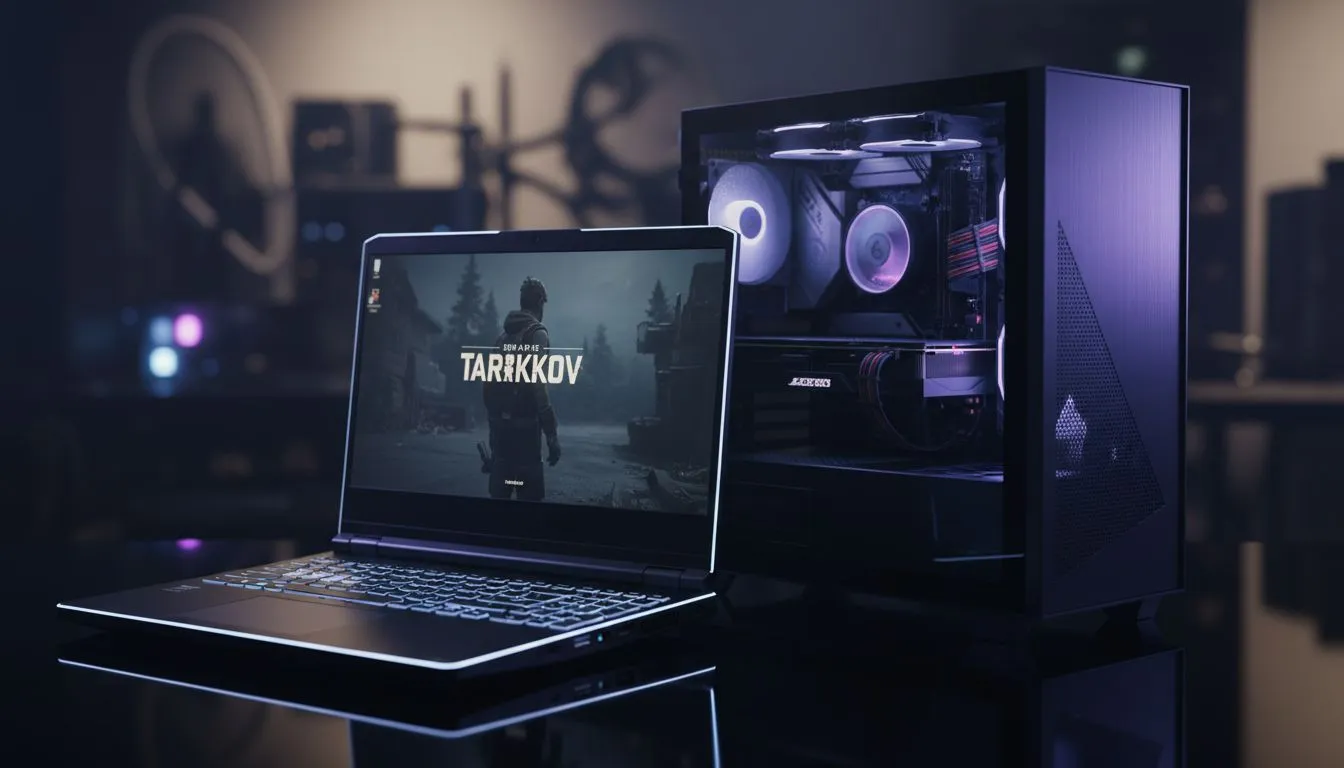
Trying to survive a raid on Streets of Tarkov shouldn't feel like watching a slideshow. Many South African gamers wonder why their high-end portable rig feels sluggish compared to a mate's desktop. The answer lies in the Tarkov laptop vs desktop CPU battle. Understanding power limits is the first step to securing that vital extraction. Let's break down why your hardware behaves differently when the pressure is on. 🔧
Understanding Power Limits in the Tarkov Laptop vs Desktop CPU Debate
The core difference between these platforms is the Thermal Design Power (TDP). Desktop CPUs have massive heatsinks and can draw 125W or more without breaking a sweat. In contrast, even the latest Intel laptops on special must manage heat within a thin chassis. Most laptop chips are limited to 45W or 65W... this means they cannot maintain high boost clocks for as long as their desktop cousins.
Tarkov is notoriously unoptimised. It relies heavily on single-core speed and L3 cache. When a laptop CPU hits its power limit, it downclocks to stay cool. This results in those annoying stutters when you look towards the centre of the map.
Why Cache and Efficiency Matter for Extraction
Efficiency is king in the mobile world. Many Ryzen laptop deals showcase chips that deliver incredible performance per watt. However, Tarkov specifically loves the 3D V-Cache found in certain desktop chips. Since most laptops lack this specific hardware, they have to rely on raw clock speed. ⚡
If you are hunting for the best gaming laptop deals, look for high-tier HX series processors. These chips have higher power limits than the standard U or P series. They bring the Tarkov laptop vs desktop CPU gap closer than ever before.
Tarkov Performance Tip ⚡
Use the 'Process Lasso' utility to disable Hyper-Threading for the Escape from Tarkov executable. This game often runs better on physical cores alone... it can provide a much smoother frame time graph during intense firefights on maps like Reserve or Lighthouse.
Balancing Your Budget and Performance
You don't always need to spend R50,000 to get a playable experience. We often see gaming laptops under R20k that handle the game well at 1080p. The secret is ensuring your CPU isn't being choked by slow RAM or a weak GPU.
Pairing a capable processor with Geforce RTX gaming laptops on special allows you to use DLSS or DLAA. This offloads some pressure from the CPU... giving you a more stable frame rate during those tense Shoreline runs. 🚀
Final Thoughts on Power Limits
The Tarkov laptop vs desktop CPU comparison usually favours the desktop for raw stability. However, modern laptop engineering has made portable raiding a reality. By choosing a machine with a robust cooling solution and a high-wattage CPU, you can dominate the Norvinsk region from anywhere in SA. ✨
Ready to Find Your Perfect Match? The Tarkov laptop vs desktop CPU debate is complex, but for maximum power, choice, and value in South Africa, Evetech has the hardware you need. Explore our massive range of laptop specials and find the perfect machine to conquer your world.











