

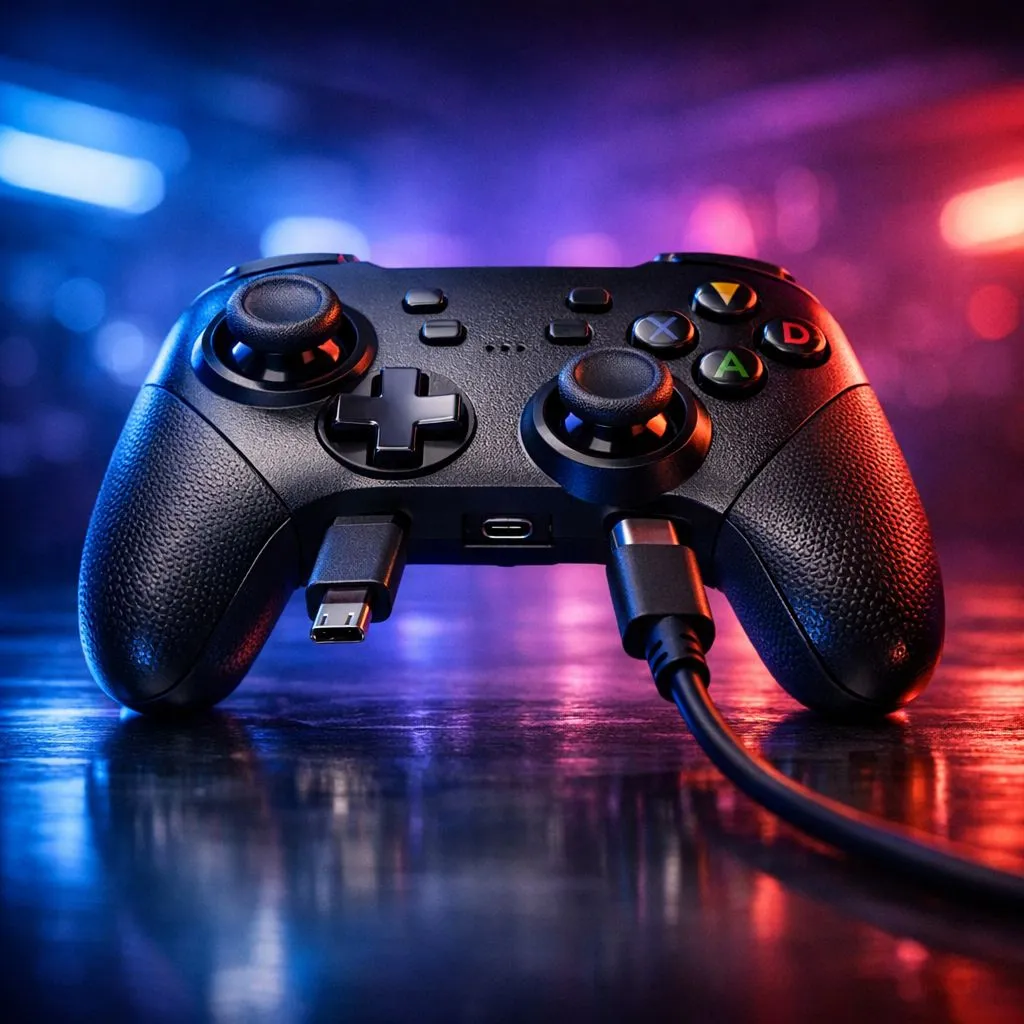
USB-C vs Micro-USB for Gaming Controllers: Latency Explained (Why it feels different in your hands) ⚡
Ever plugged your controller in and thought… “Why does aiming feel slightly off?” In South Africa, we’re cost‑conscious and picky about performance, so the cable matters more than most people expect. ⚡
USB-C vs Micro-USB for gaming controllers: latency explained comes down to signal quality, power behaviour, and what the controller’s electronics can do under load. In competitive shooters, those tiny delays can feel like your crosshair is fighting you.
Let’s break it down clearly, without hand-waving.
USB-C vs Micro-USB: what “latency” really means in a controller
When people say “latency”, they usually mean one (or more) of these:
- Input report delay: how quickly the controller sends your stick/button state to the device.
- Polling interval timing: how often the connection asks for updates.
- USB link stability: whether the connection has micro errors that can cause retries or smoothing.
Both USB-C and Micro-USB are transport standards. The controller firmware, USB device driver, and connection quality still do most of the work. But the connector itself can affect how consistently power and data behave.
The practical difference: power delivery and connection stability 🔧
USB-C typically supports more reliable electrical characteristics, including cleaner power negotiation. Micro-USB is older and more fragile at the connector end. In a real home setup, that can mean:
- Slight wobble or wear from repeated plugging
- More inconsistent contact after months of use
- Higher chance of brief dropouts that your game interprets as “movement correction”
Those are not guaranteed outcomes, but they’re common enough for experienced players to notice the difference over time.
Micro-USB reality check (especially after heavy LAN sessions)
If you’ve ever carried a controller in a bag with a cable that gets bent near the plug… you’ve seen it. Micro-USB ports take wear on their internal contacts. That doesn’t always show as a hard failure. Sometimes it shows as “why does it feel jittery tonight?”
USB-C for controllers: what to look for beyond the connector
If your controller supports wired mode, the “best” outcome depends on:
- Polling rate (some controllers advertise higher wired updates)
- Whether the wired mode bypasses wireless processing
- Whether the controller supports modern USB modes cleanly
To get controllers that are actually built for competitive play, start with reputable models and check wired performance claims on the product listing.
If you’re shopping right now, you can compare top tournament-focused options here:
- Razer Wolverine V3 Tournament Edition 8K best deal
- Browse more controller picks at buy gaming controllers
Prefer a specific brand? You can filter by:
Quick setup tips to reduce “feel” lag on SA gaming PCs 🚀
Latency is often blamed on cables, but it’s frequently caused by system settings too. Try this checklist:
- Use a direct USB port, not a hub.
- Avoid front-panel USB if your case routing is messy or loose. (Yes, it matters.)
- Turn off controller-side “enhancements” that add smoothing.
- Match in-game settings to your monitor’s refresh rate.
- Update your OS + controller firmware when the manufacturer provides it.
Productivity Pro Tip 🔧
Windows, keep USB drivers and game controller firmware up to date, then test two scenarios: controller plugged into a USB 2.0 port vs USB 3.0 port. If you notice different responsiveness, you’ve learned where the system bottleneck is, not just the cable.
A micro story: the “same cable, different feel” moment
A friend swore they had “input lag” in a ranked match. We swapped only the USB port. Same controller, same game… but the micro-stutters vanished. The cable wasn’t magic. The connection path was.
That’s why “USB-C vs Micro-USB for gaming controllers: latency explained” should always include both hardware and setup.
What should you choose: USB-C or Micro-USB for competitive play? ✨
If all else is equal, USB-C is the safer bet for long-term reliability. Micro-USB can still work great when the port and cable are fresh, but it tends to degrade faster under real-life plugging habits.
So if you want maximum consistency, choose controllers and cables that are meant for frequent use, and prioritise wired performance claims, not just connector shapes.
Ready to Find Your Perfect Match? The Mac vs Windows debate is complex, but for maximum power, choice, and value in South Africa, Windows is hard to beat. Explore our massive range of laptop specials and find the perfect machine to conquer your world.











