

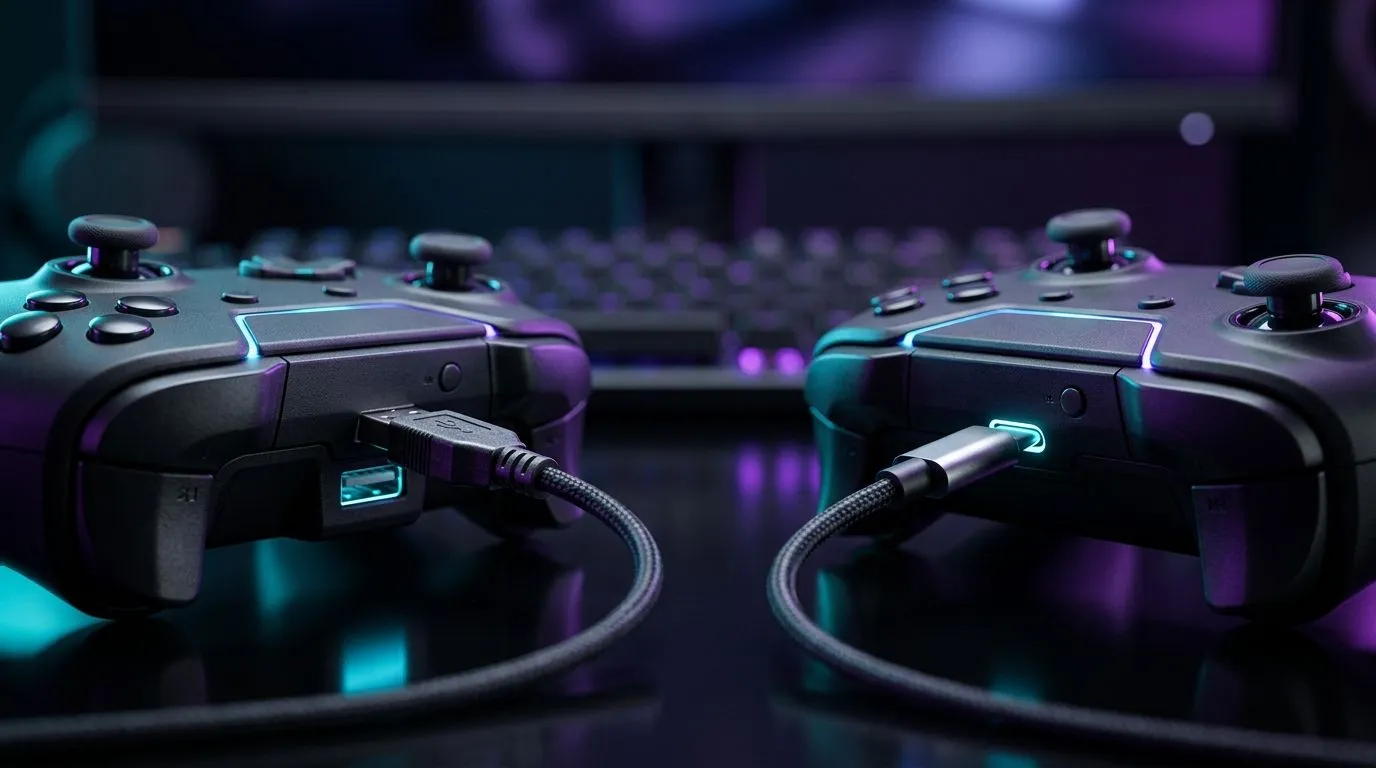
USB-C vs USB-A Gaming Controllers: Input Lag Explained for South African players ⚡
You feel it first in your thumbs… that tiny delay when you flick to aim or press to reload. In ranked matches, “almost instant” matters. So when you’re choosing between USB-C vs USB-A Gaming Controllers: Input Lag Explained, it’s not just about cable shapes. It’s about signal stability, connection reliability, and whether your controller stays locked on during fast play. Let’s break it down like you’re testing it in your own setup.
What “input lag” really means in controller terms 🚀
Input lag is the time between your action (button press or stick movement) and what happens on-screen. With modern controllers, this is usually dominated by the full path:
- Controller sensing (how fast it reads your input)
- Data transfer over USB (how clean and consistent the signal is)
- Console/PC processing (how fast the game reacts)
- Display latency (monitor refresh and response time)
Here’s the key: when people compare USB-C vs USB-A Gaming Controllers, they’re often comparing USB link quality and power stability more than magic “speed.” Both ports can support high polling rates, but the connection experience differs.
USB-C vs USB-A Gaming Controllers: The practical differences that affect lag ✨
In most cases, USB-C’s advantage is about robustness and modern signalling design. USB-C is designed for reversible plugging and tighter connector tolerances. That means fewer “half-in” connections that can cause intermittent dropouts, brief reconnection delays, or degraded link quality. Those hiccups can feel exactly like lag, even when the game is fine.
USB-A ports can be excellent too, but they’re older. After years of plugging and unplugging, some USB-A ports get loose or worn. When a controller is constantly renegotiating the link, you can get micro-stutters. Over fast FPS movement, those stutters stand out.
Also, USB-C cables tend to be newer in quality. With USB-A, gamers sometimes end up using random extension cables or charge-only cables. If the cable can’t reliably carry data, polling rate can suffer, and latency can spike.
Quick testing you can do at home (no lab coat needed)
- Use the same controller, same game, same settings.
- Try a short, quality USB cable for each port type.
- Record a quick clip and compare “button press to on-screen event” frame-by-frame.
- If you see random spikes only on one cable/port, you found the culprit.
Setup Pro Tip ⚡
your controller on the best physical connection first: use a short, known-data USB cable (not a charge-only cable). Then avoid hubs for testing. If lag disappears when plugged directly to the PC, the issue is usually power or bandwidth sharing rather than the game.
Buying advice: what to choose without second-guessing 🔧
If you’re on PC, look for controllers marketed as tournament-ready, with stable wired performance and low-latency expectations. Evetech stocks options that are built for responsive play, and you can shop confidently when you match your controller to your rig and cable habits.
If you want an ultra-focused wired experience, check out:
- Razer Wolverine V3 Tournament Edition 8K deals here: Razer Wolverine V3 Tournament Edition 8K best deal at Evetech
For broader selection (including wired and different interface types), browse:
And if you already know you want Razer specifically:
Final take: the “lag” difference is mostly about stability
So, does USB-C always beat USB-A? Not automatically. But in day-to-day gaming, USB-C often wins because it’s less likely to suffer from worn connections, and it’s more consistently paired with modern, data-capable cables. If you’ve ever had “why did my reload cancel?” moments, you might not be fighting the game. You might be fighting the cable. Test, then buy once.
Ready to Find Your Perfect Match? USB-C vs USB-A is only one piece. If you want maximum responsiveness with the right wired stability for South African gaming, start by comparing controllers that fit your playstyle and setup. Browse the options now and get the best value in SA: Shop gaming controllers at Evetech.











