

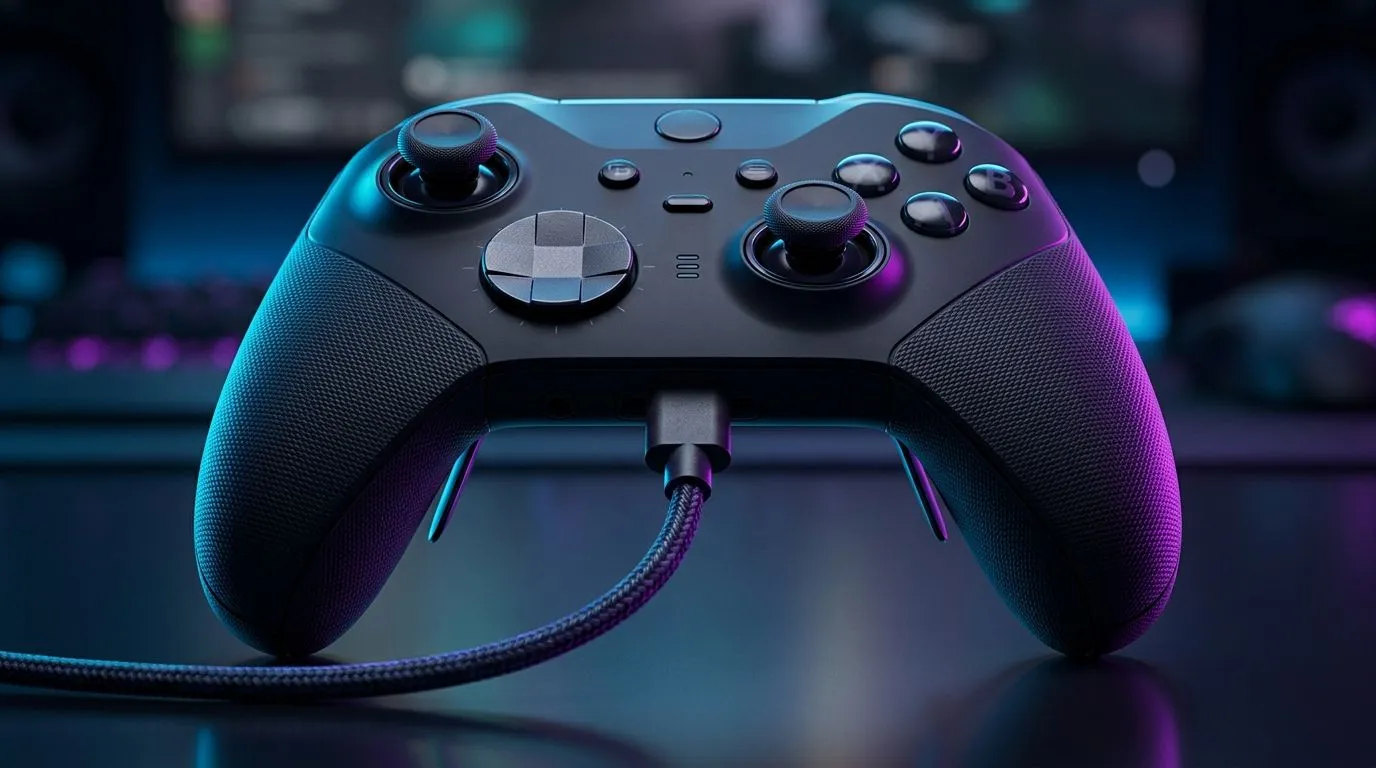
USB-C Wired Connection for Low-Latency Gaming Controllers: Faster inputs, fewer surprises 🎮
South African gamers know the feeling… you land a combo, but the input arrives a blink too late. On Wi‑Fi, that “blink” can happen when your signal wobbles. With USB‑C wired connection for low-latency gaming controllers, you can cut out a big chunk of that uncertainty. ⚡ Less guesswork means smoother aim, steadier movement, and more consistent performance when matches get sweaty.
In this guide, we’ll walk through what “low latency” really means, how to set up a wired connection properly, and which controllers are worth considering if you want responsiveness you can feel.
Why USB-C Wired Wins for Competitive Play 🚀
Latency is the time between your action (pressing a button) and the game responding. Wired connections generally help because they remove wireless signal time and reduce packet loss. For controllers, the result is often more consistent timing, especially in busy home networks or areas with interference.
A good wired setup is also more predictable during load: when your home internet is busy streaming, downloads, or gaming on other devices, Wi‑Fi performance can fluctuate. Wired stays steady.
What to look for in a “wired” controller
Before you buy, check:
- Connection type: true USB wired, not “wireless + dock” marketing.
- Polling and response claims: look for reputable, measurable specs or clear manufacturer notes.
- Cable quality: a flimsy cable can cause intermittent disconnects or charging-only behaviour.
Setup Pro Tip 🔧
on Windows, plug your USB controller in first, then open Windows Settings → Bluetooth & devices → Devices. Confirm the controller appears as a connected device, then test it in a game menu before you queue ranked. If your controller has multiple connection modes, choose USB wired mode and disable any “reconnect on sleep” option for stability.
How to get the most out of a USB-C Wired Connection (without fuss) ✨
A wired controller should feel immediate. Here’s a quick, practical checklist you can do in 5 minutes:
- Use the USB port that connects directly to the motherboard (if you’re on a desktop). Front-panel USB ports sometimes sit behind extra hubs.
- Avoid cheap extension cables. If you need distance, use a reputable USB cable with good shielding.
- Keep the cable snug. Loose connections can cause brief dropouts, which feel like latency spikes.
- Set controller deadzones once. Deadzone settings that are “auto” or wildly mismatched can make aiming feel off, even if latency is low.
- Turn off unnecessary wireless features. On some PCs, turning off unused Bluetooth devices can reduce background interference.
If you’re already shopping for a competitive controller, you might like the kind of tournament-focused responsiveness shown in the Razer Wolverine V3 Tournament Edition 8K. You can view it here: Razer Wolverine V3 Tournament Edition 8K on Evetech.
Picking the right wired controller for your budget in South Africa 💸
Not every “USB-C controller” is built for the same level of competitive play. Start with your game type:
- FPS / aim-heavy games: prioritise stable inputs and customisable controls.
- Fighting games: faster button response and reliable actuation matter.
- Racing / action games: consistent triggers and comfortable grips reduce fatigue.
To browse more options across brands and price points, check out:
- Buy gaming controllers on Evetech
- If you’re specifically considering Raze controllers, you can narrow it down here: Raze gaming controllers on Evetech
Once you’ve shortlisted a couple models, choose the one that fits how you play. A “slightly slower” controller won’t matter as much as one with great ergonomics and settings you actually use.
Ready to Find Your Perfect Match?
Ready to Find Your Perfect Match? The Mac vs Windows debate is complex, but for maximum power, choice, and value in South Africa, Windows is hard to beat. Explore our massive range of laptop specials and find the perfect machine to conquer your world.











