

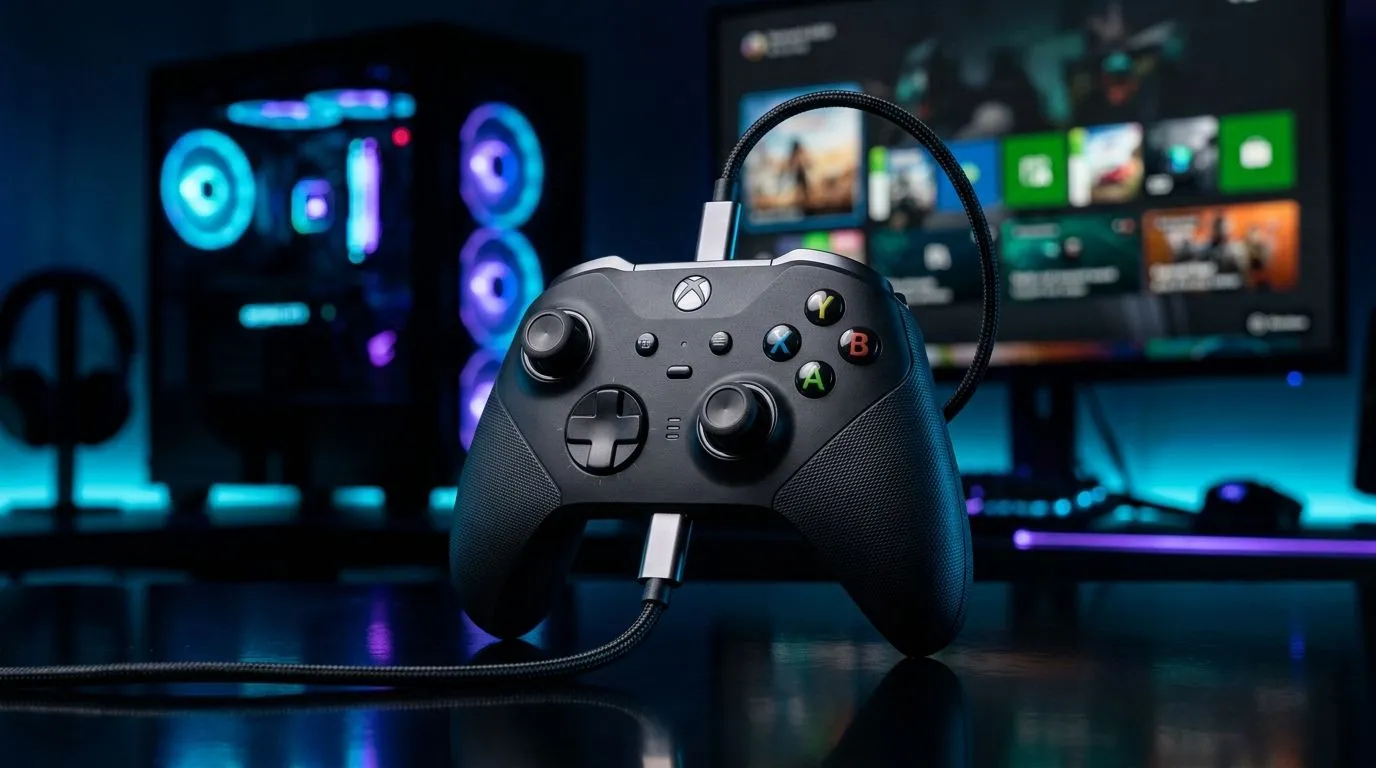
Does a USB-C Wired Controller Reduce Input Lag on Xbox and PC? The Short Answer
If you’ve ever felt your aim “arrive late” after a quick stick flick, you’re not imagining things… input lag can be real. For South African gamers chasing that clean, responsive feel on Xbox and a gaming PC, one question comes up again and again: does a USB-C wired controller reduce input lag compared to wireless?
The vibe is simple. Wired connections avoid radio delays and connection handshakes. But the real-world answer depends on the platform, the controller model, the cable quality, and your settings.
In this Performance Pulse guide, we’ll break down what actually reduces lag and how to choose a controller you’ll enjoy using after a long session. ⚡🎮
What “Input Lag” Means (And Why Wired Often Wins)
Input lag is the time between your action (pressing a button or moving a stick) and what you see in-game. In general, wired input tends to be more consistent because:
- There’s no wireless pairing step.
- There’s less chance of interference (especially in busy Wi‑Fi areas).
- Signal timing can be steadier under load.
Even on consoles and PCs that handle wireless well, wireless still adds steps. That’s why many competitive players prefer wired for ranked matches… especially for twitchy shooters.
If you’re shopping for a controller specifically for responsiveness, start by looking at controller “tournament” or “wired” features. For example, this Razer Wolverine V3 Tournament Edition is built with esports-focused priorities, and it’s worth checking out if you want that responsive wired experience: Razer Wolverine V3 Tournament Edition 8K. ✅
Xbox vs PC: Where USB-C Wired Makes the Most Difference
On PC, USB wired is usually the most straightforward path to consistent input timing. You connect, play, and the system doesn’t need to negotiate a wireless link every time.
On Xbox, wired controllers also typically feel more consistent than wireless setups, but the “gap” you notice varies by game. Faster games with tight timing windows show differences first.
The practical truth? Many people notice lag more when:
- Wireless is already “busy” (crowded 2.4GHz environment)
- Battery level is low (performance can degrade)
- Controller firmware is outdated
- Game settings add extra buffering
If you’re deciding between controllers, browse a wide range here: buy gaming controllers. ✨
Xbox Settings Checklist (Quick Win)
- Use a wired USB connection for testing (just for A/B comparison).
- Ensure you’re not running “enhanced” motion processing that adds buffering.
- Restart the game after changing controller or cable.
PC Tweaks to Reduce Perceived Lag (Even With Wireless)
Even if you go wireless sometimes, you can tighten up your setup on PC. Start with the basics: the right controller mode and stable frame timing.
Also, make sure your display settings aren’t sabotaging you. If you’re using an ultrawide or a high refresh monitor, input feels better when frame pacing is consistent.
Productivity Pro Tip ⚡
On Windows, use the PowerToys FancyZones utility to create custom snap layouts for your windows. It's a lifesaver for managing multiple apps on an ultrawide monitor, letting you organise your timeline, preview window, and asset folders perfectly for video editing.
That said, if you’re specifically chasing controller responsiveness, wired is still a smart starting point.
Choosing the Right USB-C Wired Controller (What to Look For)
When readers ask “USB-C wired… does it reduce input lag?”, the best answer is: it can, but don’t ignore the controller itself.
Look for:
- A controller designed for low-latency play (often marketed around esports usage)
- Firm button feel and predictable stick tension
- Support for the right platform (Xbox vs PC compatibility)
If you’re brand-curious, you can explore Raze-branded options from Evetech here: buy gaming controllers from Raze. 🎮
And if you’re still unsure where to start, pick up a controller that fits how you play. Competitive shooters reward consistent, repeatable movement. Fighting games reward button accuracy. Driving games reward stick stability.
Where the “Lag” Might Actually Be Coming From
A quick micro-story from local co-op nights: we once blamed the controller, switched cables, and… the issue stayed. Turns out the monitor’s game mode wasn’t enabled, and the game was running in a mode that added extra processing. The controller felt fine the entire time.
So test like this:
- Try wired.
- Match game settings (graphics, V-Sync, frame caps).
- Confirm monitor game mode and refresh rate.
If wired improves it, you’ve found the lever.
Ready to Find Your Perfect Match?
Ready to Find Your Perfect Match? The Mac vs Windows debate is complex, but for maximum power, choice, and value in South Africa, Windows is hard to beat. Explore our massive range of laptop specials and find the perfect machine to conquer your world.











