

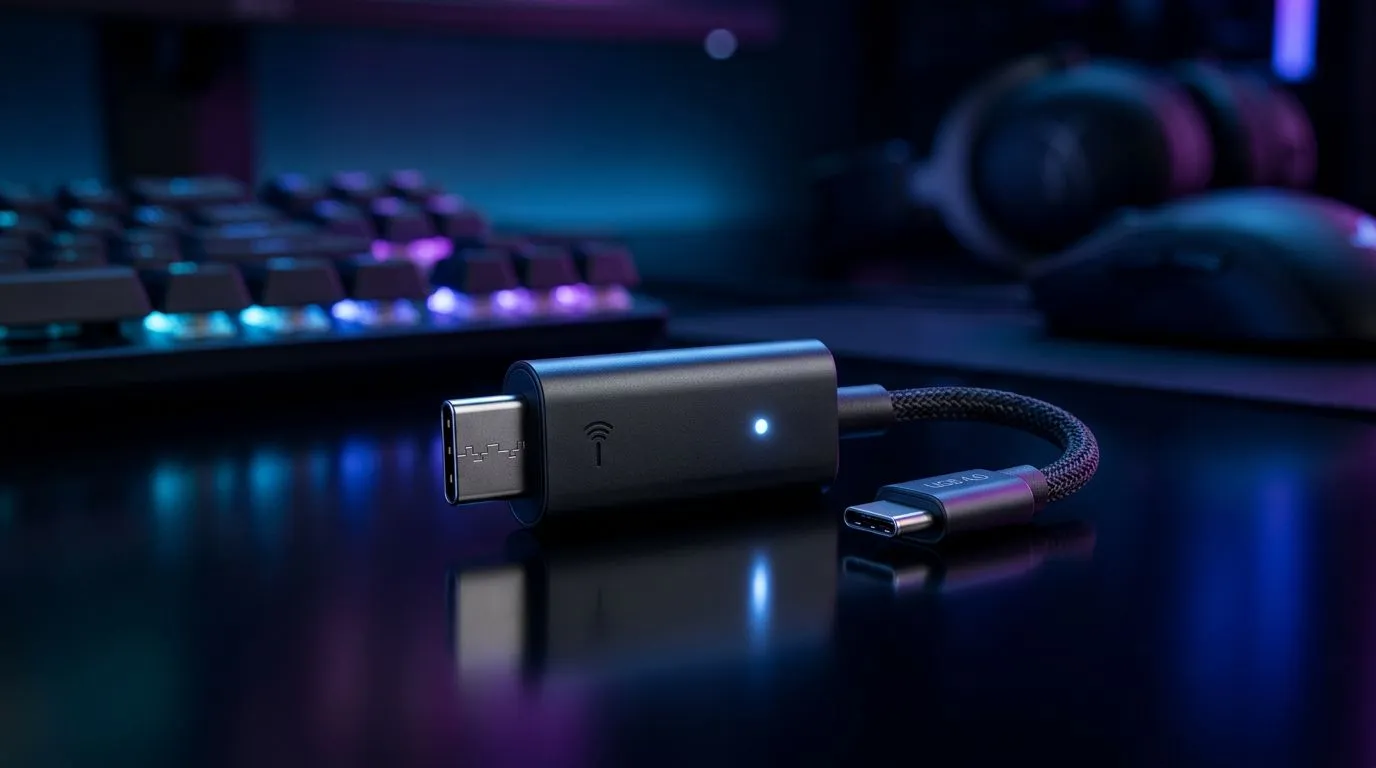
Why a USB dongle makes a visible difference to gamers
South African gamers: tired of audio lag stealing headshots? A USB dongle for low-latency audio can drop wireless delay and keep your sound and shots in sync. Whether you play esports or stream with mates, the right dongle-headset combo keeps voice, footsteps and gunfire aligned...and that feels like instant advantage. 🔧🎧
How USB dongles lower latency and why it matters
Wireless dongles, especially 2.4GHz USB receivers, bypass many of Bluetooth’s buffering steps and deliver more consistent timing for competitive play. That’s why models like the Razer Barracuda X use a dedicated dongle for reduced latency and broad platform support—see its product details for confirmation and storefront pricing in ZAR. https://www.evetech.co.za/razer-barracuda-x-chroma-wireless-headset-phantom-white/best-deal/24367
The real-world gain
In practice you’ll notice tighter audio-video sync and fewer dropped packets during firefights. For casual gaming the difference is still welcome; for competitive play it’s about predictability. If you’re comparing headsets and dongles, reference manufacturer pages to verify the wireless protocol and platform notes.
Choosing the right USB dongle and headset combo
Pick a headset with a proven 2.4GHz USB dongle, firmware updates, and multi-platform compatibility. Brands like Razer list headset families and specs across their headsets catalogue—use those pages to compare driver support and warranty details before you buy. https://www.evetech.co.za/PC-Components/razer-headphones-headsets-105
What to check before checkout
- Confirm the dongle type (USB-A vs USB-C) and adapter options for your laptop or motherboard.
- Look for explicit "low-latency" or "2.4GHz" wording on product specs.
- Check battery life claims and whether the headset lets you switch to wired mode for tournaments.
Simple setup tweaks to achieve lag-free wireless sound
A great dongle helps, but setup matters. Place the USB dongle on the same side as your headset and avoid long metal obstructions. Keep other 2.4GHz devices like cordless phones or Wi‑Fi routers clear of the direct line between dongle and headset. If your PC has both USB 2.0 and 3.0 ports, try both—some users get cleaner 2.4GHz performance from USB 2.0 ports.
Pro Audio Tip ⚡
Use the dongle directly on the PC with a short USB extension if needed, disable audio enhancements in Windows sound settings, and set your sample rate to 48kHz for smoother voice chat and playback. These tiny moves reduce jitter and make wireless audio feel more “wired”.
When to upgrade or buy spare dongles
If you own multiple devices, a spare dongle simplifies switching between PC and console. Also consider compatibility with common headset components and replacement parts so you can repair or upgrade without a full replacement—browse Evetech’s headphone and headset components to see options and ensure long-term value in ZAR. https://www.evetech.co.za/components/headphone-headsets-100
Local context and buying advice
In South Africa, check Evetech listings for up-to-date ZAR pricing and special deals. If latency is your priority, prioritise a headset with a dedicated USB dongle and recent firmware support. Need portability? Look for USB-C dongles that work with modern laptops and consoles.
Ready to Find Your Perfect Match? The Mac vs Windows debate is complex, but for maximum power, choice, and value in South Africa, Windows is hard to beat. Explore our massive range of laptop specials and find the perfect machine to conquer your world.











