

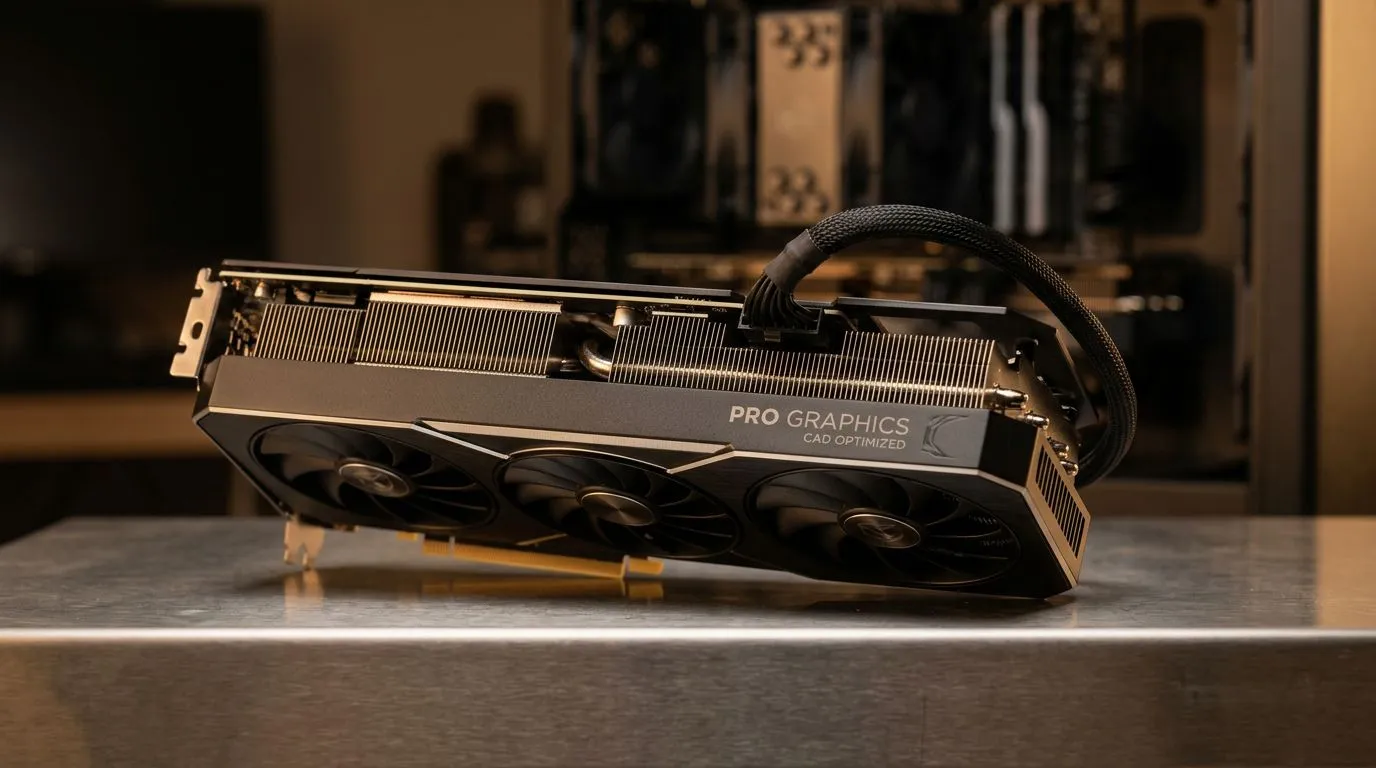
Eliminating Viewport Lag in CAD: Fix Stuttering with a Pro GPU
Nothing kills your creative flow faster than a stuttering viewport while working on a complex 3D model. If you’re an architect or engineer in South Africa, you know that frustration all too well... waiting for the screen to catch up with your mouse movements. Viewport lag in CAD often stems from an underpowered GPU struggling to keep up with high-poly counts and real-time rendering. Upgrading your hardware is the most effective way to ensure smooth, professional performance.
The Hardware Bottleneck
When your system struggles to rotate, pan, or zoom, it is usually a sign that your graphics card is gasping for air. We often see users trying to push professional workloads on entry-level hardware. If you are looking for a significant performance jump, our pre-built PC deals offer a balanced starting point for those who need reliable power without the hassle of a custom build.
For those deep into 3D rendering, a dedicated NVIDIA GeForce gaming PC can often outperform standard office machines due to their high clock speeds and robust VRAM. If you prefer team red, our all AMD Ryzen PC deals provide exceptional multi-core performance which is essential for handling heavy simulation tasks alongside your graphics processing.
Productivity Pro Tip ⚡
When working in CAD software like AutoCAD or Revit, ensure your hardware acceleration is toggled 'On' in the settings menu. If you still experience ghosting, check that your drivers are updated via the manufacturer's official software to ensure full compatibility with your GPU architecture.
Choosing the Right Architecture
Selecting the right foundation for your workstation is critical. Whether you prefer the efficiency of all Intel PC deals or the unique value proposition found in all Intel Arc gaming PCs, ensuring your CPU doesn't bottleneck your GPU is key. For those who require absolute stability for long-term projects, investing in workstation PCs provides the ECC memory and pro-grade cooling needed to avoid thermal throttling during long renders 🚀.
Why Pro-Grade GPUs Matter
Modern CAD software relies heavily on GPU acceleration to offload tasks from the CPU. By moving to a more capable card, you aren't just getting faster frame rates... you are getting a responsive, fluid workspace that allows you to iterate faster. Investing in your rig today means spending less time waiting for the viewport to refresh and more time finalising your designs ✨.
Ready to Find Your Perfect Match? Stop letting viewport lag dictate your workflow. Whether you need a powerhouse for rendering or a reliable machine for drafting, our expert-curated systems are built to handle the load. Explore our massive range of workstation and gaming PC specials and find the perfect machine to conquer your world.











