

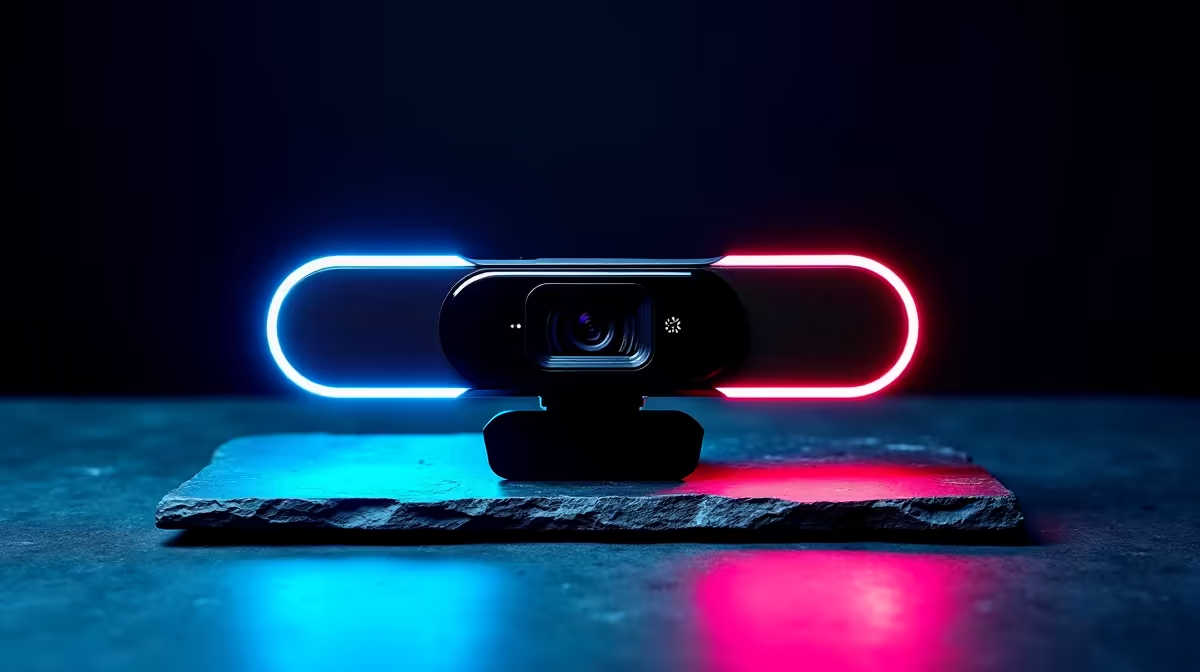
Stage 4 just kicked in, mid-stream. Your lights flicker, the UPS beeps… but does your webcam survive the dip? For many South African gamers and remote workers, this is a daily battle. A sudden surge can fry delicate electronics, turning your crystal-clear stream into a pixelated mess. Choosing one of the webcams that keep going through SA power fluctuations isn't a luxury… it's a necessity for staying connected and competitive.
Why Load Shedding Is a Webcam's Worst Enemy ⚡
You might think all USB devices are created equal, but that's not the case. Power fluctuations, common during load shedding and grid instability, send inconsistent voltage through your USB ports. Cheaper webcams with basic internal components can't handle these spikes and dips. This can lead to connection dropouts, image freezing, or even permanent damage to the sensor.
A resilient webcam is engineered with better power regulation circuitry. It can smooth out minor electrical "noise," ensuring the camera gets a steady stream of power to operate flawlessly, even when the rest of your system is under stress. This is crucial for streamers who can't afford to drop frames and professionals who need to look sharp on every call.
Finding a Webcam That Can Handle the Pressure 🔧
So, how do you find a durable webcam in South Africa that won't give up on you? It comes down to a few key factors that separate the robust from the risky.
Check for Reputable Brands and Build Quality
Established brands like Logitech, Razer, and Corsair invest more in quality control and internal components. This often translates to better power management and longevity. While a no-name brand might look tempting, it's often a gamble. Investing a little more in a well-reviewed model from a trusted manufacturer is your best defence against our unpredictable grid. For a solid starting point, you can find excellent webcams for under R800 that balance cost and reliability.
Power Tip: Use a Motherboard Port!
Always plug your webcam directly into a USB port on your PC's motherboard I O panel, not the front case ports. Motherboard ports provide more stable and consistent power, reducing the risk of dropouts during minor power dips.
Consider Your Connection and Features
The webcam itself is only half the equation. Ensuring it's connected to a stable power source is vital. If you're using a laptop, make sure it's plugged in. For desktops, using a good quality Uninterruptible Power Supply (UPS) is non-negotiable in SA.
When looking at features, more isn't always better. Focus on what matters: a solid sensor, good low-light performance, and build quality. Premium features are great, but they mean nothing if the webcam can't stay on. The good news is that many high-performance models also boast superior construction, making them some of the best webcams that keep going through SA power fluctuations.
Premium vs. Budget: What’s the Real Difference? ✨
Is it worth splashing out on a more expensive webcam? Often, yes.
While budget-friendly options have improved massively, premium models typically use higher-grade components that are inherently more tolerant of "dirty" power. For those who rely on their webcam for their income or competitive edge, investing in premium webcams from R800 and up provides peace of mind and superior image quality. You're not just paying for 4K resolution; you're paying for the reliability that keeps you live and looking professional, no matter the load-shedding stage.
Ready for Uninterrupted Streaming? Don't let Eskom dictate your screen time. Explore our full range of durable webcams at Evetech for performance that leaves lag in the dust.











