

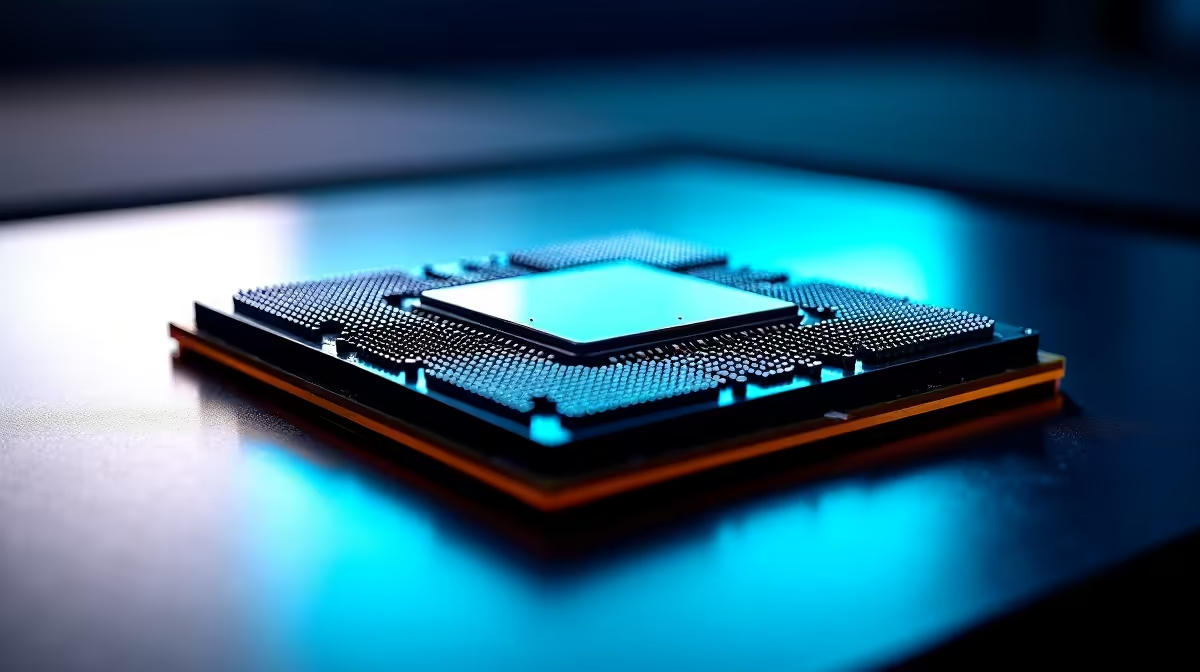
Ever stared at a processor spec sheet and felt completely lost? You are not alone. Understanding CPU boost clock vs base clock is crucial when building your dream rig. It is the difference between buttery-smooth frame rates and frustrating stutters during intense team fights. Let us unpack how auto overclocking actually works so you can squeeze every drop of ZAR-to-performance value out of your next upgrade.
The Basics of Base vs Boost Frequencies 🔧
Think of the base clock as your processor's everyday cruising speed. It is the guaranteed frequency your chip will run at while handling basic tasks. If you are just browsing the web or typing up a document, your system stays cool and efficient at this baseline speed.
But when you load up a heavy application or an intense AAA game, your system suddenly needs more power. This is where the boost clock takes over. It is essentially a built-in auto overclocking feature. Modern desktop processors automatically ramp up their speeds to handle demanding workloads without requiring manual tweaking in the BIOS.
How Auto Overclocking Maximises Performance ⚡
You do not need to be a tech wizard to get maximum performance anymore. Both Intel and AMD use incredibly smart algorithms to monitor temperature and power consumption in real-time. Technologies like Intel Turbo Boost and AMD Precision Boost act as the brain behind the brawn.
If your cooling solution is doing its job, the processor will push its limits automatically. This means you get blistering speeds exactly when you need them most. It is exactly why investing in a properly cooled gaming PC setup with excellent airflow makes such a massive difference. Better cooling directly equals higher sustained boost clocks.
Cooling Pro Tip ❄️
Want to maintain those high boost clocks for longer? Invest in a quality aftermarket cooler or a robust AIO liquid cooler. Stock coolers are fine for base clocks, but premium cooling lets your CPU stretch its legs and stay boosted during those marathon gaming sessions.
Why These Speeds Matter for Your Next Build
When looking at specs, gamers often obsess over the absolute highest numbers. However, sustained performance is what actually dictates your gaming experience. A chip might advertise a massive 5.5GHz boost, but it can only hold that speed if thermals allow it.
This is especially true if you are shopping for high-performance laptops. Mobile processors have much stricter thermal limits than their bulky desktop counterparts. They rely heavily on aggressive auto overclocking for short bursts of speed to keep applications snappy.
If you prefer a completely hassle-free desktop experience, exploring pre-built desktop computers takes the guesswork out of the equation. Our hardware experts balance the CPU, motherboard, and cooling to ensure you get optimal boost performance right out of the box.
Getting the Best Value for Your Rands 🚀
Understanding CPU boost clock vs base clock helps you make much smarter buying decisions. You do not always need the most expensive flagship processor on the market. A mid-range chip with a solid boost clock often provides incredible value for standard 1080p or 1440p gaming.
Always keep an eye on the cooling capabilities of your chosen system. You can often find fantastic hardware bundles that include premium coolers by browsing our latest tech specials. Maximise your airflow, understand your clock speeds, and watch those frame rates soar.
Ready to Upgrade Your Processing Power? Now that you understand the magic of auto overclocking, it is time to unleash your system's true potential. Explore our massive range of processor deals and find the perfect brain for your next dream build.











