

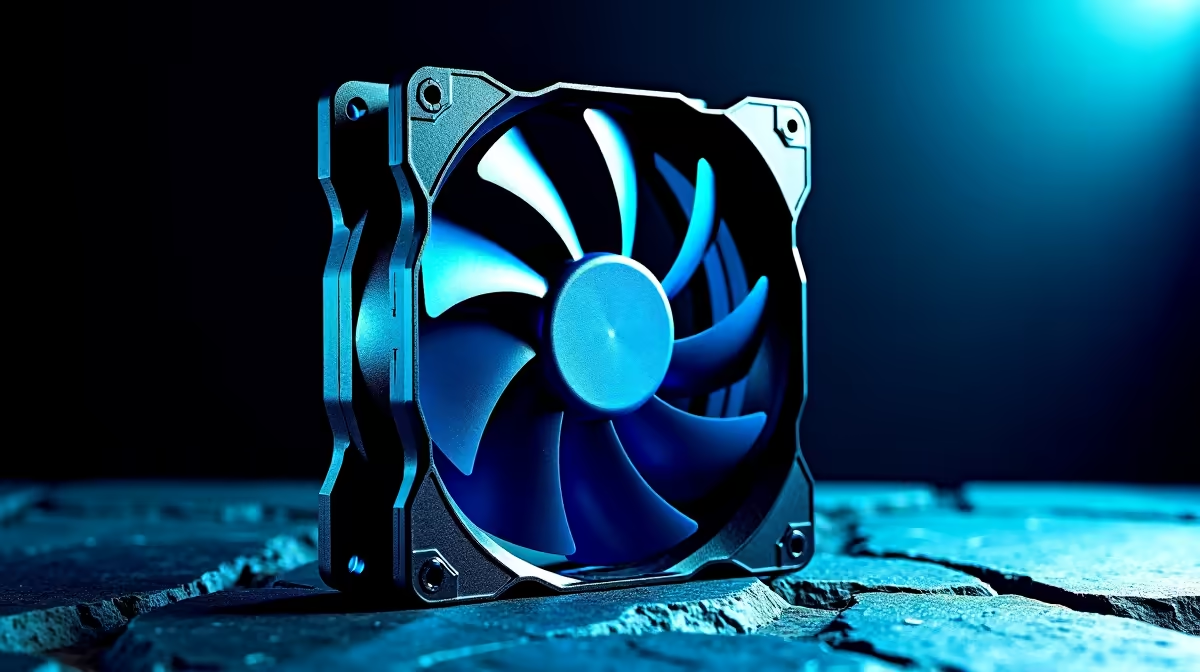
Choosing the wrong type of PC fan is one of the most common - and most avoidable - thermal management mistakes South African PC builders make. The difference between a static pressure fan and an airflow fan isn't just marketing terminology; it fundamentally determines how effectively your cooling system performs, and using the wrong type in the wrong position can leave your system running hotter than it should.
Quick Answer
Static pressure fans are designed to push air through resistance - use them on radiators, heatsinks, and dense mesh filters. Airflow fans move large volumes of air with low resistance - use them as case intake and exhaust fans where the path is unobstructed. Using a static pressure fan as a case intake wastes its design advantage; using an airflow fan on a radiator gives you noticeably worse cooling performance.
🌬️ The Physics Behind Fan Types: Why Design Matters
A fan's performance is defined by two competing properties: static pressure (measured in mmH₂O) and airflow (measured in CFM - cubic feet per minute). Static pressure fans have tightly spaced, steeply angled blades that generate strong air pressure to force airflow through obstacles like radiator fins, heatsink stacks, or filter mesh. Airflow fans have wider-spaced, shallower blades optimised to move large volumes of air through open space with minimal resistance. The trade-off is direct: high static pressure fans sacrifice CFM; high airflow fans sacrifice pressure. Running an airflow fan against a radiator drops its effective cooling dramatically because the fan can't push air through the dense fin array efficiently. This is why CPU cooler manufacturers specify static pressure fans for their heatsink and AIO radiator mounts - it's an engineering requirement, not a preference.
🖥️ Where to Use Each Fan Type in Your SA PC Build
The placement rule is straightforward once you understand the underlying physics. Static pressure fans belong anywhere airflow meets resistance: CPU tower cooler mounts (both push and pull configurations), AIO radiator mounting positions (240mm, 280mm, 360mm), GPU heatsink supplemental fans, and intake positions behind dense front panel mesh on cases with restricted airflow designs. Airflow fans belong in open positions: rear exhaust, top exhaust, and front intake on cases with open mesh front panels or large ventilation cutouts. Many SA builders use a hybrid approach - static pressure fans on the radiator and front intake (if mesh is dense), airflow fans for top and rear exhaust. Check your PC case's front panel design before purchasing fans; a solid or lightly ventilated front panel changes the optimal fan type for that position.
📊 Reading Fan Specs: What the Numbers Mean for SA Builders
Fan specifications list both static pressure (mmH₂O) and airflow (CFM) values, but they're measured under different conditions - you can't directly compare the two numbers to determine overall performance. Instead, look at the pressure-flow curve (PQ curve) if available, which shows how the fan performs across a range of resistance levels. For radiator mounting, prioritise fans with static pressure above 2.0 mmH₂O. For open case positions, prioritise CFM above 50. Noise levels (measured in dBA) matter as much as thermal performance for South African home setups - a 5°C thermal improvement that adds 10dBA of noise is a poor trade-off in a bedroom or home office. Most quality fan manufacturers publish full spec sheets; Noctua, be quiet!, and Phanteks are reliable options with available SA stock. Pair your fan configuration with quality RAM and a properly ventilated case to maximise overall system thermal performance.
🔧 Optimising Fan Placement for SA Ambient Temperatures
South Africa's climate varies considerably - coastal cities like Cape Town and Durban have moderate temperatures, but inland regions including Gauteng experience summer heat that pushes ambient temperatures well above what European and North American PC cooling guides assume. This means SA builders should be more aggressive about case airflow than international recommendations suggest. Positive pressure (more intake than exhaust) reduces dust ingestion but can raise component temperatures slightly. Negative pressure (more exhaust than intake) pulls air from every case gap, increasing dust but occasionally improving cooling. Balanced pressure with high-quality fans at both intake and exhaust positions is the pragmatic approach for most SA builds. If you're running an overclocked CPU or high-TDP GPU, consider adding a second exhaust fan at the top of the case - thermal headroom is genuinely worth the additional R300–R500 fan investment.
❓ FAQ
Q: Can I use the same fan type everywhere in my PC? A: Technically yes, but it's suboptimal. Using high static pressure fans throughout a well-ventilated case works reasonably well; using pure airflow fans on radiators will noticeably reduce cooling efficiency, particularly under sustained load.
Q: How do I know if my case front panel needs static pressure or airflow fans? A: Remove the front panel and look at the intake path. If there's a dense mesh filter, foam, or a closed panel with small ventilation holes, use static pressure. If the panel is open mesh or ventilation is largely unobstructed, airflow fans work fine.
Q: Does fan RPM matter as much as fan type? A: Both matter. A high-RPM airflow fan on a radiator still underperforms a lower-RPM static pressure fan in the same position. Fan type determines the fundamental performance characteristic; RPM scales the output within that characteristic.
Q: Are expensive fans worth the premium in SA? A: Premium fans from reputable brands (R300–R700 per fan) offer meaningfully better bearing quality, noise levels, and longevity compared to R80–R150 generic options. For CPU cooler and radiator positions where thermal performance matters most, the premium is justified. Case exhaust positions are more forgiving - a mid-range fan works well there.
Evetech stocks Graphics Card Deals and Evetech Best Sellers — shop online with fast delivery across South Africa.
Ready to Find Your Perfect Match? Browse CPU coolers and cooling accessories at evetech.co.za - find the right thermal solution for your SA build.











