

Why Hands Cramp During Long Gaming Sessions (and What You Can Do About It)
If your hands start feeling tight after an hour or two, you’re not “weak” or “out of practice”. You’re probably fighting setup and technique issues. In South Africa, where loadshedding can cut sessions short but online tournaments still demand long focus, wrist comfort matters. Let’s fix the problem you feel, using practical changes you can test today… before your next weekend grind. 🎮
Why Hands Cramp During Long Gaming Sessions: Common Causes
Hand cramps usually come from a few repeat offenders:
- Wrong grip for the mouse or controller (too much tension instead of relaxed control).
- Wrist angle that forces strain (bent too far up or down).
- Overuse with little micro-breaks (muscles need recovery).
- Low-quality fit (too small or too heavy for your hand).
- Background friction: sweaty palms, sticky feet, or a desk that’s too high or low.
Even if you’re using the “best” hardware, a mismatch can still overload small muscles. The goal is simple: reduce unnecessary force, keep your wrist neutral, and let your forearm do the steering.
Quick self-check in 30 seconds
Pause mid-session and ask:
- Does your wrist sit mostly straight?
- Are your fingers pressing hard, or gently controlling?
- When you relax your hand, does the cramp fade within a minute?
If it doesn’t, it’s a sign your setup is working against you.
Why Hands Cramp During Long Gaming Sessions: Fix Your Grip, Then Your Gear 🔧
Start with the fastest wins:
- Loosen the grip: you should feel like you’re “guiding”, not “clenching”.
- Adjust desk height: forearms should land comfortably on the desk or armrest.
- Use a wrist-neutral mouse position: aim for a straight line from forearm to wrist.
- Add small breaks: 20 to 30 seconds every 30 to 45 minutes can help.
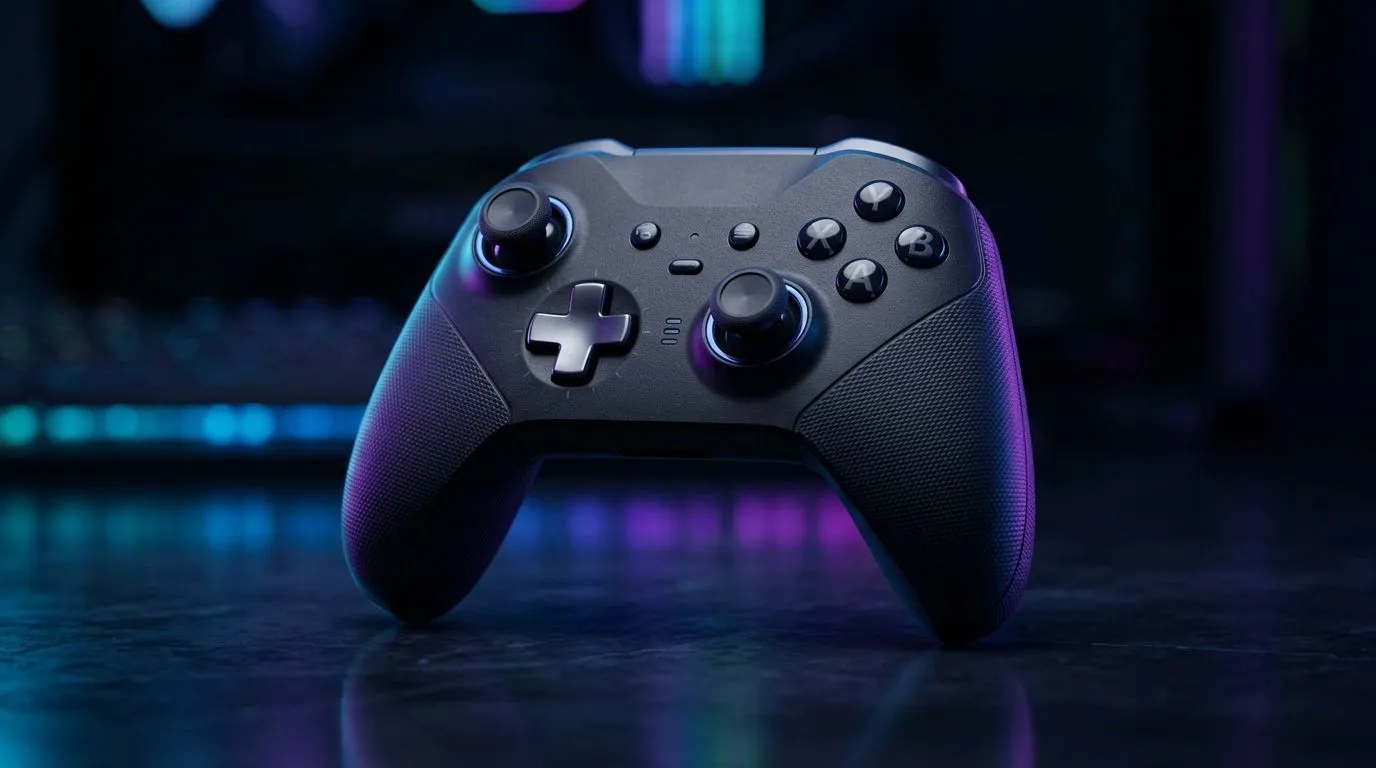
If you’re on a mouse, consider a controller too. Many players alternate between input styles to reduce repetitive strain. Evetech has options for those who want a better feel with different layouts, including links like gaming controllers built for long play comfort and Razer-branded controllers for a tighter fit. 🎮✨
For mouse players, hardware weight and ergonomics matter. If your hand cramps, try a model designed for prolonged sessions. One good place to start is the Razer Wolverine V3 Tournament Edition 8K for fast, consistent input. Feel can affect how tightly you grip, especially during intense aim tracking.
Productivity Pro Tip ⚡
On Windows, use the PowerToys FancyZones utility to create custom snap layouts for your windows. It's a lifesaver for managing multiple apps on an ultrawide monitor, letting you organise your timeline, preview window, and asset folders perfectly for video editing.
Why Hands Cramp During Long Gaming Sessions: Training Tips That Actually Help 🚀
Try “micro-effort” training:
- Play 10 minutes normally.
- Then focus on lighter clicks and smoother movement for the next 10.
- Stop once you feel your tension rising, not once you’re in pain.
Next, reduce repetitive stress:
- Alternate hands if your game allows it (some aim-training modes do).
- Change your in-game settings only after you’ve tested your posture. Sensitivity tweaks can be useful, but posture fixes first.
Finally, watch for warning signs:
- Numbness, tingling, or cramping that ramps up quickly.
- Pain that lingers after you stop playing. If you notice these, it’s worth speaking to a healthcare professional. Playing through pain rarely “builds toughness”. It just builds injury risk.
Why Hands Cramp During Long Gaming Sessions: Make Comfort Part of Your Setup
Your best performance is the one you can repeat. When your hands feel relaxed, your inputs get cleaner. That means better tracking, steadier aim, and less fatigue mid-match.
Want to upgrade the feel of your setup? Comfort is often the difference between “one more game” and “I can’t hold my controller anymore”.
Ready to Find Your Perfect Match? If you’re serious about gaming comfort, the right controller or gear can take strain off your hands fast. Head to Evetech and compare options that suit your grip style and play time. Explore our massive range of laptop specials and find the perfect machine to support your next long session.











