

Optimising Your Network for Low Latency
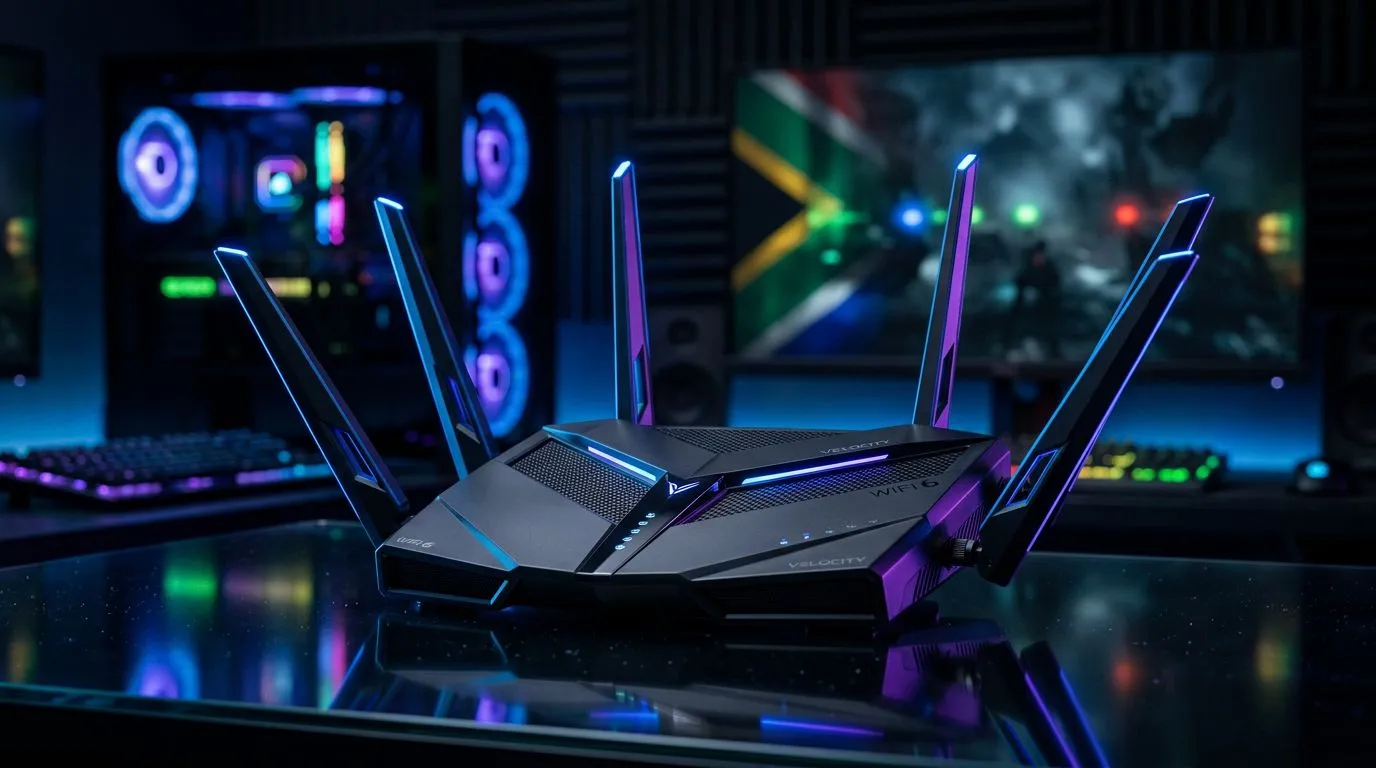
Lag is the ultimate enemy when you are dropping into a high-stakes match. If you are still relying on an aging ISP-supplied box, you are likely leaving performance on the table. A proper WiFi 6 router setup for gaming is the most effective way to stabilise your connection and reduce packet loss across your home network. By moving to the 802.11ax standard, you get better traffic management, which is essential when multiple devices in your house are fighting for bandwidth. ⚡
Selecting the Right Hardware
Before you start the configuration, ensure your foundation is solid. If your current hardware is struggling to keep up with your fibre speeds, it might be time to upgrade your wireless networking gear. For those running desktop rigs, a high-quality wireless adapter is often the missing link in achieving a stable, low-latency connection. 🔧
Pro Gaming Tip 🚀
Always prioritise the 5GHz or 6GHz bands for gaming. While 2.4GHz offers better range through walls, it is prone to interference from household appliances like microwaves and Bluetooth devices, which can cause frustrating latency spikes during gameplay.
Fine-Tuning Your Connection
Once you have your new wireless routers installed, head into the admin panel to enable Quality of Service (QoS). This allows you to prioritise gaming traffic over background downloads. If your gaming den is far from the router, consider using wireless range extenders to maintain signal integrity. For users on high-speed fibre lines, ensuring you have the right fibre routers capable of handling gigabit throughput is crucial to getting the full value of your monthly subscription. ✨
Ready to Dominate the Leaderboards? A stable connection is only half the battle. If your rig is struggling to keep up with modern titles, it is time for an upgrade. Explore our massive range of gaming components and find the perfect hardware to conquer your world.











