

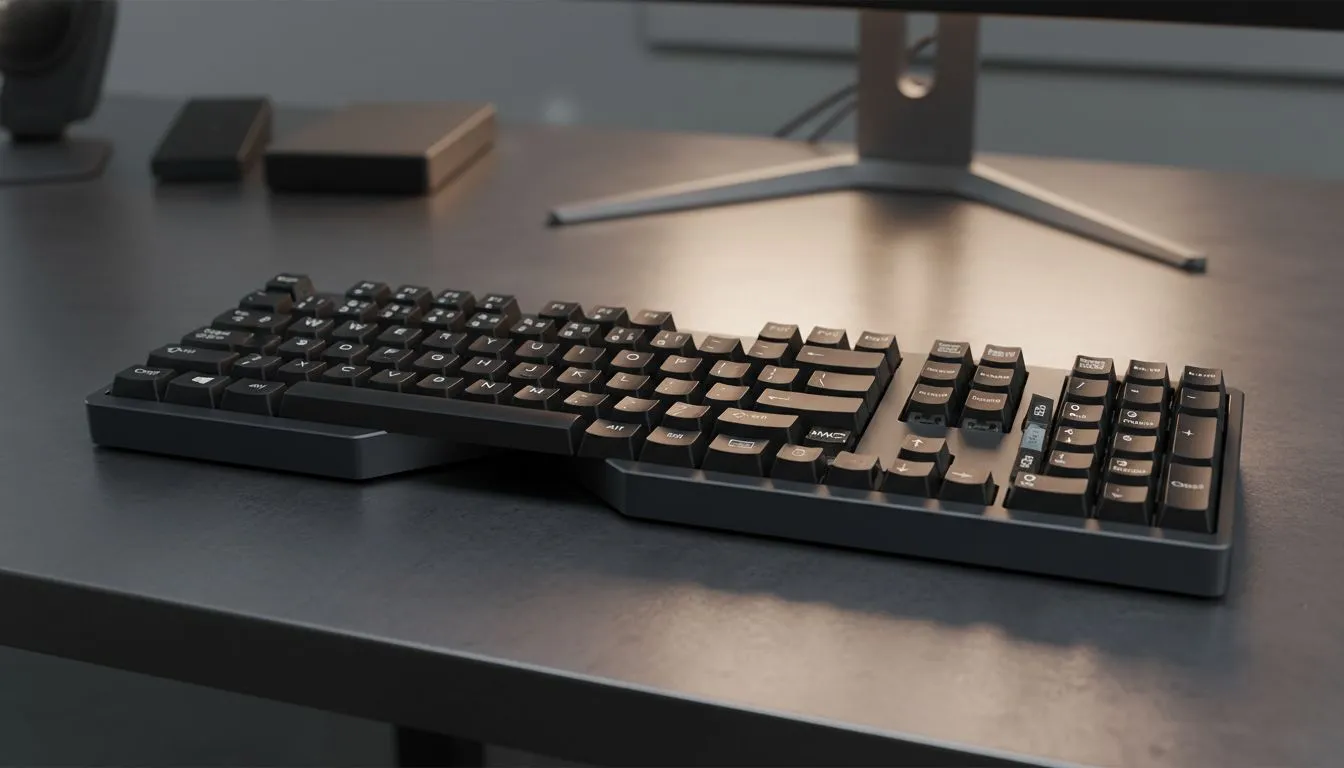
Switching between Windows and macOS often feels like driving on the wrong side of the road. One minute you are hitting Ctrl+C... the next you are staring at a Mac wondering where the Command key went. Whether you are a creative moving to PC for more power or a gamer using a MacBook for work... mastering Windows vs macOS keyboard shortcuts is the only way to switch without losing speed.
Mastering the Modifier Key Mystery
The biggest hurdle for any South African tech enthusiast is the modifier key layout. On a Windows machine, the Control (Ctrl) key sits at the bottom left corner. On a Mac, the Command (Cmd) key is positioned right next to the spacebar. This small shift ruins muscle memory instantly. If you have just snagged one of the latest best gaming keyboard deals from Evetech, you might want to consider remapping these keys in your OS settings to keep your workflow consistent. 🔧
Navigating Windows and Apps Efficiently
In the world of Windows, Alt + Tab is the gold standard for switching between open programmes. macOS uses Command + Tab... but there is a catch. The Mac shortcut switches between apps, not individual windows. To find the cheapest gaming keyboard in South Africa that handles these macro transitions smoothly, look for boards with dedicated software support. Windows users also love the "Snap" feature... using the Windows Key + Arrow keys to organise the screen. Mac users have to rely on "Tiles" or third-party apps to achieve the same level of window management. ⚡
Productivity Pro Tip ⚡
On Windows, use the PowerToys FancyZones utility to create custom snap layouts for your windows. It's a lifesaver for managing multiple apps on an ultrawide monitor, letting you organise your timeline, preview window, and asset folders perfectly for video editing.
Wired vs Wireless Connectivity for Cross-Platform Use
Choosing the right hardware can make the transition easier. If you are a competitive gamer who demands zero latency, a wired gaming keyboard is the logical choice. It ensures your inputs are registered at lightning speed during a match. However, if your desk setup involves a PC for gaming and a MacBook for work, a wireless gaming keyboard with multi-device Bluetooth switching is a massive advantage. You can jump from your Windows desktop to your Mac laptop with the flick of a switch... no cable swapping required. ✨
The Logic of a Unified Peripheral Setup
Consistency is the secret to high-speed productivity. When you buy a keyboard and mouse combo, you ensure that your hand positioning and tactile feedback remain the same across different operating systems. This is especially helpful in South Africa where we often juggle diverse tech for school, work, and play. Whether you are spending R500 or R5000... having a reliable set of tools makes the Windows vs macOS keyboard shortcuts: Switch Without Losing Speed challenge much easier to conquer. 🚀
Ready to Find Your Perfect Match? The Mac vs Windows debate is complex, but for maximum power, choice, and value in South Africa, Windows is hard to beat. Explore our massive range of laptop specials and find the perfect machine to conquer your world.











