

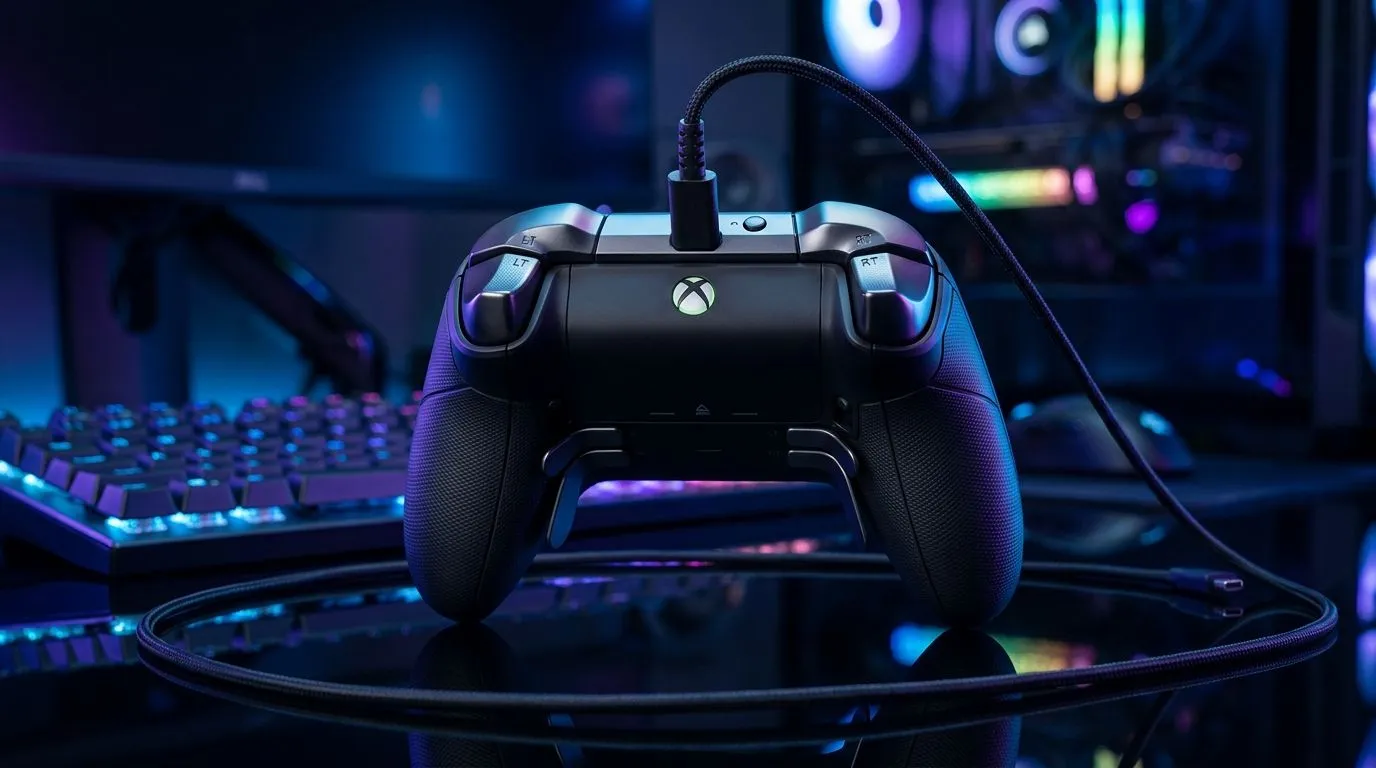
Wired Xbox Controller on PC Setup for Zero-Lag Gaming: Why South Africans Prefer It ⚡
If you’ve ever felt your aim “slip” during ranked, you already know why this matters. Here in South Africa, load-shedding isn’t the only thing that throws you off… latency does too. A wired Xbox controller on a PC setup is one of the simplest ways to reduce input delay, keep your signal stable, and stop Bluetooth hiccups from ruining your headshots. Let’s get your setup feeling tight, fast, and consistent.
Wired Xbox Controller on PC Setup for Zero-Lag Gaming: Build a Clean, Reliable Connection 🔧
Wired generally wins because it removes wireless interference and pairing weirdness. With a USB connection, your PC gets a steady stream of controller inputs, and you’re less likely to see stutter caused by signal dropouts.
Step-by-step: USB connection + correct controller mode
- Plug in directly to your PC (avoid unpowered hubs where possible).
- Use the Xbox controller driver path built into Windows 10/11 (most modern controllers work instantly).
- Verify controller detection: open Settings → Bluetooth & devices → Controllers and devices and confirm it’s listed.
- In-game, set your controller profile to Controller, and turn off any “assist” features you don’t want.
Match your settings to your PC
Latency is not just the controller link. Frame rate drops can feel like “input lag”, even if the controller is fine. Keep your PC stable:
- Cap FPS if your system is inconsistent.
- Enable V-Sync or G-Sync/FreeSync only if you know how it behaves in your title.
Evetech’s tech team regularly stresses pairing the right controller with the right PC setup for best results. If you’re still shopping, browse controllers at https://www.evetech.co.za/PC-Components/buy-gaming-controllers-365 .
Controller upgrade options that suit wired play 🚀
If you want more than the default Xbox feel, look at wired-first options designed for competitive use. For a solid tournament-style alternative, check https://www.evetech.co.za/razer-wolverine-v3-tournament-edition-8k/best-deal/24274 .
Wired Setup Pro Tip 🔧
On Windows, set your USB power plan to avoid throttling. Go to Control Panel → Power Options → Change plan settings → Change advanced power settings, then disable USB selective suspend for your active plan. This helps keep your controller connection consistent during long gaming sessions.
Wired Xbox Controller on PC Setup for Zero-Lag Gaming: Tune Windows and Game Settings ⚡
Even a great wired connection can feel “off” if your sensitivity and deadzones don’t match your aim style.
Calibrate in the right place
- Game deadzone first, not Windows. If the game has its own calibration, use it.
- Set sensitivity so your turn speed feels predictable. If you use higher sensitivity, small stick drift becomes more noticeable.
Input lag checklist
If you still notice delay:
- Test in a lightweight menu scene (to rule out map or network issues).
- Disable overlays that cause extra rendering work (recording tools, heavy FPS counters).
- Ensure you’re using the correct USB port (front ports can be hit-or-miss depending on the case).
If you’re mixing brands
You can absolutely use other controller brands on PC, and the key is driver stability and correct mapping. If you’re browsing Razer controllers specifically, you can narrow down here: https://www.evetech.co.za/PC-Components/buy-gaming-controllers-365?brands=Raze .
Wired Xbox Controller on PC Setup for Zero-Lag Gaming: The South African “Real World” Test ✨
Here’s a quick micro-story from the kind of evenings many of us know: you come home, plug in your controller, and it “feels” better right away… but only for a match or two. That’s usually not ghost lag. It’s often a power-saving setting, a USB hub, or inconsistent frame pacing. When you lock the connection (wired direct), stabilise FPS, and set deadzones properly, your muscle memory takes over again.
If you’re ready to get serious about consistency, the controller choice matters. But so does the setup around it.
Ready to Find Your Perfect Match? The Mac vs Windows debate is complex, but for maximum power, choice, and value in South Africa, Windows is hard to beat. Explore our massive range of laptop specials and find the perfect machine to conquer your world.











