

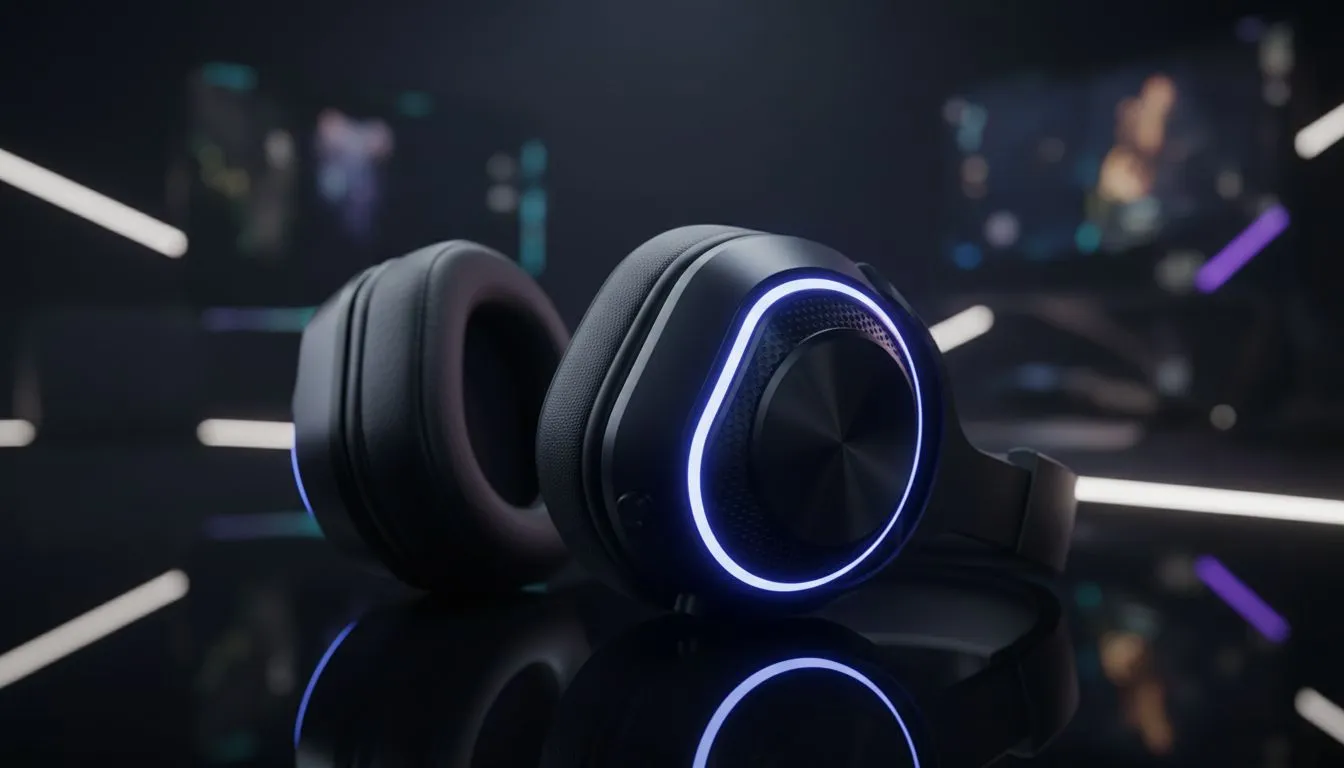
There is nothing worse than your audio cutting out during a final circle clutch because you forgot to plug in. For South African gamers dealing with tight loadshedding schedules, wireless gaming headset battery life isn't just a luxury... it is a necessity. If you want to survive those weekend-long marathons without reaching for a cable, you need to master the art of power management.
Understanding Wireless Gaming Headset Battery Life
The longevity of your gear depends on more than just the physical battery size. Modern premium wireless headsets use efficient 2.4GHz protocols to reduce latency while sipping power. However, many users unintentionally drain their devices by leaving unnecessary features active. If your headset usually lasts thirty hours but suddenly dies after ten... you likely have high-drain settings enabled.
The Impact of RGB and Volume
Lighting looks incredible in a dark room, but it is the primary enemy of endurance. Those glowing earcups can reduce your total uptime by up to 50%. By simply dimming or disabling the RGB colour effects, you can often add an extra twelve hours of playtime to your session. Similarly, listening at maximum volume forces the internal amplifier to work harder... which consumes more juice. Keeping your volume around 70% is better for your ears and your battery.
Battery Health Pro Tip ⚡
Avoid leaving your headset plugged in for days at a time once it hits 100%. Modern lithium-ion batteries prefer staying between 20% and 80% charge. This simple habit can prevent your total capacity from degrading over your first year of ownership.
Practical Ways to Optimise Your Playtime
Software plays a massive role in how your hardware behaves. Many Razer gaming headsets come with dedicated software suites that allow you to set an "Auto-Power Off" timer. This ensures that if you walk away to grab a snack and get distracted... your headset won't stay active until the battery hits zero.
Firmware updates are also essential. Manufacturers often release patches that improve power efficiency or fix bugs that cause phantom battery drain. Always check your device's companion app once a month to ensure you are running the latest version.
Choosing Hardware for Marathon Endurance
If you are currently looking for an upgrade, focus on models designed for high-endurance performance. For example, the Razer Barracuda X Chroma offers a massive 70-hour battery life... which is enough to get through even the longest South African power outages. When you choose a headset with a base rating that high... you rarely have to worry about mid-game failures. 🔧
Remember that using a 3.5mm jack or a USB-C wired connection is always a valid backup. Most modern units allow you to charge while you play. This means a quick 15-minute charge during a lunch break can often provide another five hours of wireless freedom. 🚀
Ready to Power Your Next Session? Don't let a dead battery cut your win streak short. For the best wireless range and endurance in South Africa, check out our latest deals. Browse our full range of wireless gaming headsets and stay in the game longer.











