

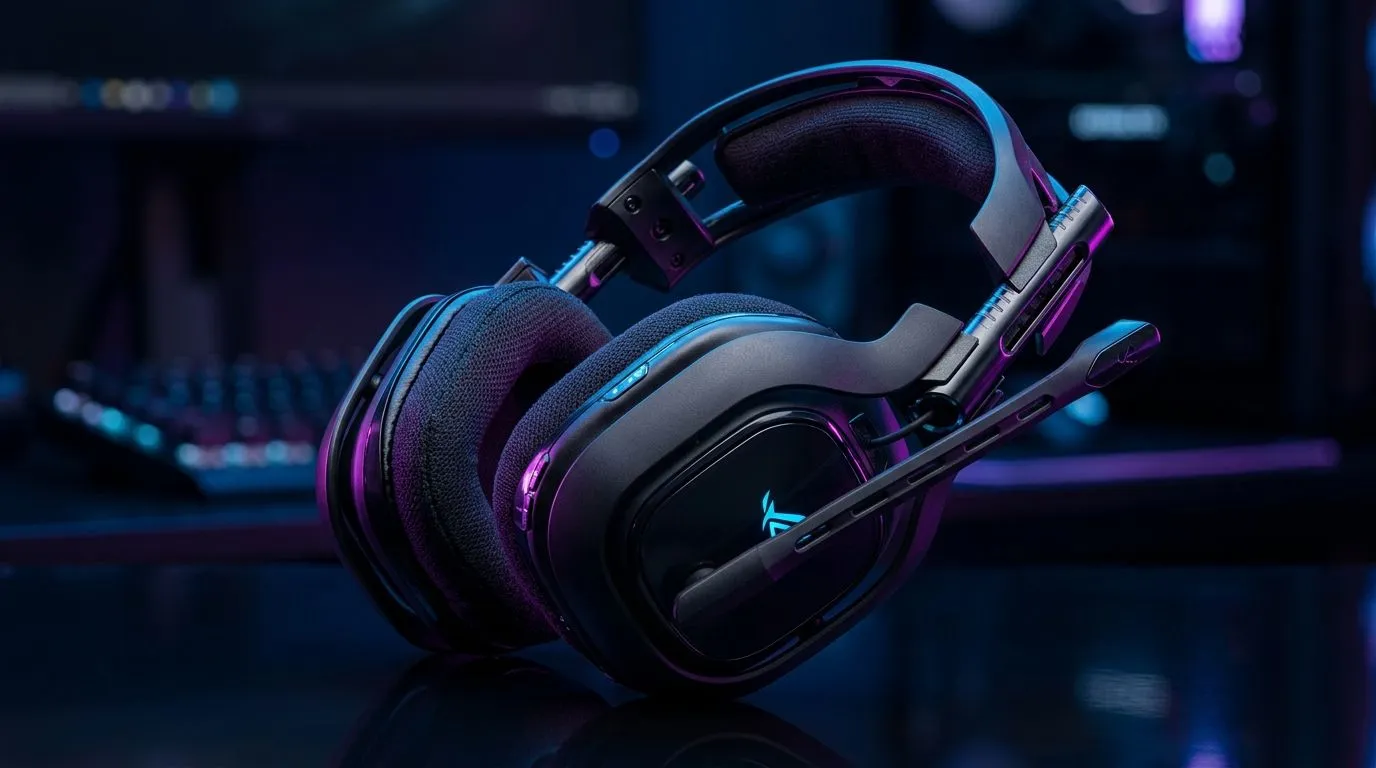
Wireless Gaming Headset Keeps Disconnecting: Fix It Fast
Nothing ruins a ranked run faster than a wireless gaming headset that keeps disconnecting mid-fight. You’re in the middle of a clutch, your mic drops, and the audio vanishes... frustrating, right? This guide gives quick fixes you can try in minutes, plus tips to prevent repeat disconnects in South African homes where Wi‑Fi congestion and cheap USB dongles often cause trouble. 🔧
Wireless gaming headset keeps disconnecting: quick checks
First, rule out the basics. Charge the headset fully and confirm the dongle is firmly seated. Try a different USB port and remove any USB extension or hub. For PlayStation players, ensure you use dedicated PlayStation headsets optimised for the console; Evetech lists compatible PlayStation headsets here: https://www.evetech.co.za/buy-playstation-headsets/x/1575.aspx. For Xbox users, check official Xbox headset compatibility and firmware via this Xbox headsets collection: https://www.evetech.co.za/buy-xbox-headsets/x/1576.aspx.
Wireless gaming headset keeps disconnecting: software fixes
Interference from Bluetooth or crowded 2.4GHz channels is common. Switch your router to a less crowded 5GHz band if your headset supports it, or temporarily disable nearby Bluetooth devices. Update your headset firmware and the host device drivers. If you’re on PC, try reinstalling the audio driver or use the generic drivers found on Evetech’s headphone and headsets category: https://www.evetech.co.za/components/headphone-headsets-100.aspx. Sometimes resetting the headset to factory settings resolves paired‑device conflicts.
Connectivity Pro Tip ⚡
Keep a dedicated dongle slot clear and avoid cheap USB hubs. A direct connection reduces packet loss and prevents sleep‑mode timeouts that cause disconnects.
Wireless gaming headset keeps disconnecting: hardware and advanced fixes
If quick fixes fail, test the headset wired. A wired headset removes wireless variables and proves if the issue is radio related. Evetech carries wired headsets for troubleshooting and backup use: https://www.evetech.co.za/buy-wired-headset/x/1577.aspx. For persistent 2.4GHz problems, consider a premium wireless headset with stronger error correction and longer range. Browse wireless headsets available in South Africa here: https://www.evetech.co.za/buy-wireless-headset/x/1578.aspx.
Wireless gaming headset keeps disconnecting: buy smarter to avoid pain
If you’re shopping for a replacement, compare battery life, codec support, and whether the headset uses 2.4GHz or Bluetooth. Check current offers in ZAR on Evetech’s best headset deals before you buy: https://www.evetech.co.za/best-gaming-headset-deals/x/053.aspx. Small details like antenna placement, firmware update tools, and local warranty matter for long‑term reliability.
Wireless gaming headset keeps disconnecting: final checklist and next steps ✨
Run this sequence: charge fully, switch USB port, update firmware, test wired, then consider buying higher‑quality gear if problems persist. Keep backups—keeping a cheap wired headset handy saves a match. If you want to browse options or compare models and prices in ZAR, Evetech’s headset ranges make it easy to find the right fit. Got questions? Our South African support team can recommend models and local tips quickly.
Ready to Find Your Perfect Match? The Mac vs Windows debate is complex, but for maximum power, choice, and value in South Africa, Windows is hard to beat. Explore our massive range of laptop specials and find the perfect machine to conquer your world.











