

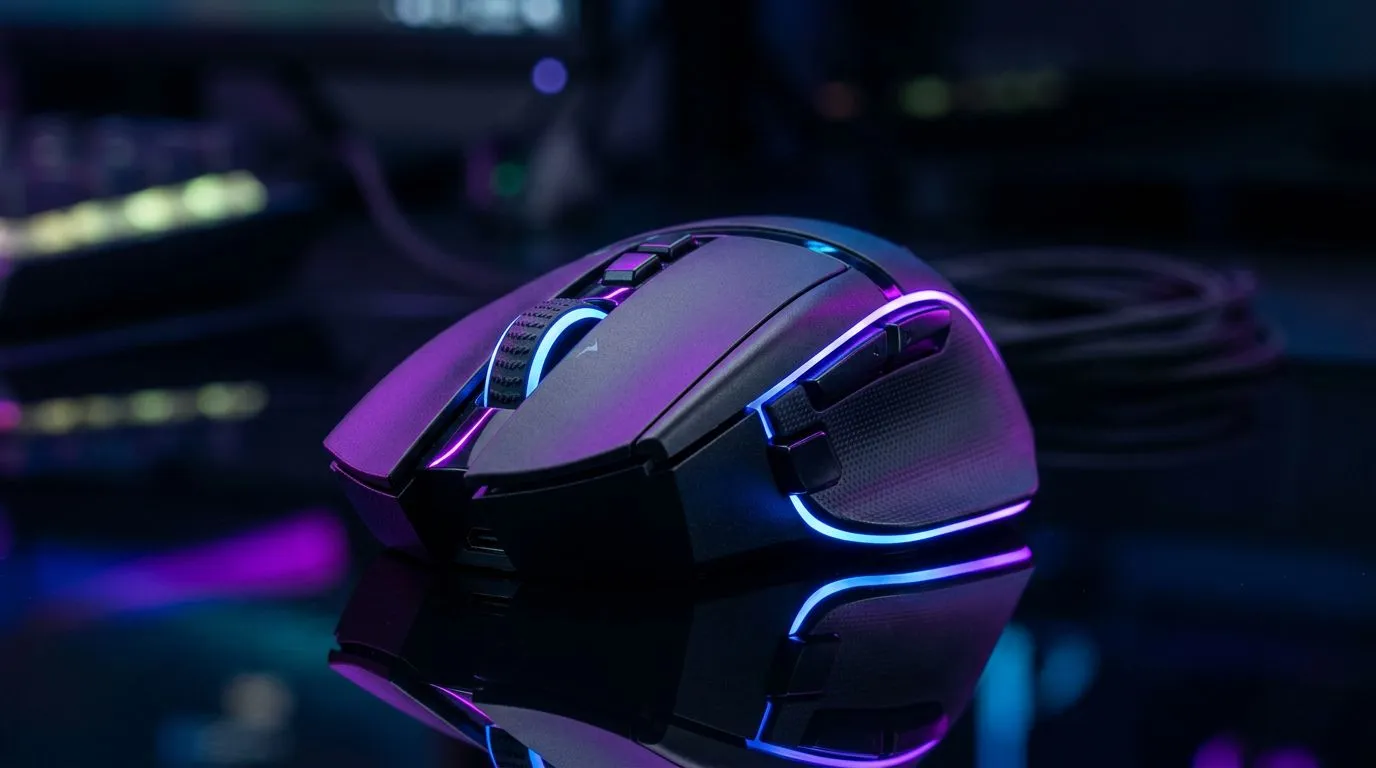
Wireless gaming mouse battery life: why this matters to South African gamers ⚡
If you've been mid‑clutch and your wireless mouse dies, you know the sting. South African gamers and PC buyers need practical, low‑fuss ways to stretch battery time without losing performance. This guide gives 11 clear, tested tactics to extend wireless gaming mouse battery life — from settings you can change in minutes to swap‑out parts and smart accessories. Read on for quick wins and pro tips. 🚀
Wireless gaming mouse battery life: 1–4 — Settings and habits that add hours
Start with software and habits. Turn off RGB lighting or set it to a low brightness in your mouse software; lighting often drains more power than the sensor. Reduce polling rate to a sensible 500 Hz for most FPS play; it's a tiny input lag trade for big battery gains. For deeper control, check your mouse model in Evetech’s gaming mouse section to see manufacturer settings and compatibility: https://www.evetech.co.za/components/gaming-mouse-117.aspx.
Wireless gaming mouse battery life: 5–7 — Hardware swaps and charging smartly
Use higher‑capacity AA/AAA rechargeable cells if your mouse supports them, or prefer models with internal batteries that support fast USB‑C charging. When swapping, keep spare cells or a charging dock nearby so you don’t interrupt sessions. Browse current deals to compare battery life claims and local ZAR pricing on Evetech’s best gaming mouse deals page: https://www.evetech.co.za/best-gaming-mouse-deals/x/054.aspx ✨
Wireless gaming mouse battery life: 8–9 — Pick the right mouse and plan B
If battery life is mission‑critical, choose models optimised for endurance. Evetech’s wireless mice range lists dozens of options with manufacturer runtime specs and connectivity options — filter by battery type and weight to match your playstyle: https://www.evetech.co.za/buy-wireless-mouse/x/1597.aspx. Prefer a wired fallback for marathon sessions? Keep a wired mouse handy or a hybrid model; Evetech’s wired selection is great for latency‑sensitive backup setups: https://www.evetech.co.za/buy-wired-mouse/x/1596.aspx 🔧
Wireless gaming mouse battery life: 10–11 — Accessories and environment tweaks
Small accessories pay off. A dedicated charging dock, a mouse bungee to reduce cable wear for hybrid use, and even firmware updates can improve energy efficiency. See useful peripherals and cables to support your setup on Evetech’s mouse accessories page: https://www.evetech.co.za/buy-mouse-accessories/x/1595.aspx.
Battery Stretch Tip ⚡
Keep your mouse firmware and receiver drivers updated. A small firmware tweak often fixes wireless inefficiencies. Also, if you game in a Wi‑Fi heavy environment, test different dongle USB ports for less interference and better battery life.
Wireless gaming mouse battery life: small changes, big peace of mind
A mix of settings, smarter charging, the right mouse choice, and a wired backup will keep you in the action. Try the quick settings first — they save the most time. Want help picking a model that balances battery life, weight, and sensor for your budget? Our product pages list specs and ZAR pricing to make comparison faster and fairer.
Ready to Find Your Perfect Match? The Mac vs Windows debate is complex, but for maximum power, choice, and value in South Africa, Windows is hard to beat. Explore our massive range of laptop specials and find the perfect machine to conquer your world.











